Download zoomable images from websites that use Zoomify, Deep Zoom and other supported viewers.

dezoomify.ophir.dev
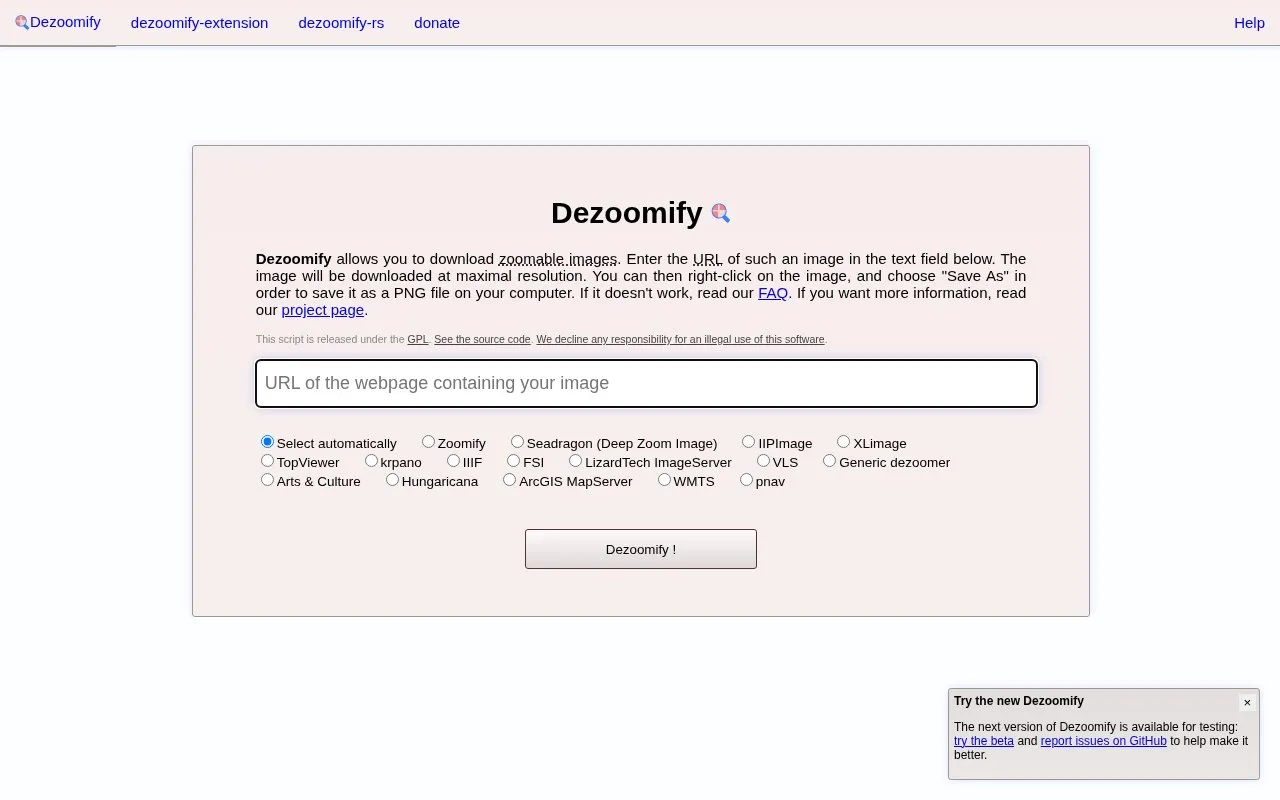
Dezoomify homepage screenshot

About Dezoomify

Dezoomify downloads zoomable images from websites that use Zoomify, Deep Zoom and other supported viewers. Users paste an image address into the form on the site.

A browser extension can find the addresses of dezoomable images automatically on visited pages. The tool may not find an image at a given address, and extremely large images may not display in the browser.

Key features

  • Downloads zoomable images from Zoomify viewers
  • Downloads zoomable images from Deep Zoom viewers
  • Browser extension finds image addresses automatically on visited pages
  • Accepts manually pasted zoomifyImagePath from page source
  • Provides guidance for handling extremely large images
Best for: People who need to download zoomable images from pages using Zoomify or Deep Zoom viewers.
Good for
  • Supports Zoomify, Deep Zoom, and other viewers
  • Browser extension detects image addresses automatically
  • Provides manual extraction steps and guidance for large images
Watch out for
  • May not find a zoomable image at a given address
  • Extremely large images may not display in the browser
  • Support for new websites is limited by developer time

Dezoomify at a glance

Type
Online tool
Pricing
Not confirmed. Check the site
Platforms
Browser extension, Web
Open source
Not stated
Language
English
Last checked
Oct 5, 2026 · Online when checked
Listed
Oct 5, 2026

Dezoomify alternatives

Tools and sites you could use instead, ranked by how closely they match.

All 5 alternatives

Popular in Stock Photos & Visuals

Well-known listings from the same topic.

All 115

Dezoomify FAQ

What can I do if Dezoomify cannot find an image at my address?
Install the browser extension to find image addresses automatically, or read the Frequently Asked Questions.
How do I manually supply a Zoomify image path?
Search for 'zoomifyImagePath' in the page source with your browser's DOM inspector and paste that path into the form.
What if an extremely large image does not show in the browser?
See the site's advice for large images.
Is something wrong or out of date?

Tell us and an editor will check it.

Own this website?

Claim the listing and suggest updates yourself. An editor checks every claim first.

Claim this listing