

Diffractor
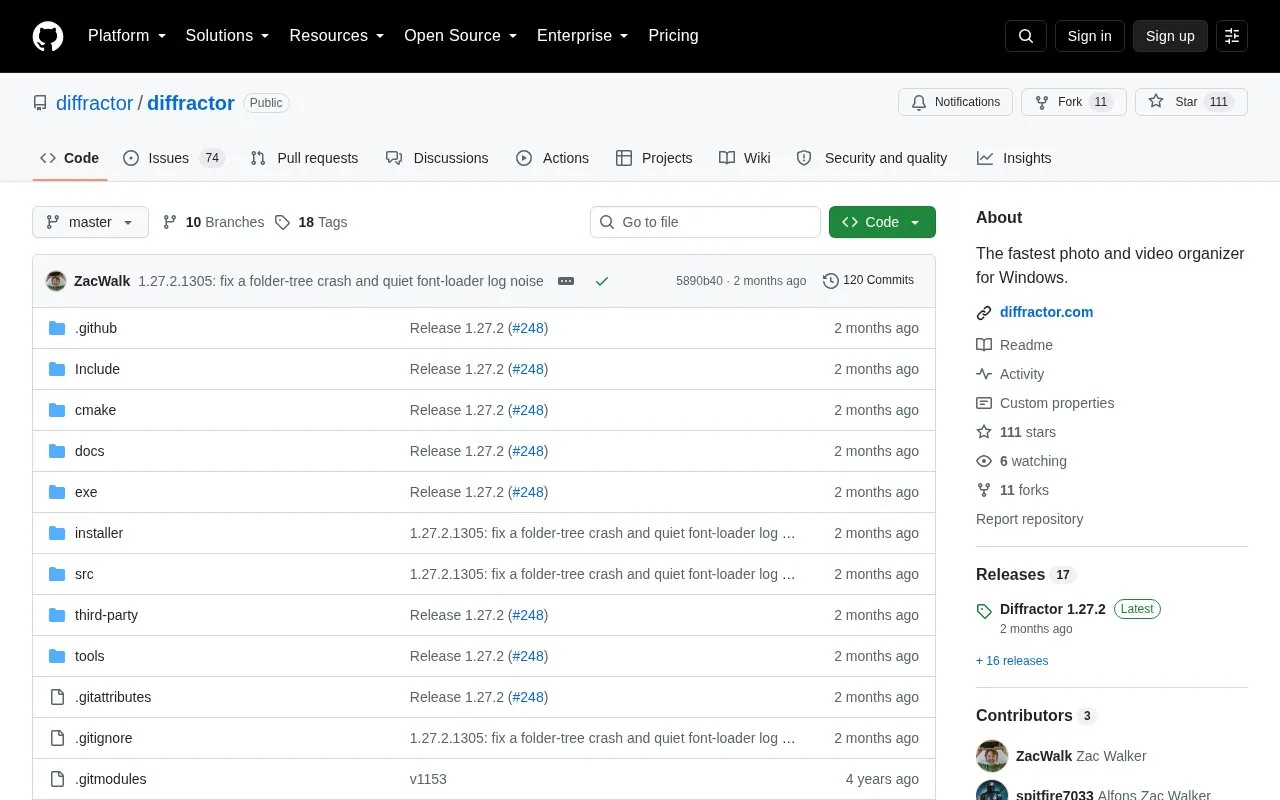
Diffractor organizes photos and videos on Windows, with local file control and playback support for photo, video, and audio formats.
About Diffractor
Diffractor is a photo and video organizer for Windows. It indexes local media folders, then offers unified playback of photo, video and audio formats including RAW, instant metadata search across tags, location and camera data, and place assignment derived from GPS coordinates with a map and timeline of visits. It can read and write XMP, IPTC, EXIF and ID3 metadata, detect duplicates that have been re-encoded, resized or rotated, compare items side by side, and perform basic editing such as resize, crop, rotate, perspective, color and straighten adjustments.
Media stays in local files rather than a hosted library, and bidirectional sync to NAS or network drives is available for backup and collaboration. The app is distributed as a standard Windows installer, a Microsoft Store MSIX package, or a portable ZIP. The homepage describes the software as requiring no cloud storage or subscriptions, but pricing is not stated in the directory data. An optional cloud backup, upload or external sync service would move copies of files outside the local machine.
Key features
- Unified playback of photo, video and audio formats, including RAW
- Instant local search by tags, location and camera metadata
- Places derived from GPS with map and visit timeline
- Duplicate detection recognizing re-encoded, resized or rotated copies
- Read/write XMP, IPTC, EXIF and ID3 metadata; tags, ratings, locations
- Bidirectional sync to NAS or network drives for backup and collaboration
Best for: Windows users with large local photo and video libraries who want metadata-based organization without relying on cloud storage.
Good for
- Runs against local folders with metadata stored in standard file formats such as XMP, IPTC, EXIF and ID3
- Distributed as installer, Microsoft Store package or portable ZIP
- Interface available in English plus 13 fully translated languages
Watch out for
- Windows only; no other desktop or mobile platform is described
- The Microsoft Store build disables built-in auto-update because the Store handles updates
- Pricing is not stated in the available data
Diffractor at a glance
- Category
- Online Tools › Image Tools
- Type
- Open-source project
- Pricing
- Not confirmed. Check the site
- Platforms
- Windows
- Open source
- Not stated
- Language
- English
- Last checked
- Oct 6, 2026 · Online when checked
- Listed
- Oct 5, 2026
Guides for Image Tools

Diffractor alternatives
Tools and sites you could use instead, ranked by how closely they match.

Diffractor organizes photos and videos stored on Windows PCs and connected drives, with local search and duplicate-copy checks.

Picturama organizes local image files without uploading them and supports multiple photo formats.
Popular in Image Tools
Well-known listings from the same topic.
CamScannerapps.apple.com/us/app/camscanner-pdf-scanner-a…BeeRefbeeref.orgGreenshotgetgreenshot.orgLightshotapp.prntscr.comnomacsnomacs.orgConverseenconverseen.fasterland.net


Diffractor FAQ
Does Diffractor need cloud storage or a subscription?
The homepage states that no cloud storage or subscriptions are required and that media remains in local files. Bidirectional sync to NAS or network drives is offered, which copies files to other storage.
How can Diffractor be installed on Windows?
Three options are listed: a traditional installer with auto-update support, an MSIX package from the Microsoft Store, and a portable ZIP archive that runs without installation.
Which metadata formats can Diffractor read and write?
XMP, IPTC, EXIF and ID3, with support for adding tags, ratings and location information.
Is something wrong or out of date?
Tell us and an editor will check it.
Own this website?
Claim this listing
Claim the listing and suggest updates yourself. An editor checks every claim first.