

Plan a multi-monitor setup by calculating PPI and screen dimensions, previewing wallpapers, and rearranging displays.
DisplayFusion
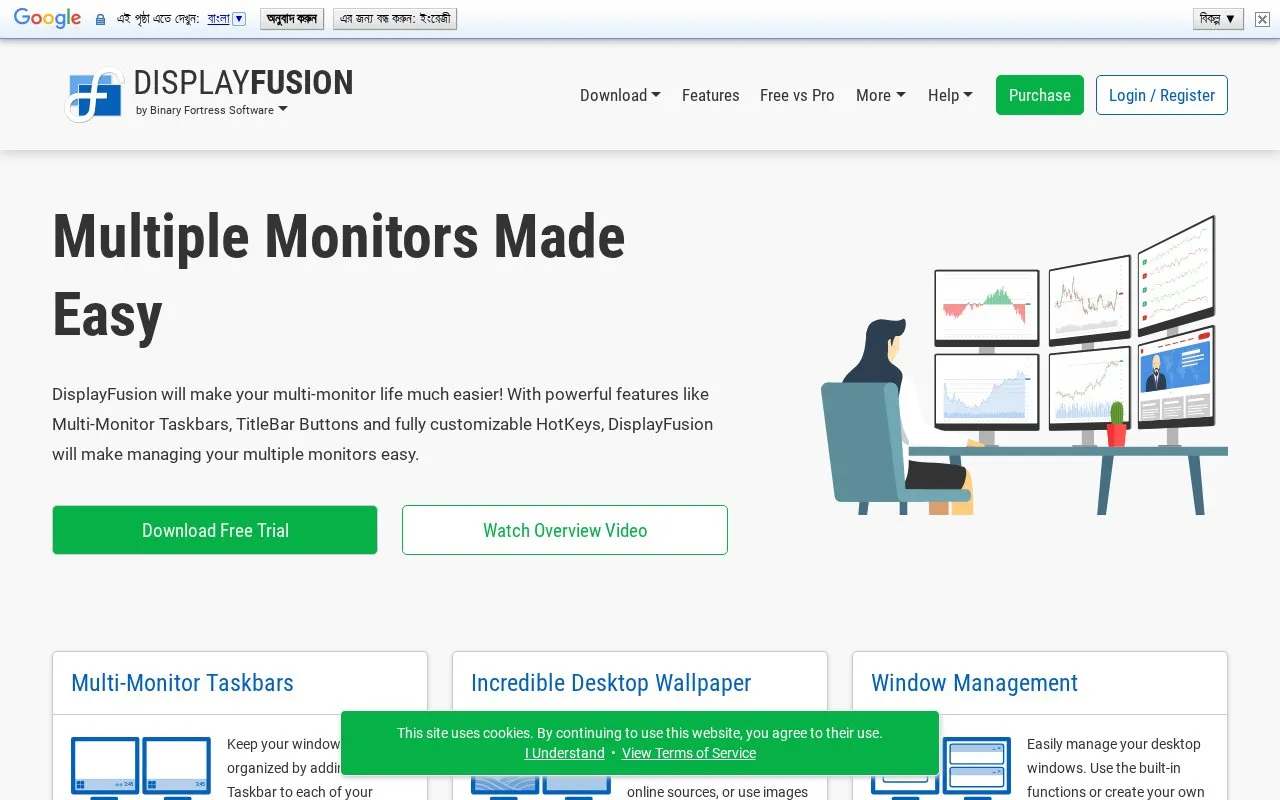
DisplayFusion helps manage multiple monitors with taskbars, title bar buttons, and customizable hotkeys.
About DisplayFusion
DisplayFusion is a Windows utility for managing multiple monitors. It adds a separate taskbar to each monitor, places title bar buttons on windows, and lets users assign customizable hotkeys. Users can set up monitor configuration with profiles, monitor splitting, and padding for bezel compensation.
The homepage also describes wallpaper selection from online sources or a user's own images, window position profiles for saving and loading window arrangements, and a Triggers feature that runs preset commands or custom scripts when events such as window focus or system idle occur. A remote control option is described for phones and tablets. The homepage offers a 30-day free trial and states that the free version can be used after the trial ends. The source does not give pricing details.
Key features
- Separate taskbar added to each monitor
- Title bar buttons and customizable hotkeys for window actions
- Monitor splitting into virtual monitors with their own taskbars and wallpapers
- Monitor fading that dims unused monitors or windows
- Triggers that run commands or scripts on window and system events
- Window position profiles for saving and loading window layouts
Best for: People who use multiple monitors on Windows and want more control over taskbars, windows, and wallpapers.
Good for
- Adds a taskbar to each monitor to help organize windows
- Includes monitor splitting, monitor fading, and window position profiles
- Offers a 30-day free trial before any purchase decision
Watch out for
- Some features, such as the Windows 10 and Windows 11 tweaks, apply only to those Windows versions
DisplayFusion at a glance
- Website
- displayfusion.com
- Category
- Software & Utilities › Hardware & Diagnostics
- Type
- Website
- Pricing
- Free trial
- Platforms
- Web, Windows
- Open source
- Not stated
- Language
- English
- Last checked
- Oct 6, 2026 · Online when checked
- Listed
- Oct 5, 2026
DisplayFusion alternatives
Tools and sites you could use instead, ranked by how closely they match.

Twinkle Tray adds a system tray control for adjusting brightness across multiple monitors in Windows 10 and 11.
Free
13 alternatives
Adjust brightness across multiple monitors on Windows using Monitorian, a desktop utility.
Open source
24 alternativesPopular in Hardware & Diagnostics
Well-known listings from the same topic.
PC Managerpcmanager.microsoft.comDolby Accessapps.microsoft.com/detail/9n0866fs04w8RAMMaplearn.microsoft.com/en-us/sysinternals/downloa…AppControlappcontrol.comUNIGINE Benchmarksbenchmark.unigine.comVIAcaniusevia.com


DisplayFusion FAQ
What happens after the free trial ends?
The homepage states that after 30 days, users can continue to use the free version.
Can DisplayFusion be controlled from a phone or tablet?
The homepage describes a remote control feature for phones and tablets that can change the wallpaper and toggle monitors.
Is something wrong or out of date?
Tell us and an editor will check it.
Own this website?
Claim this listing
Claim the listing and suggest updates yourself. An editor checks every claim first.