

Adjust brightness across multiple monitors on Windows using Monitorian, a desktop utility.
Open source
24 alternativesTwinkle Tray adds a system tray control for adjusting brightness across multiple monitors in Windows 10 and 11.
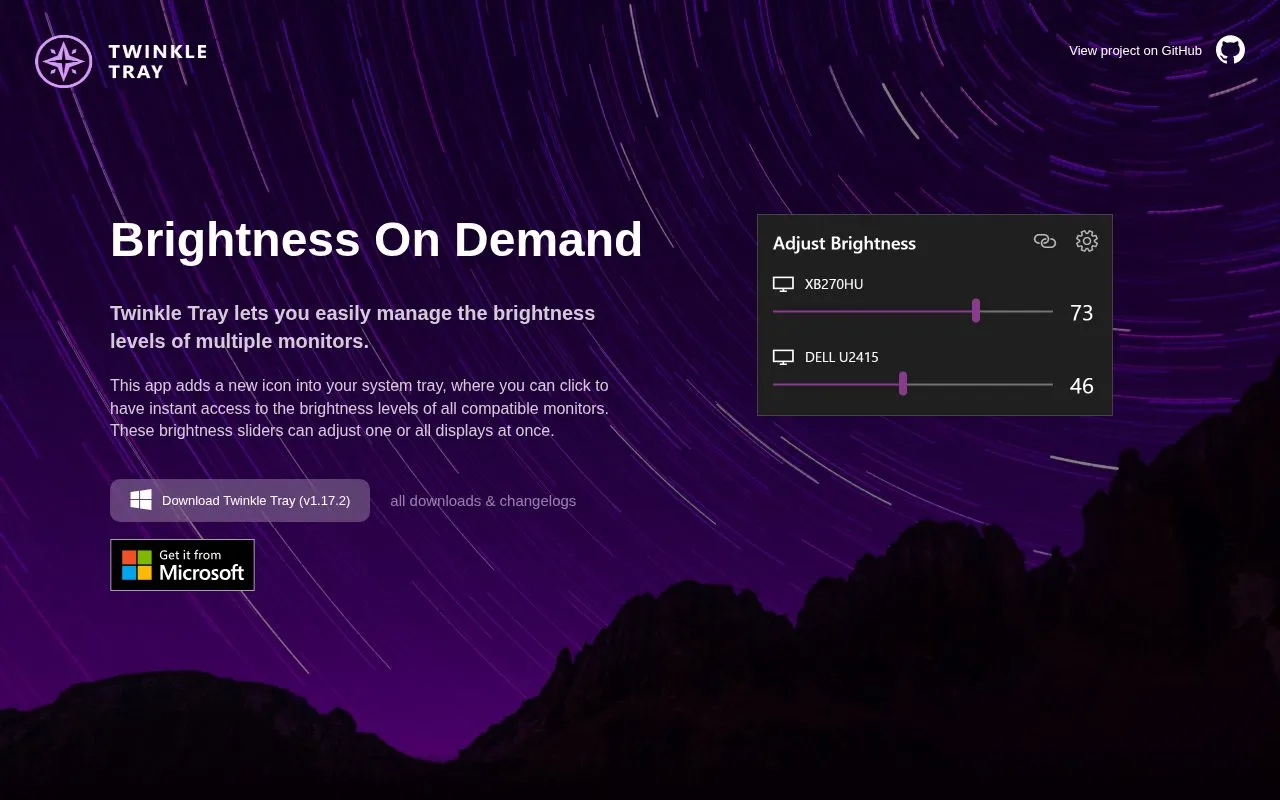
Twinkle Tray adds a system tray icon on Windows 10 and Windows 11 with brightness sliders for multiple monitors. Sliders can change one display or all displays at once. It works with most laptops and DDC/CI-enabled monitors and can match Windows style and theme.
Tools and sites you could use instead, ranked by how closely they match.
Adjust brightness across multiple monitors on Windows using Monitorian, a desktop utility.
Dimmer provides brightness controls for multiple computer displays through a small Windows application.
ScreenTemperature reduces blue light from a display and provides brightness controls.
Virtual Display Driver adds virtual monitors to Windows 10 and 11 for use with VR, OBS, Sunshine, or desktop sharing.
System Informer monitors system resources, debugs software, and detects malware.
DisplayFusion helps manage multiple monitors with taskbars, title bar buttons, and customizable hotkeys.
Well-known listings from the same topic.
Tell us and an editor will check it.
Claim the listing and suggest updates yourself. An editor checks every claim first.


