

Monitor system and process information across platforms with Bottom, a graphical system monitor.
Open source
24 alternativesbtop4win brings the btop++ process and system monitor to Windows, according to its project description.
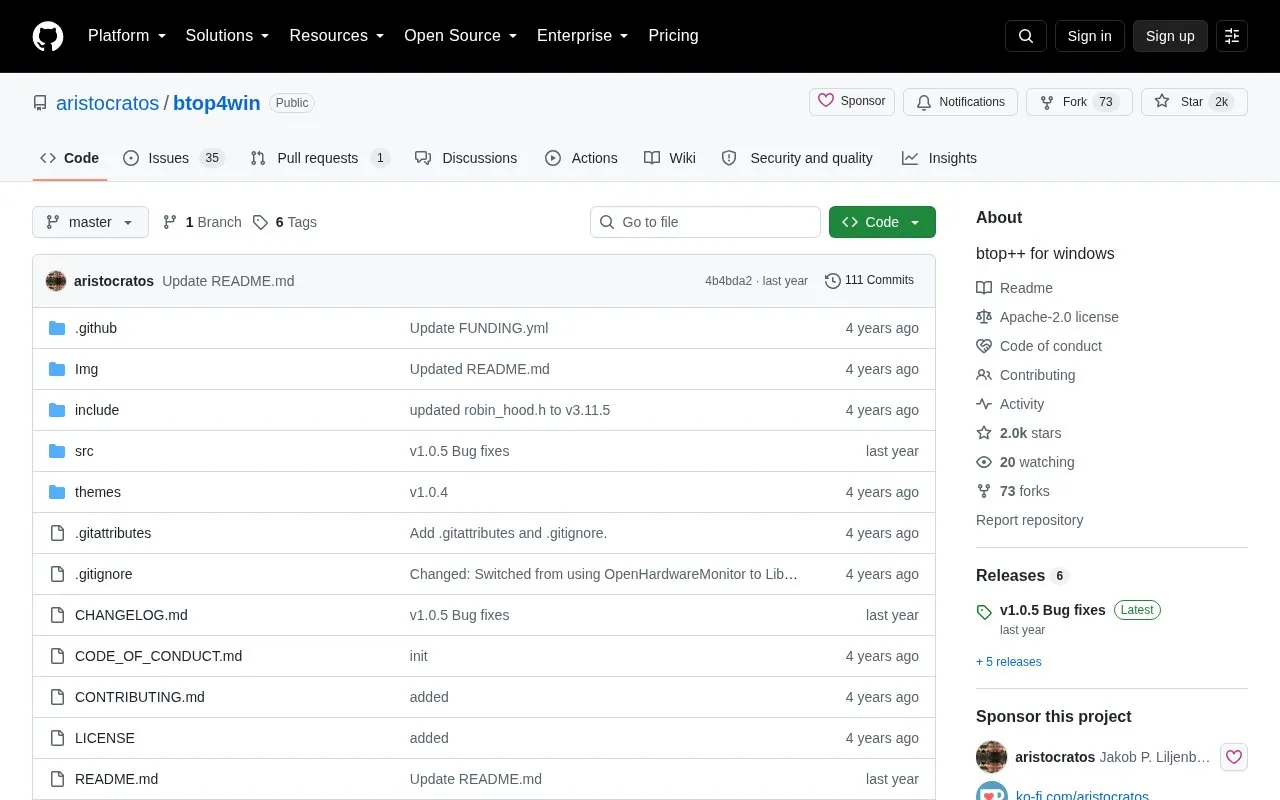
btop4win is an open source Windows port of the btop++ system and process monitor, which displays usage and statistics for CPU, memory, disks, network, processes, and services. It is the C++ continuation of the bashtop and bpytop monitoring tools. The project provides two release packages: the base btop4win package runs without administrator rights but lacks GPU monitoring, CPU temperature monitoring, and accurate CPU clock tracking. The btop4win-LHM package adds full hardware monitoring via included LibreHardwareMonitor components but requires administrator rights to run. It works natively on Windows 10 version 1607 and later with the standard terminal; older Windows versions require a third-party terminal that supports ANSI escape sequences.
Tools and sites you could use instead, ranked by how closely they match.
Monitor system and process information across platforms with Bottom, a graphical system monitor.
NeoHtop-cli shows real-time CPU and memory views, a process tree, search, filters, and themes in a terminal.
System Informer monitors system resources, debugs software, and detects malware.
DriverStoreExplorer manages the Windows driver store; its project warns that improper changes can affect the system.
Fastfetch displays system information through a feature-rich utility described as an alternative to neofetch.
Virtual Display Driver adds virtual monitors to Windows 10 and 11 for use with VR, OBS, Sunshine, or desktop sharing.
Well-known listings from the same topic.
Tell us and an editor will check it.
Claim the listing and suggest updates yourself. An editor checks every claim first.


