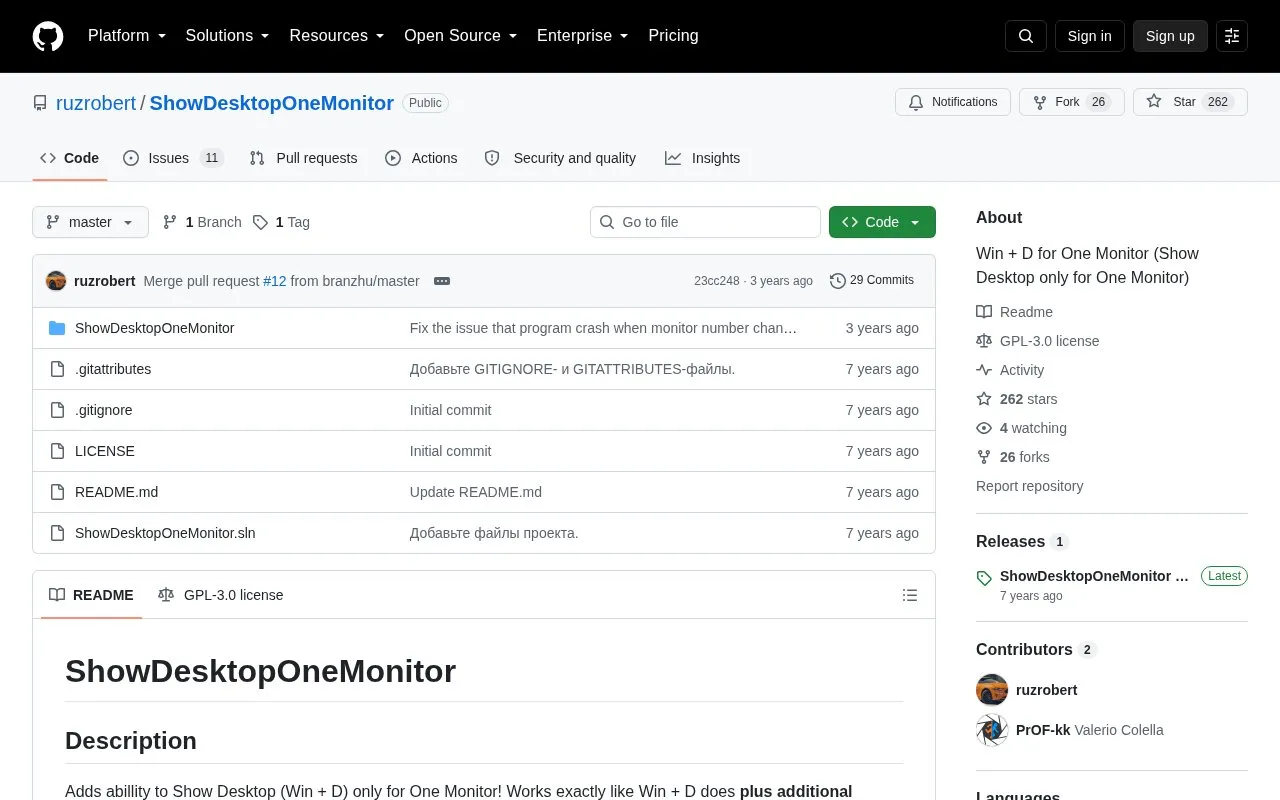
ShowDesktopOneMonitor is a Windows utility that replicates Win + D for a single display. Pressing Left Windows Key + Left Shift + D minimizes or restores only the windows on the monitor where the cursor is, remembering their previous states.
It requires manual setup as a Task Scheduler task that runs at logon with highest privileges. When started from Task Scheduler, its tray icon is invisible.
Key features
Minimizes windows only on monitor with cursor
Restores minimized windows to previous states
Re-minimizes if window state or set changes
Activated with Left Windows + Left Shift + D
Gets window list similar to Alt + Tab
Best for: Windows users with multiple monitors who want to show the desktop on one display at a time.
Good for
Open source under GPL-3.0 license
Follows standard Win + D minimize and restore behavior
Affects only windows on the selected monitor
Watch out for
Windows only
Requires manual Task Scheduler setup with highest privileges
Tray icon is invisible when started from Task Scheduler
What keyboard shortcut shows the desktop on one monitor?
Press Left Windows Key + Left Shift + D to minimize or restore windows on the monitor where the cursor is currently on.
How is it set to run automatically?
Download and extract the release archive, then create a Task Scheduler task for ShowDesktopOneMonitor.exe that runs only when the user is logged on with highest privileges.
What happens if a window changes while the desktop is shown?
It minimizes all windows again if the user changed a window state or a window opened or closed, matching Win + D behavior.
Is something wrong or out of date?
Tell us and an editor will check it.
Own this website?
Claim the listing and suggest updates yourself. An editor checks every claim first.