

Display Driver Uninstaller removes graphics and audio driver packages and attempts to clear associated files and registry entries.
Open source
24 alternativesVirtual Display Driver adds virtual monitors to Windows 10 and 11 for use with VR, OBS, Sunshine, or desktop sharing.
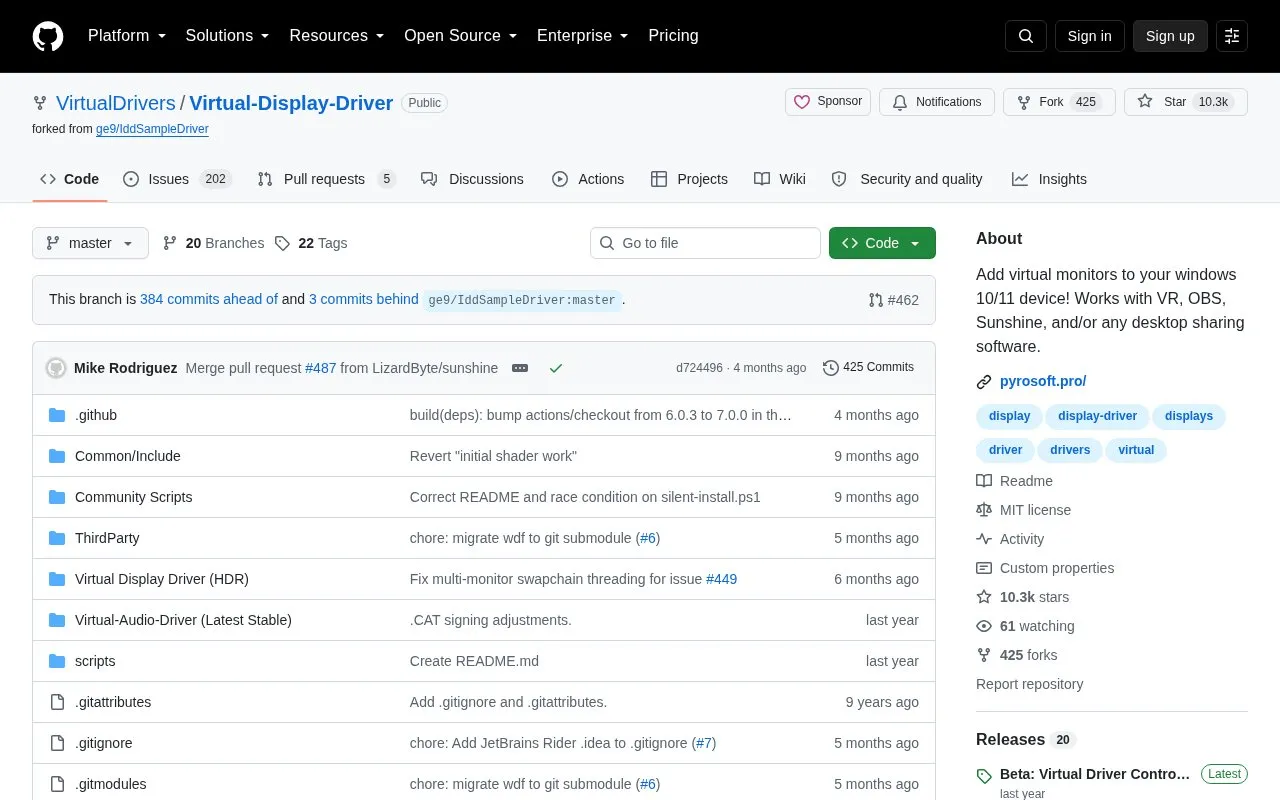
Virtual Display Driver is an open source project hosted on GitHub that adds virtual monitors to Windows 10 and 11. Each virtual monitor functions in Windows like a physical display, even when no physical display is attached.
You can use the virtual displays with VR, OBS, Sunshine, and other desktop sharing software. It is intended for tasks such as streaming, virtual reality, screen recording, and running headless servers. The driver supports custom resolutions and refresh rates, and supports custom EDIDs to simulate existing hardware displays.
It suits Windows users who need an extra display for streaming workflows, remote desktop access, or systems without a monitor. As a code repository, it is accessible to users comfortable downloading and setting up software from GitHub.
Tools and sites you could use instead, ranked by how closely they match.
Display Driver Uninstaller removes graphics and audio driver packages and attempts to clear associated files and registry entries.
NVIDIA Profile Inspector edits NVIDIA driver profiles through the NVIDIA Driver Settings API on Windows.
DriverStoreExplorer manages the Windows driver store; its project warns that improper changes can affect the system.
Apply acceleration to mouse input in the raw input stream with Raw Accel, a driver for Windows.
TinyNvidiaUpdateChecker checks for NVIDIA GPU driver updates on Windows.
Scalizer automatically configures Windows interface scaling on displays it does not support by default.
Well-known listings from the same topic.
Tell us and an editor will check it.
Claim the listing and suggest updates yourself. An editor checks every claim first.


