

VIA’s web interface configures QMK mechanical keyboards, including keymaps, macros, and RGB settings where available.
Open source
24 alternativesScalizer automatically configures Windows interface scaling on displays it does not support by default.
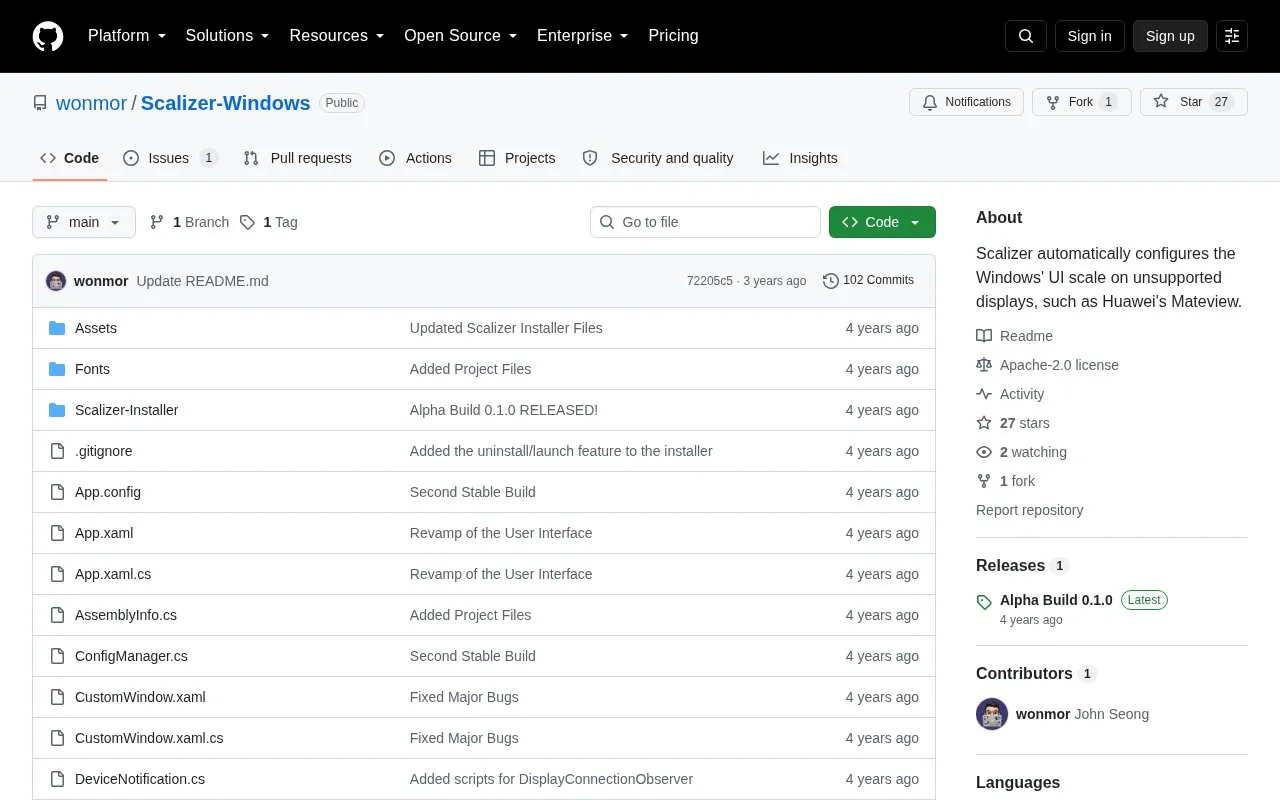
Scalizer automatically configures Windows UI scale on displays that Windows does not support by default, such as Huawei's MateView. It is built for Windows 11 and is described as a replacement for the default Windows DPI scaling software.
Use requires turning on the custom scaling factor option in Display under Windows Settings. Display profiles are stored as JSON files, and the installer is available from the Releases tab.
Tools and sites you could use instead, ranked by how closely they match.
VIA’s web interface configures QMK mechanical keyboards, including keymaps, macros, and RGB settings where available.
FanCtrl automatically controls PC fan speed, according to the project description.
gdu analyzes disk usage through a console interface and is written in Go.
Virtual Display Driver adds virtual monitors to Windows 10 and 11 for use with VR, OBS, Sunshine, or desktop sharing.
Fastfetch displays system information through a feature-rich utility described as an alternative to neofetch.
Display Driver Uninstaller removes graphics and audio driver packages and attempts to clear associated files and registry entries.
Well-known listings from the same topic.
Tell us and an editor will check it.
Claim the listing and suggest updates yourself. An editor checks every claim first.


