

Display Driver Uninstaller removes NVIDIA, AMD, or Intel display drivers from a Windows system.
Display Drivers Uninstaller
github.com/Wagnard/display-drivers-uninstaller
Hardware & Diagnostics
Open-source projectOpen source
Display Driver Uninstaller removes graphics and audio driver packages and attempts to clear associated files and registry entries.
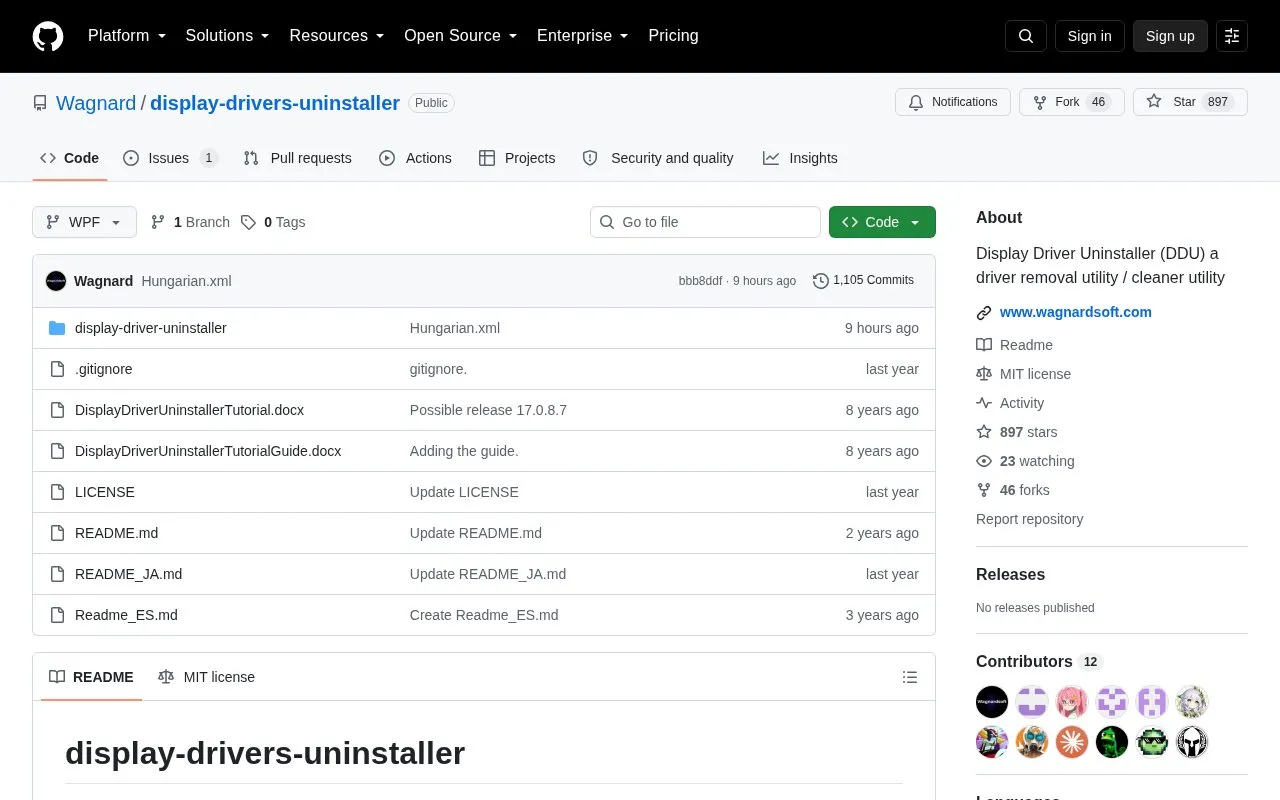
About Display Drivers Uninstaller
Display Driver Uninstaller (DDU) removes AMD, NVIDIA and Intel graphics driver packages, as well as Realtek and Sound Blaster audio drivers. It attempts to clear leftover registry keys, folders, files and driver store entries when the standard Windows Control Panel uninstall fails or a thorough removal is needed.
Recent versions require Windows 7 SP1 to 11 (x86/x64) with .NET Framework 4.8 or higher. Safe Mode with the Clean and restart option is recommended, and creating a system restore point before use is advised because the tool makes extensive registry changes.
Key features
- Removes AMD, NVIDIA and Intel graphics drivers and packages
- Removes Realtek and Sound Blaster audio drivers
- Clears leftover registry keys, folders, files and driver store
- Designed for use when standard Windows uninstall fails
- Offers Clean and restart workflow for Safe Mode use
- Works without prior manual driver uninstallation
Best for: Windows users who need to remove graphics or audio drivers after a standard uninstall fails benefit most.
Good for
- Open source under MIT license
- Handles graphics and audio drivers plus leftover files and registry entries
- Intended for cases where standard Windows uninstall fails
Watch out for
- Recent versions require Windows 7 SP1 to 11 with .NET Framework 4.8 or higher
- Normal mode may be less stable and effective than Safe Mode
- Makes many registry changes, so a backup or restore point is recommended
Display Drivers Uninstaller at a glance
- Category
- Software & Utilities › Hardware & Diagnostics
- Type
- Open-source project
- Pricing
- Not confirmed. Check the site
- Platforms
- Windows
- Open source
- Yes · Source code
- Language
- English
- Last checked
- Oct 5, 2026 · Online when checked
- Listed
- Oct 5, 2026
Display Drivers Uninstaller alternatives
Tools and sites you could use instead, ranked by how closely they match.

Virtual Display Driver adds virtual monitors to Windows 10 and 11 for use with VR, OBS, Sunshine, or desktop sharing.
Open source
24 alternatives
Radeon Software Slimmer removes selected components from Radeon Software for AMD GPUs on Windows.
FreeOpen source
24 alternatives
NVIDIA Profile Inspector edits NVIDIA driver profiles through the NVIDIA Driver Settings API on Windows.
Open source
24 alternatives
DriverStoreExplorer manages the Windows driver store; its project warns that improper changes can affect the system.
Open source
24 alternatives
Apply acceleration to mouse input in the raw input stream with Raw Accel, a driver for Windows.
Open source
24 alternativesPopular in Hardware & Diagnostics
Well-known listings from the same topic.
PC Managerpcmanager.microsoft.comDolby Accessapps.microsoft.com/detail/9n0866fs04w8RAMMaplearn.microsoft.com/en-us/sysinternals/downloa…AppControlappcontrol.comUNIGINE Benchmarksbenchmark.unigine.comVIAcaniusevia.com


Display Drivers Uninstaller FAQ
Do I need to uninstall the driver before using DDU?
No. The guidance states you do not need to uninstall the driver before using DDU.
Should I use DDU in Normal mode or Safe Mode?
It can run in Normal mode, but Safe Mode with the Clean and restart option is the recommended approach for stability and effectiveness.
What should I do before running DDU?
Do a backup or create a system restore point, as DDU makes many registry changes.
Is something wrong or out of date?
Tell us and an editor will check it.
Own this website?
Claim this listing
Claim the listing and suggest updates yourself. An editor checks every claim first.