

Display Driver Uninstaller removes graphics and audio driver packages and attempts to clear associated files and registry entries.
Open source
24 alternativesRadeon Software Slimmer removes selected components from Radeon Software for AMD GPUs on Windows.
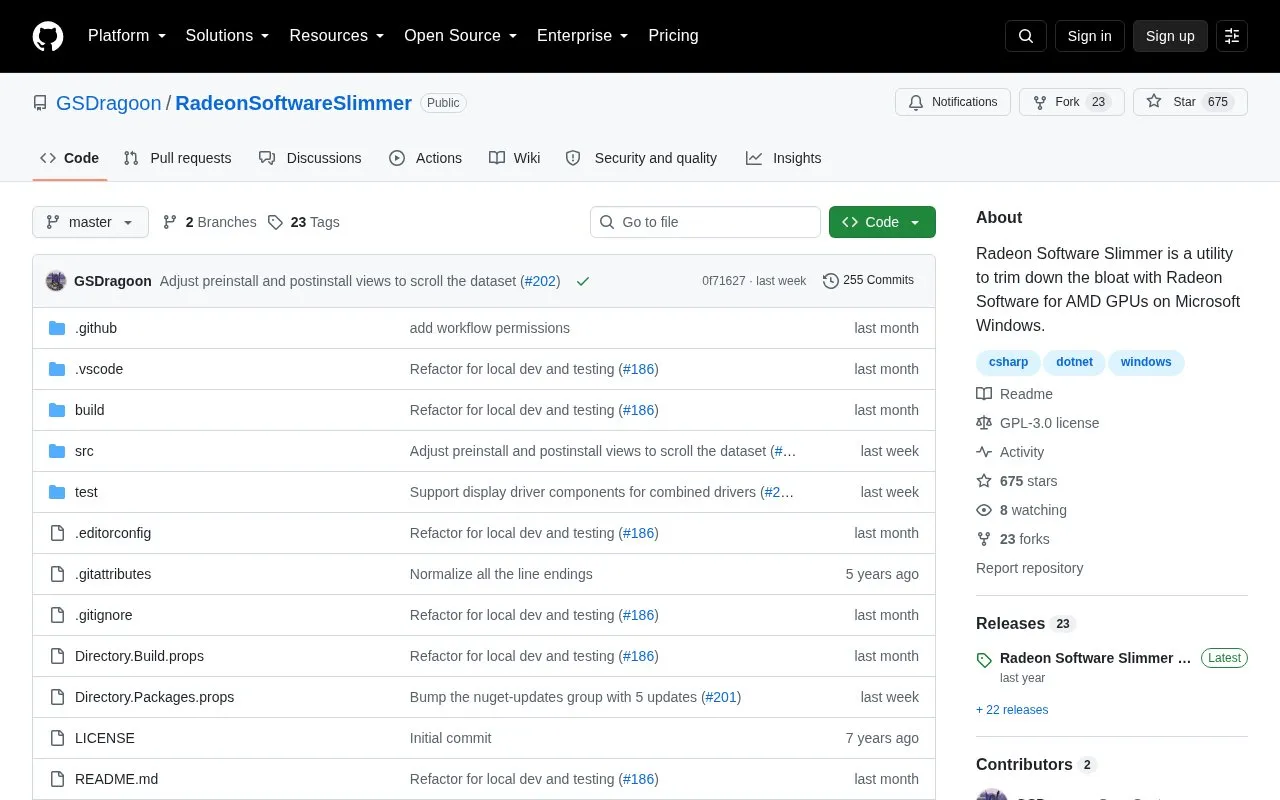
Radeon Software Slimmer is a free, open-source Windows utility for AMD GPU users that removes selected components from Radeon Software to reduce perceived bloat. It operates entirely offline, contains no advertisements or telemetry, and stores troubleshooting logs only within the application unless manually exported. The tool is not owned, supported, or endorsed by AMD. Improper use may cause system instability, and it requires administrator rights to run on Windows 10 64-bit or Windows 11 systems with a compatible .NET runtime.
Tools and sites you could use instead, ranked by how closely they match.
Display Driver Uninstaller removes graphics and audio driver packages and attempts to clear associated files and registry entries.
novideo_srgb calibrates monitors to sRGB and other color spaces on NVIDIA GPUs using EDID data or ICC profiles.
Move Mouse simulates user activity with software designed to move the pointer or trigger input.
Virtual Display Driver adds virtual monitors to Windows 10 and 11 for use with VR, OBS, Sunshine, or desktop sharing.
NVIDIA Profile Inspector edits NVIDIA driver profiles through the NVIDIA Driver Settings API on Windows.
ShowDesktopOneMonitor changes the Windows desktop shortcut so it shows the desktop on one monitor.
Well-known listings from the same topic.
Tell us and an editor will check it.
Claim the listing and suggest updates yourself. An editor checks every claim first.


