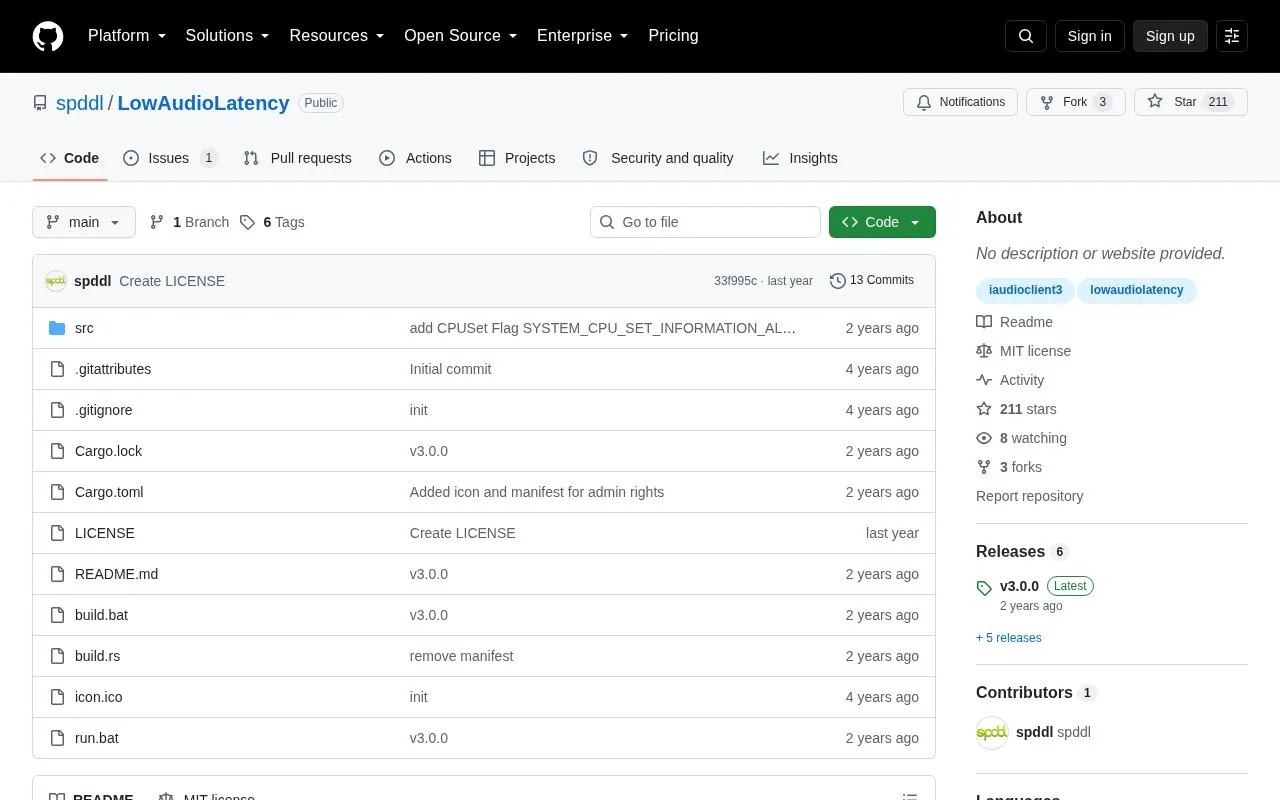
LowAudioLatency is a Windows tool that sets the audio buffer to the smallest possible value for output devices such as headphones and speakers and input devices such as microphones. It runs as low_audio_latency.exe, with options to specify EDataFlow, ERole, and a buffer value. It requires Windows 10 for the core IAudioClient3 task and Windows 11 for ProcessPowerThrottling, and does not work where the audio driver or hardware does not support small buffers.
Key features
Sets Windows audio buffer to smallest possible value
Supports output devices such as headphones and speakers
Supports input devices such as microphones
Allows manual EDataFlow and ERole with buffer value
Removes real-time connection to first CPU thread
Exits if smallest buffer size is already default
Best for: Windows users who need lower latency from supported input and output audio devices.
Good for
Open source under MIT license
Covers both input devices and output devices
Supports manual device direction, role, and buffer values
Watch out for
Not every audio driver supports small buffer sizes
Not all hardware has a driver with this capability
Requires Windows 10 for core function and Windows 11 for ProcessPowerThrottling
Run low_audio_latency.exe to minimize latency for output and input devices, or add values such as eRender,eConsole,336 eCapture,eCommunications,336.
What Windows versions are required?
Windows 10 for the core IAudioClient3 task and Windows 11 for ProcessPowerThrottling.
If the driver supports small buffers, do all Windows 10 and later applications use them automatically?
No. By default applications use 10-ms buffers. When one application requests small buffers, other applications using the same endpoint and mode switch to that size, then return to 10-ms buffers when it exits.
Is something wrong or out of date?
Tell us and an editor will check it.
Own this website?
Claim the listing and suggest updates yourself. An editor checks every claim first.