

f.lux adjusts computer screen lighting for the time of day, reducing the blue glow of a display at night.
ScreenTemperature
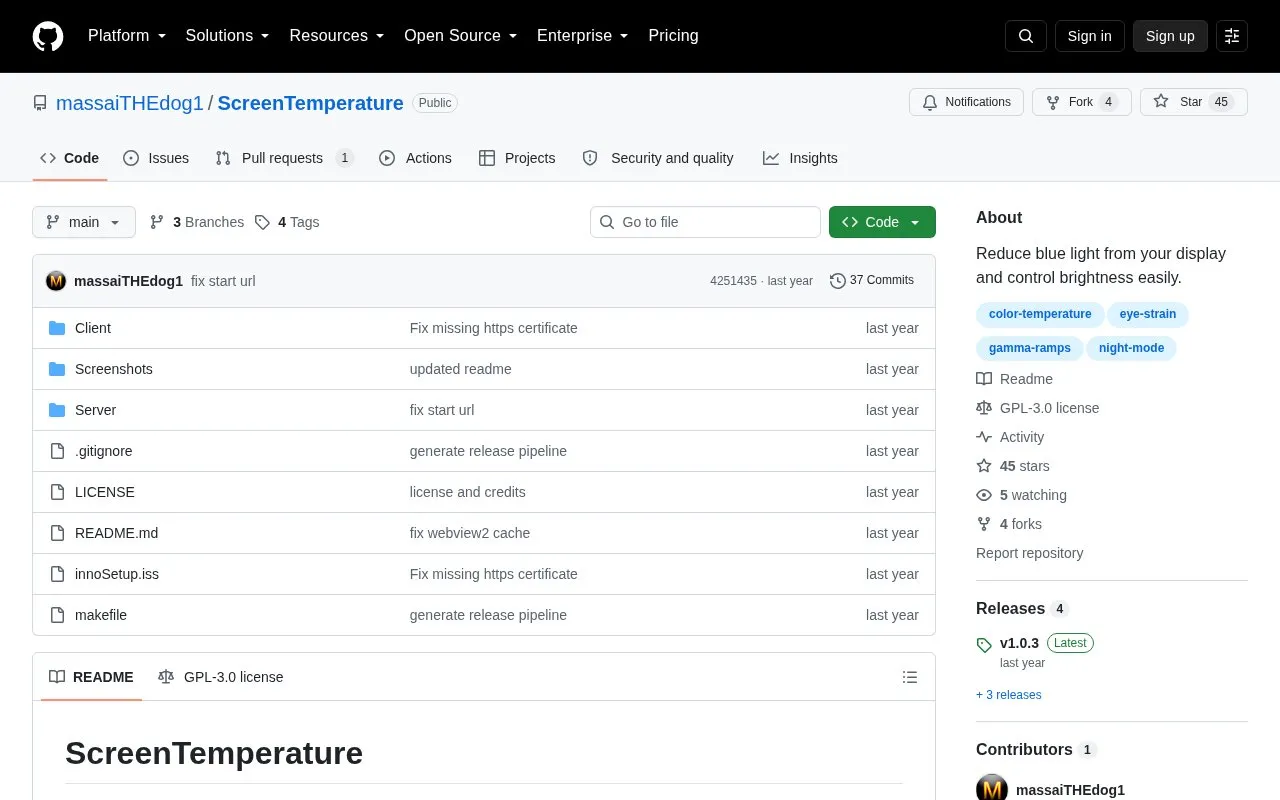
ScreenTemperature reduces blue light from a display and provides brightness controls.
About ScreenTemperature
ScreenTemperature adjusts color temperature or color overlay for individual monitors to limit blue light, with brightness control on DDC/CI-compatible displays. Saved configurations can be assigned to hotkeys. It requires Windows 10 or newer and up-to-date video drivers.
Key features
- Adjust color temperature individually for each connected monitor
- Apply custom color overlay to screens
- Control screen brightness on DDC/CI-compatible monitors
- Assign saved configurations to hotkeys
- Supports separate temperature and color configuration types
Best for: Best for people on Windows 10 or newer who want per-monitor temperature and brightness adjustment.
Good for
- Per-monitor color temperature and brightness adjustment
- Hotkey assignment for saved configurations
- Open source under GPL-3.0 license
Watch out for
- Requires Windows 10 or newer
- Brightness control requires DDC/CI-compatible monitor
- Requires up-to-date video drivers
ScreenTemperature at a glance
- Category
- Software & Utilities › Hardware & Diagnostics
- Type
- Open-source project
- Pricing
- Not confirmed. Check the site
- Platforms
- Windows
- Open source
- Yes · Source code
- Language
- English
- Last checked
- Oct 5, 2026 · Online when checked
- Listed
- Oct 5, 2026
ScreenTemperature alternatives
Tools and sites you could use instead, ranked by how closely they match.

LowAudioLatency reduces the Windows audio buffer to a minimum setting, according to its project page.
Open source
24 alternatives
Adjust brightness across multiple monitors on Windows using Monitorian, a desktop utility.
Open source
24 alternatives
FanCtrl automatically controls PC fan speed, according to the project description.
Open source
24 alternatives
Universal x86 Tuning Utility provides hardware tuning controls; its project warns that misuse may cause system instability.
Open source
24 alternatives
Virtual Display Driver adds virtual monitors to Windows 10 and 11 for use with VR, OBS, Sunshine, or desktop sharing.
Open source
24 alternativesPopular in Hardware & Diagnostics
Well-known listings from the same topic.
PC Managerpcmanager.microsoft.comDolby Accessapps.microsoft.com/detail/9n0866fs04w8RAMMaplearn.microsoft.com/en-us/sysinternals/downloa…AppControlappcontrol.comUNIGINE Benchmarksbenchmark.unigine.comMemTestmemtest.org


ScreenTemperature FAQ
What is needed to control brightness?
A DDC/CI-compatible monitor.
Which Windows versions are required?
Windows 10 or newer.
Can I switch settings with the keyboard?
Yes, configurations can be assigned to hotkeys.
Is something wrong or out of date?
Tell us and an editor will check it.
Own this website?
Claim this listing
Claim the listing and suggest updates yourself. An editor checks every claim first.