

Scalizer automatically configures Windows interface scaling on displays it does not support by default.
Open source
24 alternativesFanCtrl automatically controls PC fan speed, according to the project description.
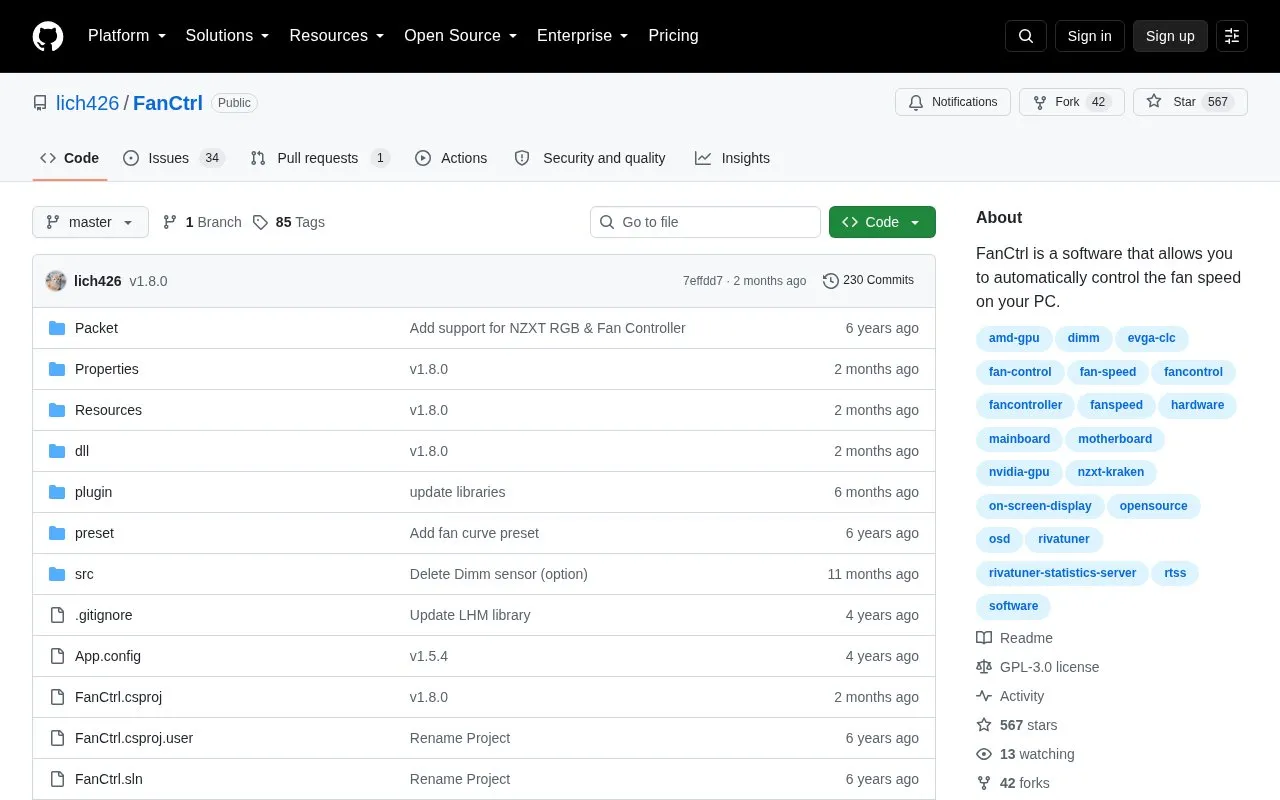
FanCtrl automatically controls PC fan speed based on a selected temperature sensor. Users enable automatic control, assign fans to sensors, and adjust a temperature-to-speed graph with presets, hysteresis, and step or linear modes. It shows temperature, fan speed, and control percentage, and allows renaming items.
It supports motherboards, NZXT Kraken, EVGA CLC, NZXT RGB & Fan Controller, and liquidctl devices, with optional sensor input from HWiNFO and NVIDIA cards via NvAPIWrapper. It requires .NET Framework 4.7.2 and Visual redistributable 2019 (x64); on-screen display needs RivaTuner Statistics Server. Not all hardware is supported.
Tools and sites you could use instead, ranked by how closely they match.
Scalizer automatically configures Windows interface scaling on displays it does not support by default.
Libre Hardware Monitor tracks computer temperature sensors, fan speeds, voltages, load, and clock speeds.
ScreenTemperature reduces blue light from a display and provides brightness controls.
Universal x86 Tuning Utility provides hardware tuning controls; its project warns that misuse may cause system instability.
Virtual Display Driver adds virtual monitors to Windows 10 and 11 for use with VR, OBS, Sunshine, or desktop sharing.
NVIDIA Profile Inspector edits NVIDIA driver profiles through the NVIDIA Driver Settings API on Windows.
Well-known listings from the same topic.
Tell us and an editor will check it.
Claim the listing and suggest updates yourself. An editor checks every claim first.


