

ParkControl displays and adjusts Windows CPU core parking and processor scheduling settings, with power automation features.
RyzenAdj
RyzenAdj adjusts power management settings for Ryzen mobile processors and APUs.
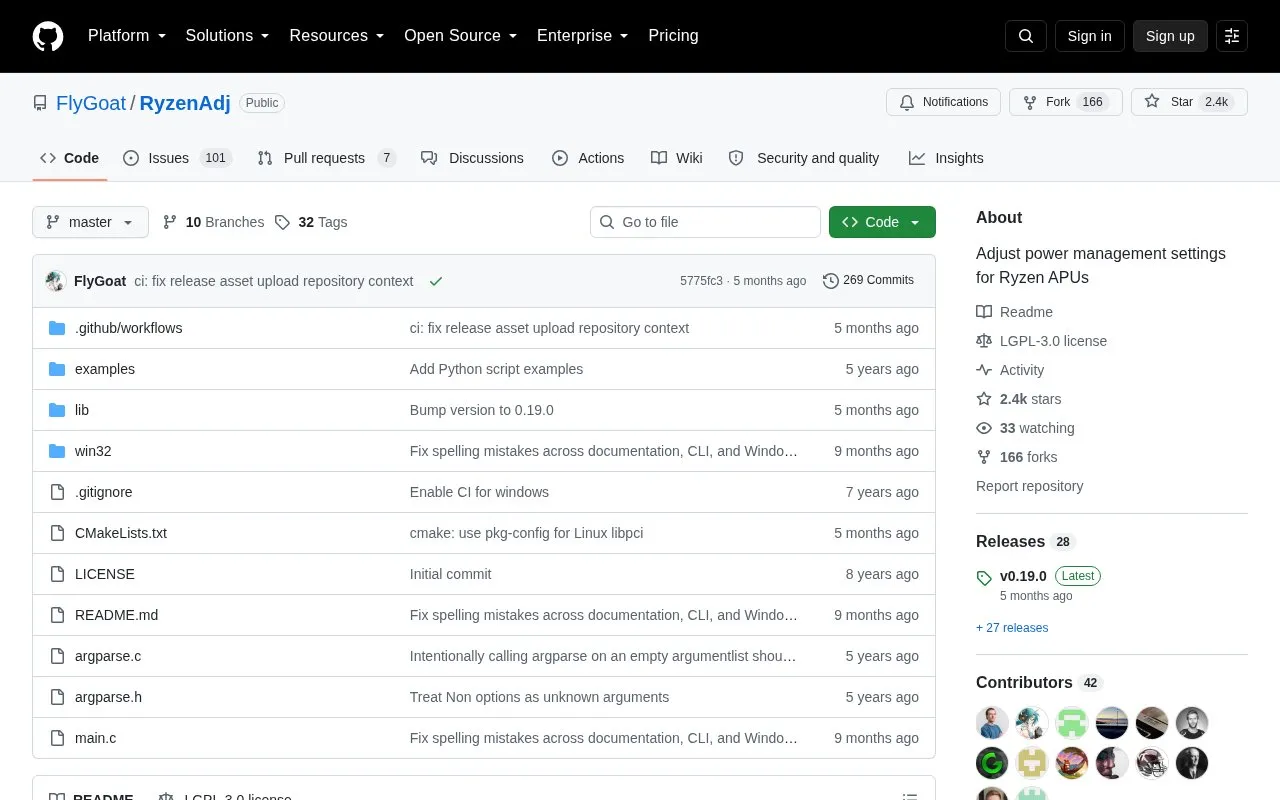
About RyzenAdj
RyzenAdj is a command-line tool that adjusts power management settings for Ryzen Mobile Processors and APUs. Its interface is identical on Windows and Unix-like systems, and all settings are passed as arguments without separate configuration. It can show power metrics after adjustment and provides script examples for automation.
Pricing is not clearly stated.
Key features
- Adjust sustained, fast and slow power limits in milliwatts
- Set Tctl temperature limit and APU and dGPU skin temperature limits
- Adjust VRM current limits including TDC, EDC and PSI0 values
- Set minimum and maximum SoC, FCLK, GFX, LCLK and VCN frequencies
- Adjust slow PPT and STAPM constant times and Prochot ramp time
- Hidden power-saving and max-performance options that vary by CPU and device
Watch out for
- Requires Administrator on Windows or root on Linux to run
- Device power management can overwrite settings, requiring them to be reapplied
- No precompiled packages for Linux distributions; build from source
RyzenAdj at a glance
- Website
- github.com/FlyGoat/RyzenAdj
- Category
- Software & Utilities › Hardware & Diagnostics
- Type
- Open-source project
- Pricing
- Not confirmed. Check the site
- Platforms
- Linux, Windows
- Details verified
- Oct 22, 2026 · Official source
- Open source
- Yes · Source code
- Language
- English
- Last checked
- Oct 5, 2026 · Online when checked
- Listed
- Oct 5, 2026
RyzenAdj alternatives
Tools and sites you could use instead, ranked by how closely they match.

Collect cellular network survey information with Network Survey, an Android application for recording mobile network data.
Open source
24 alternatives
NVIDIA Profile Inspector edits NVIDIA driver profiles through the NVIDIA Driver Settings API on Windows.
Open source
24 alternatives
Adjust brightness across multiple monitors on Windows using Monitorian, a desktop utility.
Open source
24 alternatives
VIA’s web interface configures QMK mechanical keyboards, including keymaps, macros, and RGB settings where available.
Open source
24 alternatives
LightBulb adjusts screen gamma based on the time of day to reduce eye strain.
Open source
24 alternativesPopular in Hardware & Diagnostics
Well-known listings from the same topic.
PC Managerpcmanager.microsoft.comDolby Accessapps.microsoft.com/detail/9n0866fs04w8RAMMaplearn.microsoft.com/en-us/sysinternals/downloa…AppControlappcontrol.comUNIGINE Benchmarksbenchmark.unigine.comMemTestmemtest.org


RyzenAdj FAQ
Is there a graphical interface?
RyzenAdjUI_WPF is no longer maintained; for a GUI the project points to Universal x86 Tuning Utility or ryzen-controller.
Is something wrong or out of date?
Tell us and an editor will check it.
Own this website?
Claim this listing
Claim the listing and suggest updates yourself. An editor checks every claim first.