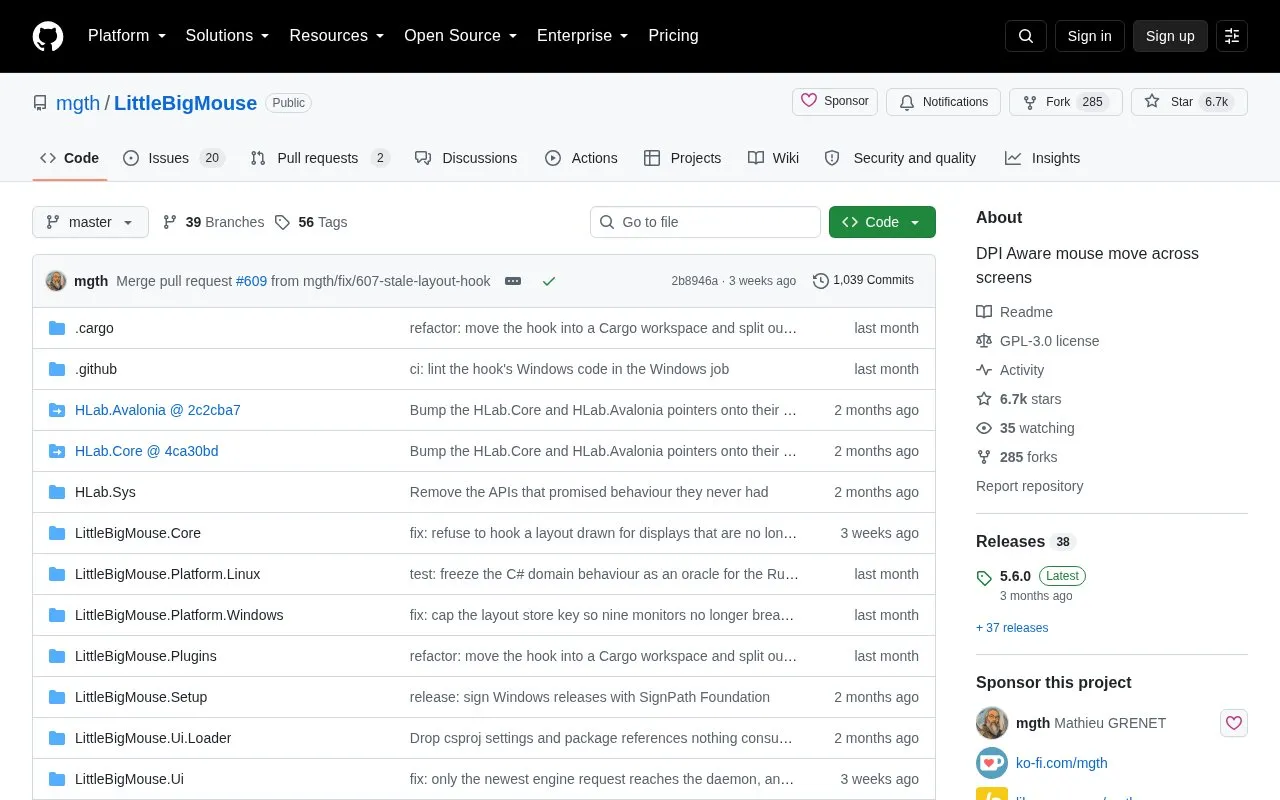
LittleBigMouse is open-source software for Windows 10 and 11 that provides DPI-aware mouse movement across multiple screens with different DPI settings, such as a 4K monitor alongside a Full HD monitor. Linux platform code is present, with an Arch Linux AUR package and a separate Linux release process.
It includes relative display-size adjustment, horizontal or vertical screen looping, configurable border resistance, and live layout updates. The Windows 5.6.0 download requires the .NET 10 Runtime (x64), and the rescue keyboard shortcut is Windows-only for now.
Key features
DPI-aware mouse crossover across monitors with different DPI settings
Cursor looping from last screen to first, horizontally or vertically
Adjustment of relative display sizes for layout matching
Configurable border resistance sections with separate move and drag settings
Live update applies layout changes to mouse engine while editing
Configurable rescue shortcut to recover trapped cursor, Windows-only
Best for: People using Windows 10 and 11 with multiple monitors at different DPI settings, such as 4K with Full HD.
Good for
Open-source codebase with Windows and Linux platform components
Addresses cursor crossover in mixed-DPI layouts such as 4K alongside Full HD
Arch Linux users can install from AUR instead of building manually
Watch out for
Windows 5.6.0 download requires .NET 10 Runtime (x64)
Rescue shortcut is Windows-only for now
Arch Linux AUR install still requires manually joining the input group