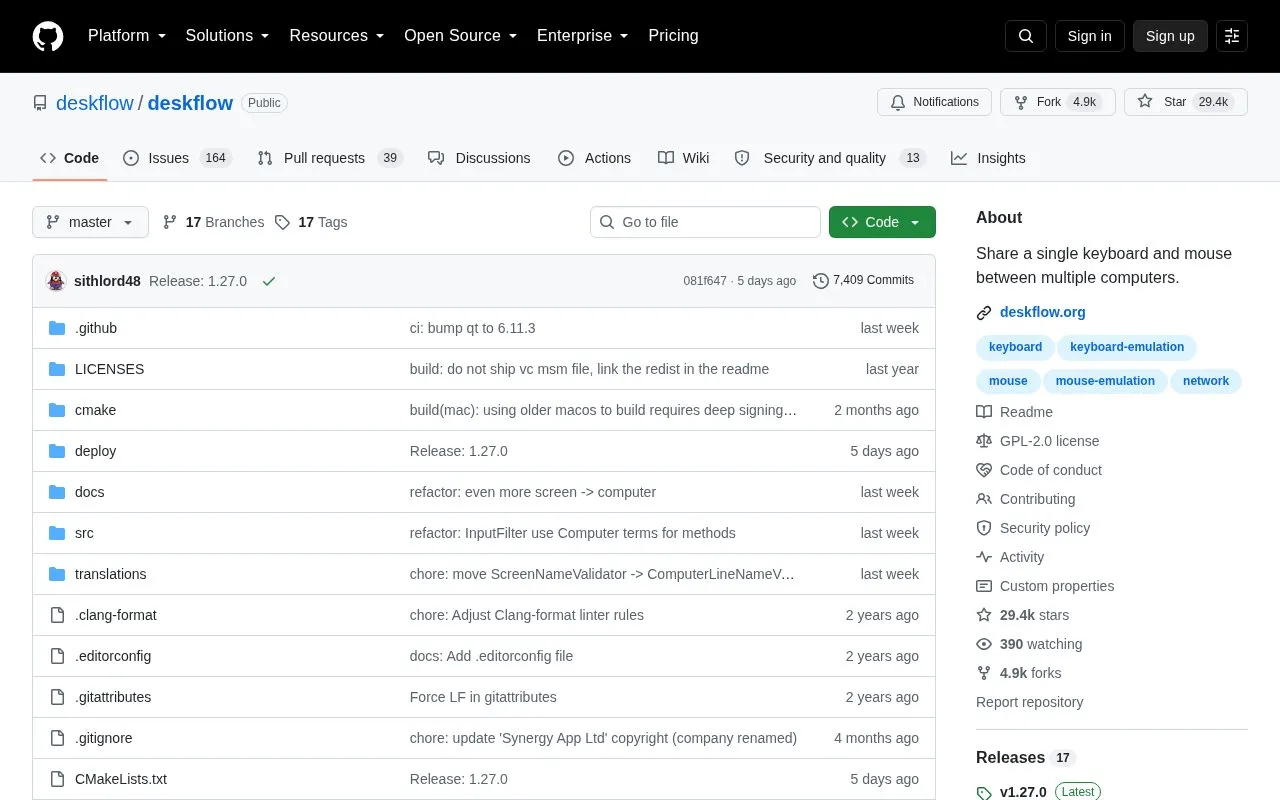
Deskflow is a free and open source keyboard and mouse sharing app. It allows the keyboard, mouse, or trackpad of one computer to control nearby computers, functioning like a software KVM without video. TLS encryption is enabled by default, Wayland is supported, and clipboard sharing is available.
It supports Windows, macOS, Linux, and Unix-like BSD-derived systems, with FreeBSD officially supported. Windows 10 v1809 or higher is required; macOS 13 or higher for Apple Silicon CI builds and macOS 12 or higher for Intel or local builds. Linux requires libei 1.3+, libportal 0.8+, and Qt 6.7+ for the GUI unless using flatpak. On Windows, the Microsoft Visual C++ Redistributable must be installed; on macOS, accessibility access is required for both the Deskflow app and the deskflow process.
Key features
Share one keyboard, mouse, or trackpad across nearby computers.
TLS encryption enabled by default.
Clipboard sharing between connected computers.
Wayland support.
Network compatibility with Synergy, Input Leap, and Barrier.
Supports Windows, macOS, Linux, and BSD-derived operating systems.
Best for: People who want to control multiple supported computers from one keyboard, mouse, or trackpad.
Good for
Free and open source.
TLS encryption enabled by default.
Cross-platform support for Windows, macOS, Linux, and FreeBSD.
Watch out for
Does not switch or share video; keyboard and mouse sharing only.
macOS may report the unsigned app as damaged because no Apple certificate is used for notarization.
Linux requires libei 1.3+, libportal 0.8+, and Qt 6.7+ for the GUI unless using flatpak.
Is Deskflow compatible with Synergy, Input Leap, or Barrier?
Yes. Deskflow has network compatibility with all forks. It requires Deskflow >= v1.17.0.96. Deskflow will work with Input Leap and Barrier as server or client. Connecting a Deskflow client to a Synergy 1 server also works. To connect a Synergy 1 client, select the Synergy protocol in the Deskflow server settings.
What are the operating system requirements?
Windows 10 v1809 or higher; macOS 13 or higher for Apple Silicon CI builds and macOS 12 or higher for Intel Macs or local builds; Linux requires libei 1.3+ and libportal 0.8+ for server/client plus Qt 6.7+ for the GUI; FreeBSD is officially supported. Linux users below these requirements should use flatpak.
How is Deskflow installed on macOS?
The easiest way to install and stay up to date on macOS is Homebrew via the homebrew-tap. Run brew tap deskflow/tap, then brew install deskflow for stable or brew install deskflow-dev for continuous. Users who download directly from releases may need to run xattr -c /Applications/Deskflow.app.
Is something wrong or out of date?
Tell us and an editor will check it.
Own this website?
Claim the listing and suggest updates yourself. An editor checks every claim first.