

Scalizer automatically configures Windows interface scaling on displays it does not support by default.
Open source
24 alternativesVIA’s web interface configures QMK mechanical keyboards, including keymaps, macros, and RGB settings where available.
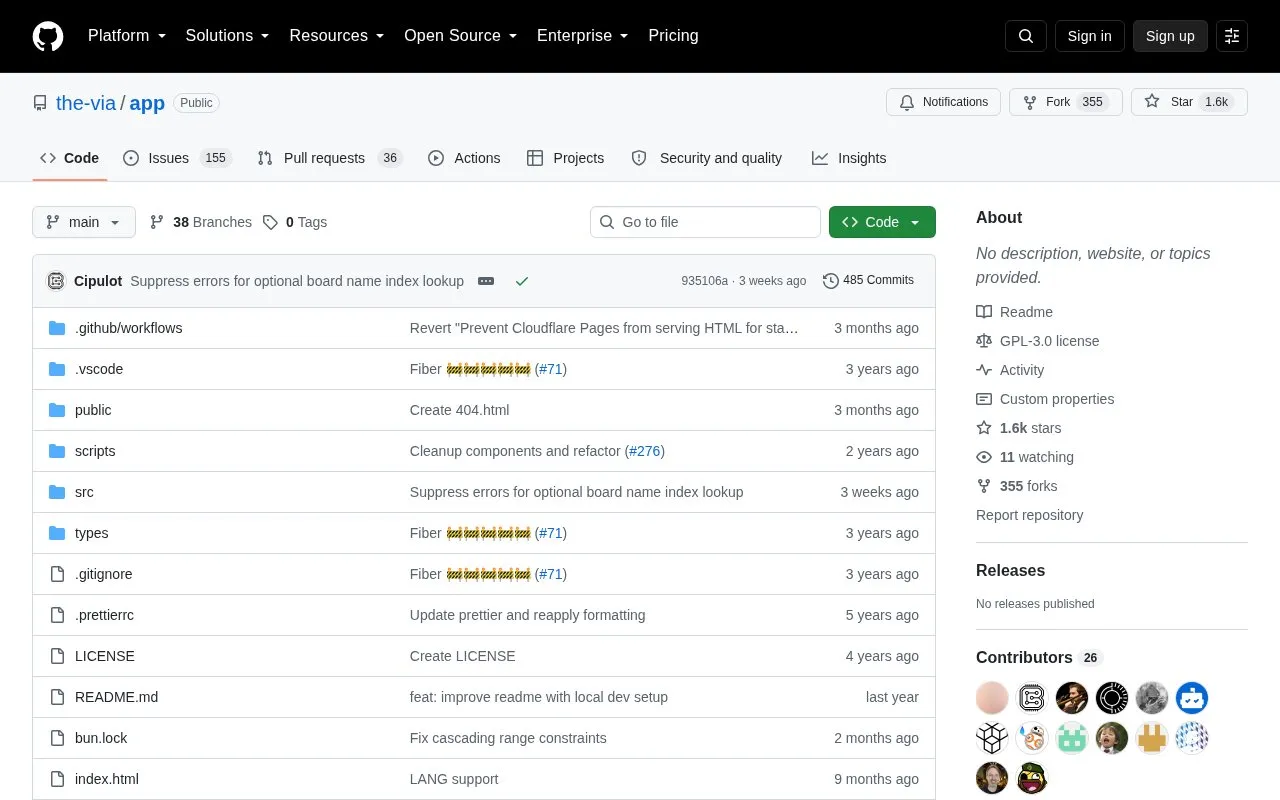
VIA is an open-source web interface for configuring QMK-powered mechanical keyboards. It allows users to customize keymaps, create macros, and adjust RGB settings where the keyboard includes RGB, without recompiling firmware.
Support for a specific keyboard depends on its source and via keymap being merged in the relevant QMK repositories and a JSON definition being submitted to the VIA keyboards repository.
Tools and sites you could use instead, ranked by how closely they match.
Scalizer automatically configures Windows interface scaling on displays it does not support by default.
NVIDIA Profile Inspector edits NVIDIA driver profiles through the NVIDIA Driver Settings API on Windows.
RyzenAdj adjusts power management settings for Ryzen mobile processors and APUs.
gdu analyzes disk usage through a console interface and is written in Go.
VIA configures compatible mechanical keyboards, with tools to test and design keyboard layouts.
Keyviz visualizes keyboard and mouse actions in real time through a free, open-source tool.
Well-known listings from the same topic.
Tell us and an editor will check it.
Claim the listing and suggest updates yourself. An editor checks every claim first.


