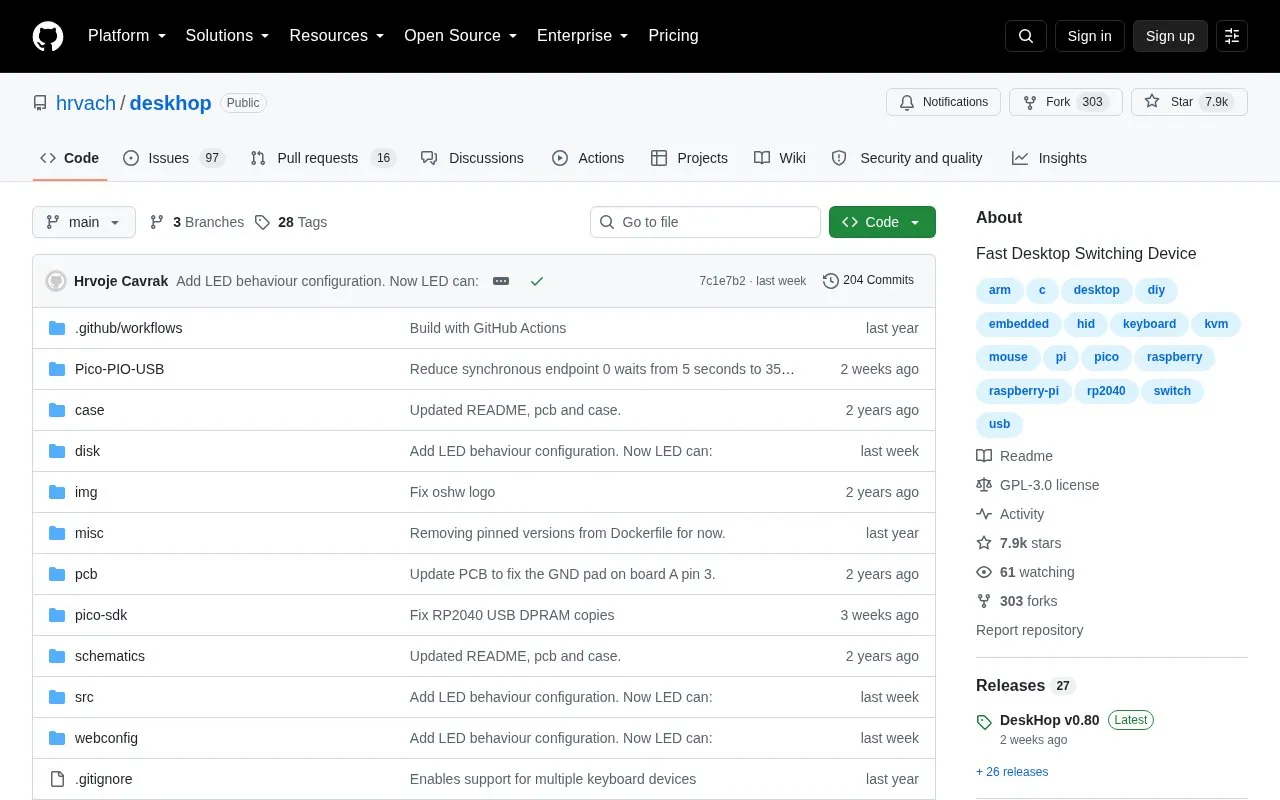
Deskhop is an open-source hardware project for sharing one keyboard and mouse between two computers. The device connects to both computers at once and forwards keyboard and mouse input to the selected output. Output can be selected with a preconfigured keyboard hotkey or by moving the mouse pointer past the monitor edge toward the other computer. Building it involves assembling hardware and building or copying firmware.
Key features
Switch output with a preconfigured keyboard hotkey
Switch output by moving mouse pointer past monitor edge
Maintains connections to both computers at the same time
Uses keyboard LEDs to indicate the active output
Remembers LED state separately for each computer
Works with Linux, macOS and Windows computers
Best for: People who use two computers with one keyboard and mouse and can assemble open-source hardware.
Good for
Open source with published build files, schematics and case design
No software to install on the connected computers
Supports connected computers running different operating systems
Watch out for
Requires building and connecting a physical hardware device
Press the preconfigured hotkey, such as Ctrl + Caps Lock, or move the mouse pointer past the monitor edge toward the other computer. The keyboard follows the mouse and vice versa.
Is software required on the computers?
The project lists no software installed. The device sits between the keyboard/mouse and the computers and forwards input to the selected output.
Which operating systems can the connected computers use?
Linux, macOS and Windows, including mixed combinations such as Mac and Linux.
Is something wrong or out of date?
Tell us and an editor will check it.
Own this website?
Claim the listing and suggest updates yourself. An editor checks every claim first.