

NVIDIA Profile Inspector edits NVIDIA driver profiles through the NVIDIA Driver Settings API on Windows.
Open source
24 alternativesSoundSwitch switches audio playback and recording devices with a global hotkey, per-app rules, profiles, and notifications.
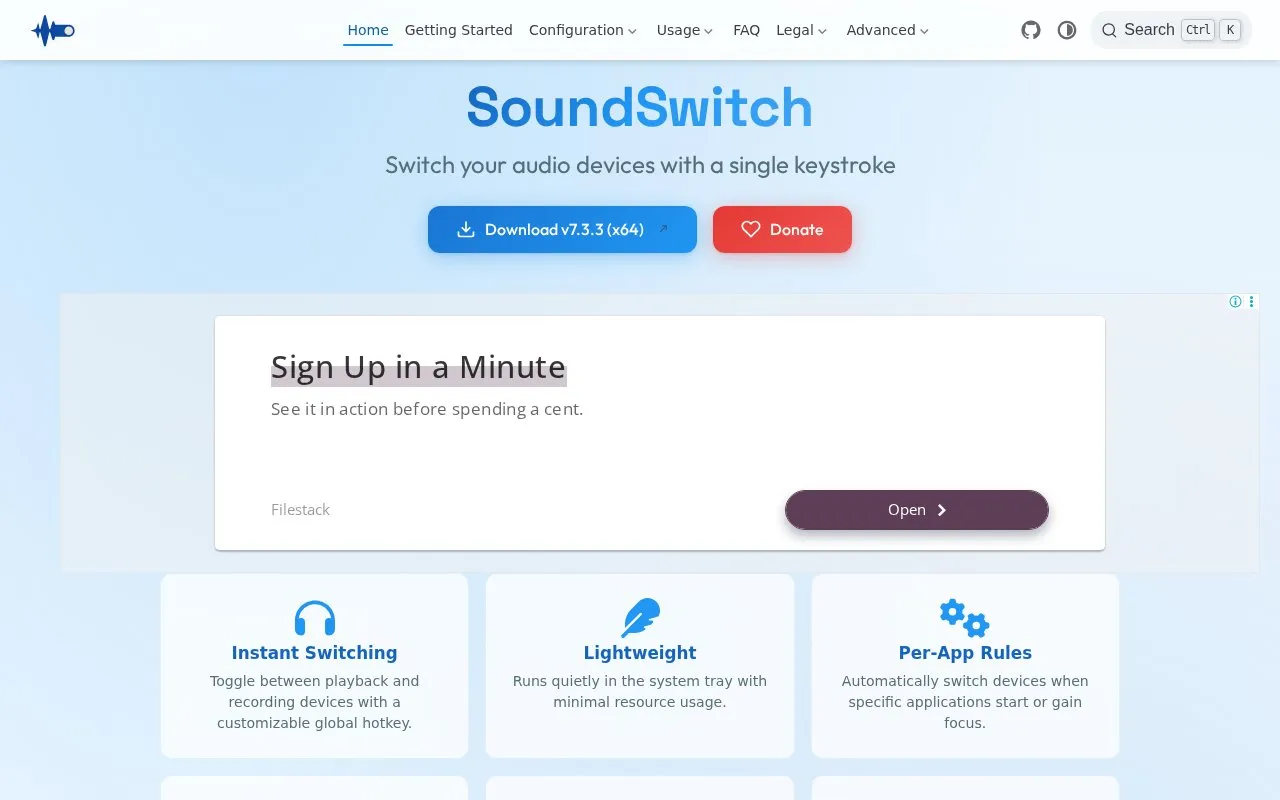
SoundSwitch is a Windows app for switching audio playback and recording devices. It provides global hotkeys, per-app rules that change devices when specified applications start or gain focus, saved profiles for audio configurations, and toast, banner, or sound notifications. Devices to cycle through are selected in Settings on the Playback and Recording tabs, and the app runs from the system tray.
Tools and sites you could use instead, ranked by how closely they match.
NVIDIA Profile Inspector edits NVIDIA driver profiles through the NVIDIA Driver Settings API on Windows.
Erdtree analyzes disk usage across filesystems and supports gitignore and hidden file rules.
Collect cellular network survey information with Network Survey, an Android application for recording mobile network data.
The Deskhop project describes a device for switching quickly between desktop computers.
novideo_srgb calibrates monitors to sRGB and other color spaces on NVIDIA GPUs using EDID data or ICC profiles.
WinDirStat analyzes disk usage on Windows by scanning drives and folders and showing how storage space is distributed.
Well-known listings from the same topic.
Tell us and an editor will check it.
Claim the listing and suggest updates yourself. An editor checks every claim first.


