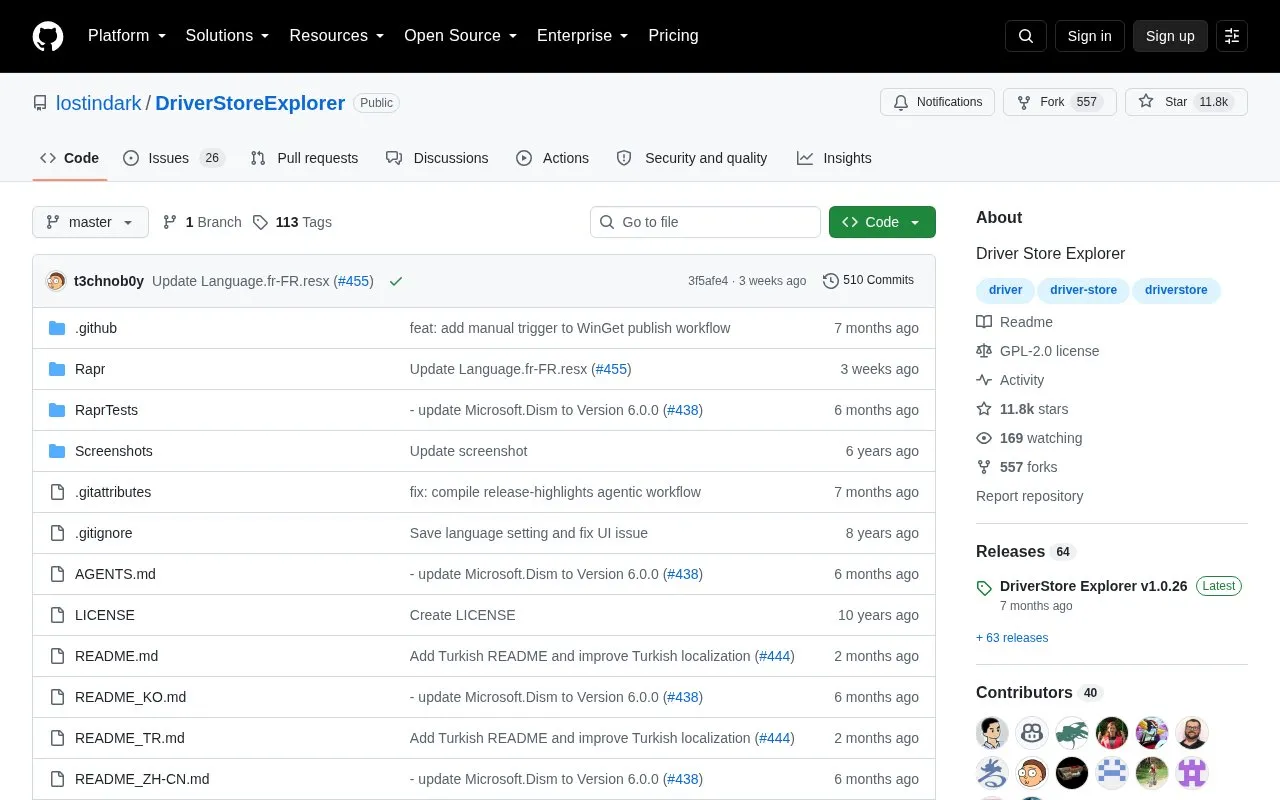
Driver Store Explorer (RAPR) is a Windows tool for viewing, managing, and cleaning up the Windows DriverStore, the system area where third-party driver packages are kept. It can list driver packages with metadata, install and delete drivers, export backups, and work with either the local machine or an offline Windows image. The project is open source and runs on Windows 7 or newer with .NET Framework 4.7.2 or newer and administrator privileges.
The project states that the tool modifies the driver store and that improper use can cause system malfunction, prevent Windows from booting, or result in loss of device functionality. It is intended for advanced users and administrators, and the project discourages use by anyone not familiar with Windows internals. The project advises backing up drivers before deleting anything.
Key features
Lists third-party driver packages with size, version, and date details
Installs driver packages, with optional automatic device installation
Deletes single or multiple drivers, including force deletion for in-use drivers
Automatically selects old driver versions through Smart Cleanup
Exports selected or all drivers into organized folder structures
Works with the local machine or offline Windows image driver stores
Best for: Advanced users and administrators who understand Windows driver internals and are able to back up drivers before making changes.
Good for
Can export selected or all drivers to organized folders before removal
Shows warnings before selecting unused drivers, with Cancel as the default
Disables automatic old or unused selection for offline stores, where device usage cannot be reliably determined
Watch out for
Improper use can cause system malfunction, prevent Windows from booting, or cause loss of device functionality
Unused-driver selection can include drivers that are still needed, such as antivirus, network, or printer drivers
Drivers removed for disconnected devices must be reinstalled if those devices are reconnected later
Yes. The project lists administrator privileges as a requirement, along with Windows 7 or newer and .NET Framework 4.7.2 or newer.
What is the difference between old and unused drivers?
Drivers are considered old when newer versions exist on the system. Unused drivers are those without an associated device, which does not mean they are safe to delete.
Can the tool work on an offline Windows image?
Yes. It can work with offline Windows image driver stores, but automatic old or unused driver selection is disabled for offline stores. Drivers can still be selected manually.
Is something wrong or out of date?
Tell us and an editor will check it.
Own this website?
Claim the listing and suggest updates yourself. An editor checks every claim first.