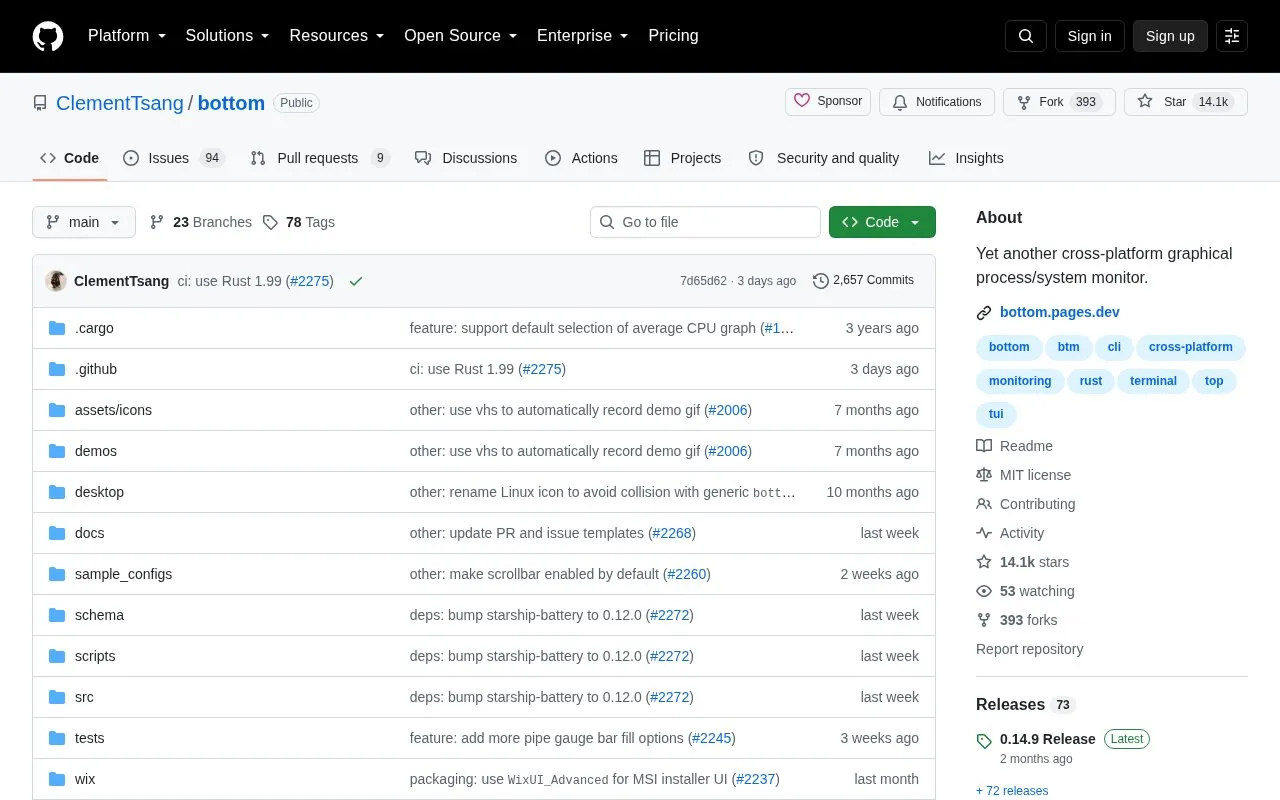
Bottom (also called btm) is a free, open-source graphical system and process monitor built for terminal use. It officially supports Linux, macOS, and Windows, with unofficial support for additional platforms including FreeBSD and Android. The tool offers real-time and historical visualization of CPU, RAM, swap, network, temperature, and disk I/O usage, plus widgets for disk capacity, battery level, and process management, with customization options for themes, widget layouts, and behavior via configuration files or command-line flags.
Key features
Graphical terminal-based system and process monitoring
Cross-platform support for Linux, macOS, and Windows
Real-time and historical CPU, RAM, swap, network, temperature, disk I/O tracking
Process list with sorting, searching, kill signals, and tree mode
Customizable themes, widget layouts, and behavior via config or CLI
Built-in htop-inspired basic mode and single-widget focus
Best for: Users seeking a customizable, cross-platform terminal-based system monitor for tracking system resources and running processes.
Good for
Free and open-source with publicly available source code
Official support for major desktop operating systems (Linux, macOS, Windows)
Highly customizable via configuration files and command-line options
Watch out for
Unofficial platforms may have missing features or unfixed bugs
Only Linux, macOS, and Windows receive official support and testing
Unofficial platforms are not tested in CI prior to stable releases
Which operating systems are officially supported by Bottom?
Linux (x86_64, i686, aarch64), macOS (x86_64, aarch64), and Windows (x86_64, i686).
Does Bottom work on platforms outside the officially supported list?
It may run on unofficial platforms including FreeBSD, Android, and various Linux architectures, but these are not officially supported and may have limited support or unfixed bugs.
Can Bottom's interface and functionality be customized?
Yes, settings can be adjusted via command-line options or a configuration file, including custom themes, widget layouts, and entry filtering.
Is something wrong or out of date?
Tell us and an editor will check it.
Own this website?
Claim the listing and suggest updates yourself. An editor checks every claim first.