

LowAudioLatency reduces the Windows audio buffer to a minimum setting, according to its project page.
Open source
24 alternativesNeoHtop-cli shows real-time CPU and memory views, a process tree, search, filters, and themes in a terminal.
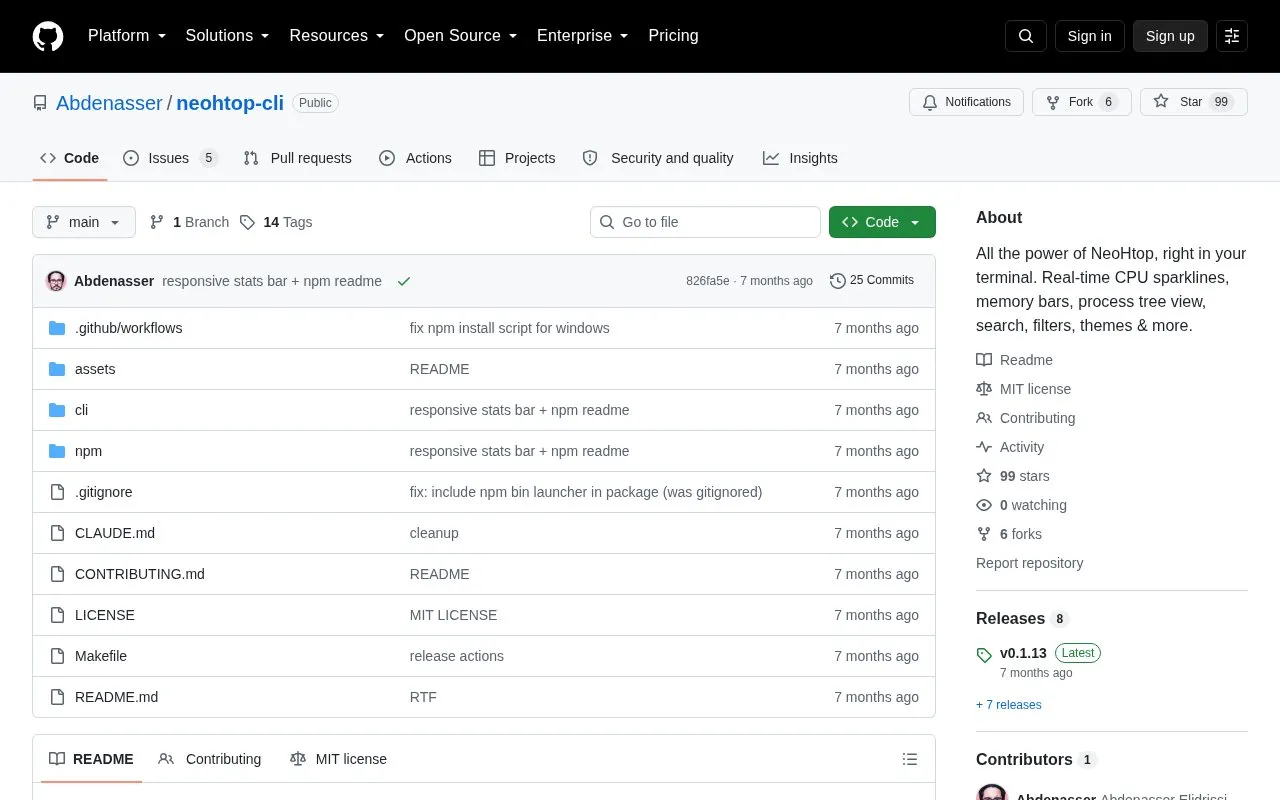
NeoHtop-cli is a cross-platform terminal process monitor, described as the CLI companion to NeoHtop. It renders real-time per-core CPU sparklines plus memory, disk I/O and network statistics using braille-dot visualizations, and adds a process tree view, regex search with live highlighting, filters, column sorting, and 15 built-in themes. Processes can be inspected, killed with confirmation, and pinned to the top of the list.
It ships as a single binary for macOS, Linux and Windows with no runtime dependencies; installation is through npm or prebuilt release archives, while building from source requires Go 1.25+ and a C compiler for CGo on macOS. A --json flag produces a one-shot snapshot of system stats and processes for scripting, and settings such as columns, refresh rate and theme persist in ~/.config/neohtop-cli/config.json.
Tools and sites you could use instead, ranked by how closely they match.
LowAudioLatency reduces the Windows audio buffer to a minimum setting, according to its project page.
Keyviz visualizes keyboard and mouse actions in real time through a free, open-source tool.
NeoHtop monitors processes, CPU, and memory usage in real time through a desktop system monitor.
NotCPUCores describes itself as a tool to help run work, play, and streaming without stutter; details are limited in the fetched page.
NVDA provides screen reading support for Microsoft Windows and is free and open source.
KeyCombiner helps users organize, learn, and practice keyboard shortcuts through custom collections and interactive sessions.
Well-known listings from the same topic.
Tell us and an editor will check it.
Claim the listing and suggest updates yourself. An editor checks every claim first.


