

keymapper remaps keyboard keys across platforms, with context-aware behavior described by its project.
Open source
24 alternativesNVDA provides screen reading support for Microsoft Windows and is free and open source.
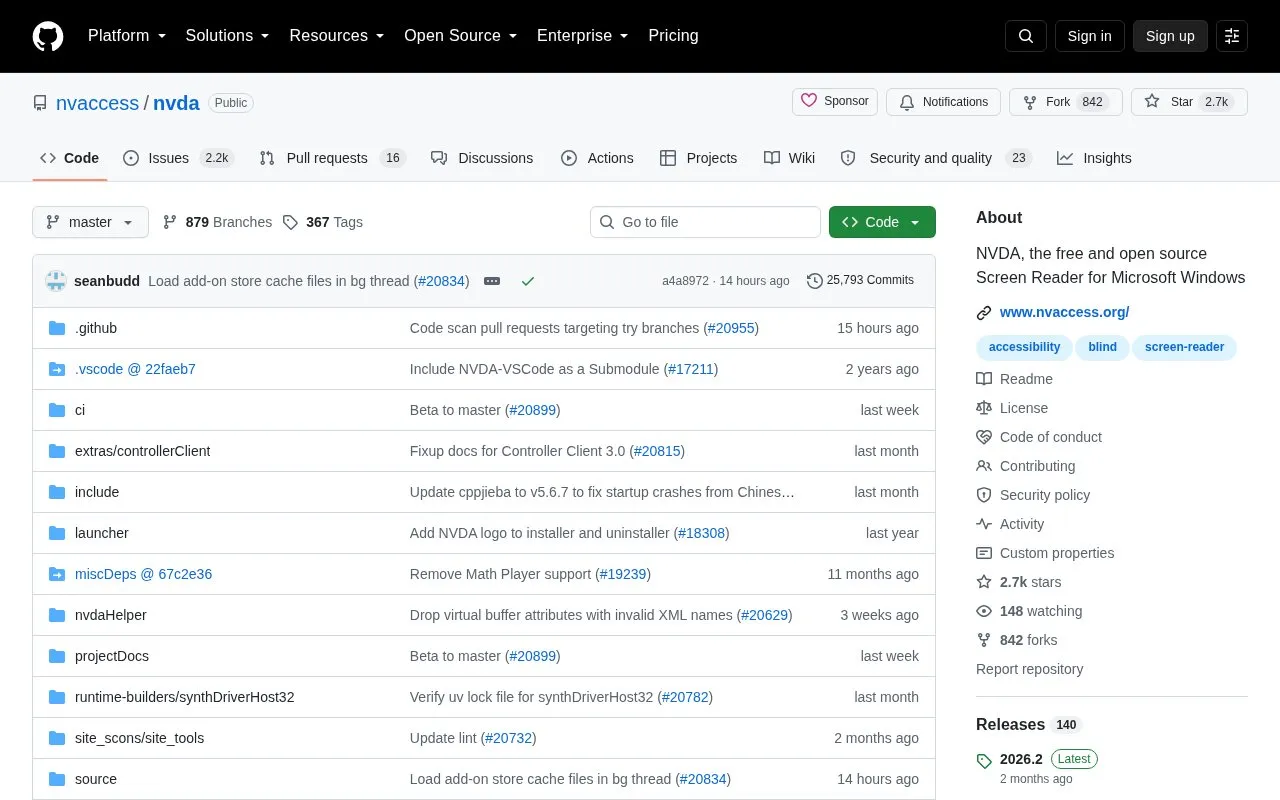
NVDA (NonVisual Desktop Access) is a screen reader for Microsoft Windows. The project describes it as free and open source. It is developed by NV Access together with a global community of contributors. The repository page covers the source code, build tooling, tests, and project documentation. To download a copy, the page directs users to the main NV Access website.
NVDA is available under a modified GNU General Public License version 2 or later. The project has a development roadmap and a stated product vision and principles. The page describes it as a Windows-only tool, so it is not intended for other operating systems. The repository's own metadata lists the project as not open source, which conflicts with the description on the page, so the open source status should be checked against the license.
Tools and sites you could use instead, ranked by how closely they match.
keymapper remaps keyboard keys across platforms, with context-aware behavior described by its project.
LowAudioLatency reduces the Windows audio buffer to a minimum setting, according to its project page.
NotCPUCores describes itself as a tool to help run work, play, and streaming without stutter; details are limited in the fetched page.
NeoHtop-cli shows real-time CPU and memory views, a process tree, search, filters, and themes in a terminal.
KeyCombiner helps users organize, learn, and practice keyboard shortcuts through custom collections and interactive sessions.
Mahou switches keyboard layouts through a utility described as a magic layout switcher.
Well-known listings from the same topic.
Tell us and an editor will check it.
Claim the listing and suggest updates yourself. An editor checks every claim first.


