

Glances monitors CPU, memory, processes, network, disk activity, sensors, and containers across platforms.
Glances
Glances monitors system activity and is available for GNU/Linux, BSD, macOS, and Windows.
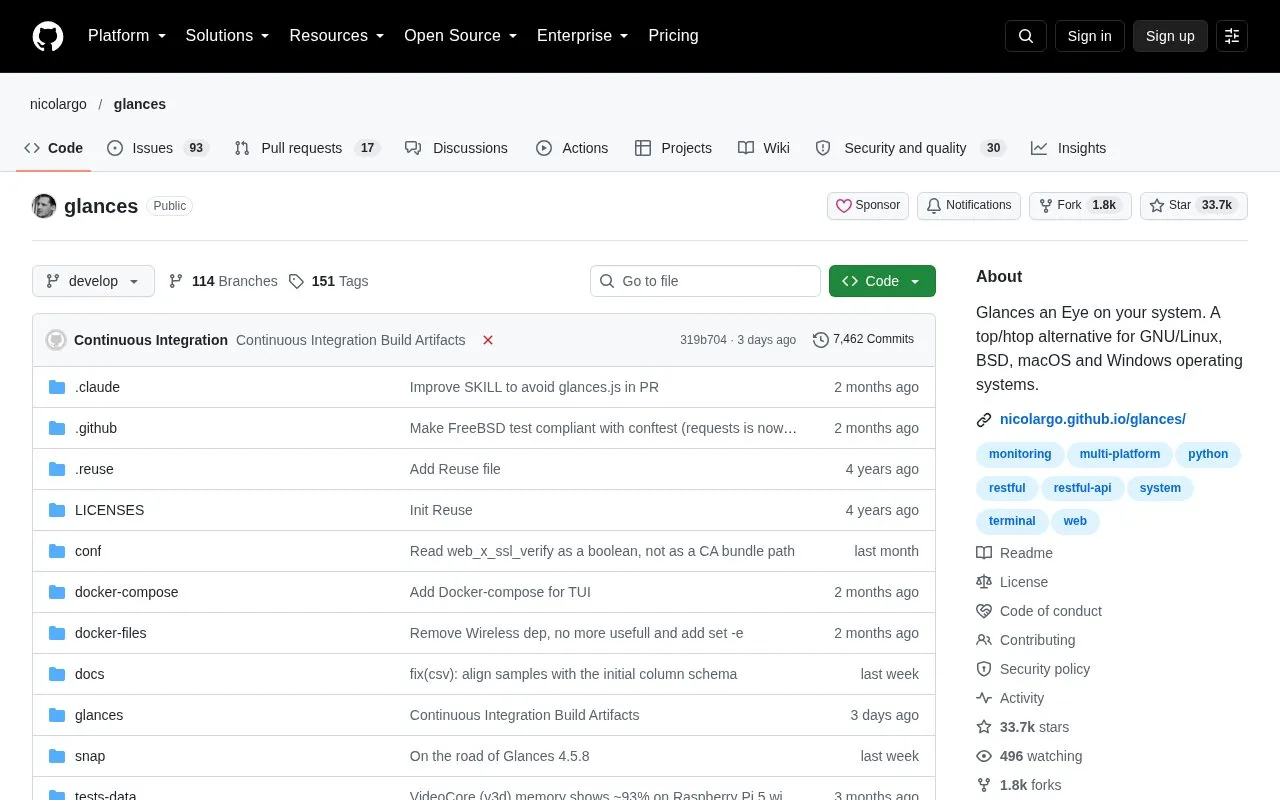
About Glances
Glances is a system monitoring tool that runs on GNU/Linux, BSD, macOS, and Windows. It shows real-time information about CPU, memory, disk, and network usage, along with running processes, logged-in users, temperatures, voltages, and fan speeds. It also monitors containers managed by Docker and LXC. The information is presented in a dashboard that can be limited to the metrics a user cares about. Glances is written in Python and uses an architecture where developers can add plugins or export modules.
It can run locally in a terminal or as a server. In server mode, the stats can be viewed remotely through a terminal, a web interface, or a RESTful API. Stats can also be exported to files, external time/value databases, CSV, or standard output. By default, the server listens only on 127.0.0.1, and it is not password-protected until a password is set.
Key features
- Real-time monitoring of CPU, memory, disk, and network usage
- Monitoring of running processes and logged-in users
- Readings for temperatures, voltages, and fan speeds
- Container monitoring for Docker and LXC
- Remote monitoring through a terminal, web interface, or RESTful API
- Export of stats to CSV, time/value databases, files, or STDOUT
Best for: System administrators and technical users who want to monitor system resources, including remote machines, from a terminal or web browser.
Good for
- Covers many system metrics in one dashboard
- Supports remote monitoring through several interfaces
- Open architecture allows new plugins and export modules
Watch out for
- The server is not password-protected by default
- The server listens on 127.0.0.1 by default, so remote access requires changing the bind address
- The built-in MCP server requires Glances 4.5.1 or higher and the --enable-mcp option
Glances at a glance
- Website
- github.com/nicolargo/glances
- Category
- Software & Utilities › Hardware & Diagnostics
- Type
- Open-source project
- Pricing
- Not confirmed. Check the site
- Platforms
- Linux, macOS, Windows
- Open source
- Not stated
- Language
- English
- Last checked
- Oct 6, 2026 · Online when checked
- Listed
- Oct 5, 2026
Glances alternatives
Tools and sites you could use instead, ranked by how closely they match.

NVDA provides screen reading support for Microsoft Windows and is free and open source.

DaltonLens offers desktop color filters and color information tools for people with color blindness, alongside technical articles.

btop4win brings the btop++ process and system monitor to Windows, according to its project description.
Open source
24 alternatives
NeoHtop monitors processes, CPU, and memory usage in real time through a desktop system monitor.

Monitor system and process information across platforms with Bottom, a graphical system monitor.
Open source
24 alternativesPopular in Hardware & Diagnostics
Well-known listings from the same topic.
PC Managerpcmanager.microsoft.comDolby Accessapps.microsoft.com/detail/9n0866fs04w8RAMMaplearn.microsoft.com/en-us/sysinternals/downloa…AppControlappcontrol.comUNIGINE Benchmarksbenchmark.unigine.comVIAcaniusevia.com


Glances FAQ
How do I password-protect the Glances web server?
Run glances --set-password, then paste the printed value into the password key in the [outputs] section of the glances.conf file.
How do I monitor a remote Glances server from a terminal?
Run glances -c . The client reads stats from the server's REST API. Use --password if you need to be prompted for the server password.
How can AI assistants query Glances?
Run glances -s --enable-mcp. The MCP endpoint (SSE transport) is then available at http://:61208/mcp/sse. This feature is available in Glances 4.5.1 and higher.
Is something wrong or out of date?
Tell us and an editor will check it.
Own this website?
Claim this listing
Claim the listing and suggest updates yourself. An editor checks every claim first.