

ScreenTemperature reduces blue light from a display and provides brightness controls.
Open source
24 alternativesf.lux adjusts computer screen lighting for the time of day, reducing the blue glow of a display at night.
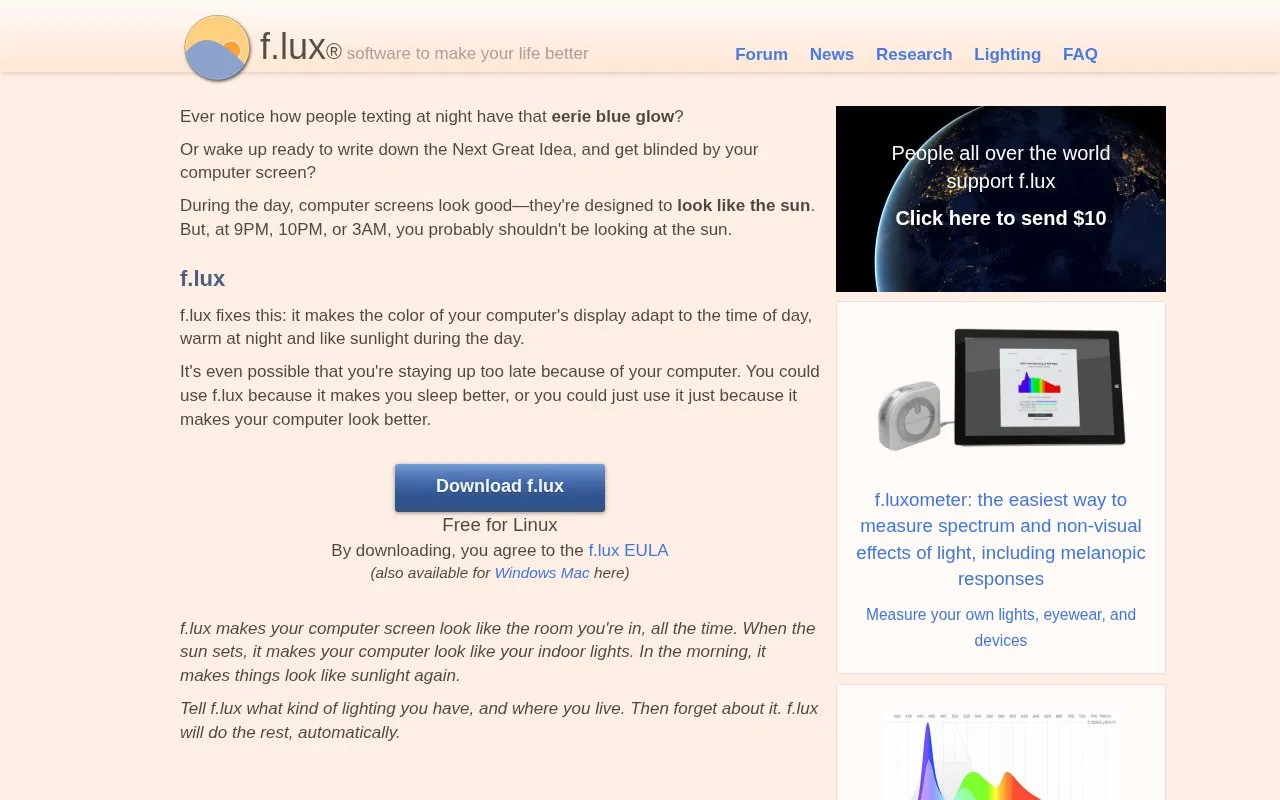
f.lux adjusts a computer display's color for the time of day, using warm tones at night and sunlight-like tones during the day to match indoor lighting. The user enters lighting type and location, and the software then adjusts automatically. Downloads are listed for Windows, macOS and Linux, with the Windows version described as free for personal use and a separate corporate edition noted for work use.
Tools and sites you could use instead, ranked by how closely they match.
ScreenTemperature reduces blue light from a display and provides brightness controls.
LightBulb adjusts screen gamma based on the time of day to reduce eye strain.
spacedesk extends a computer display to other devices over USB, Wi-Fi, or LAN, with viewers for mobile and Windows.
NVDA provides a screen reader that can be downloaded free of charge to make computers accessible to blind users.
ParkControl displays and adjusts Windows CPU core parking and processor scheduling settings, with power automation features.
Deskreen shares a computer screen to devices through a web browser, including phones, tablets, and other computers.
Well-known listings from the same topic.
Tell us and an editor will check it.
Claim the listing and suggest updates yourself. An editor checks every claim first.


