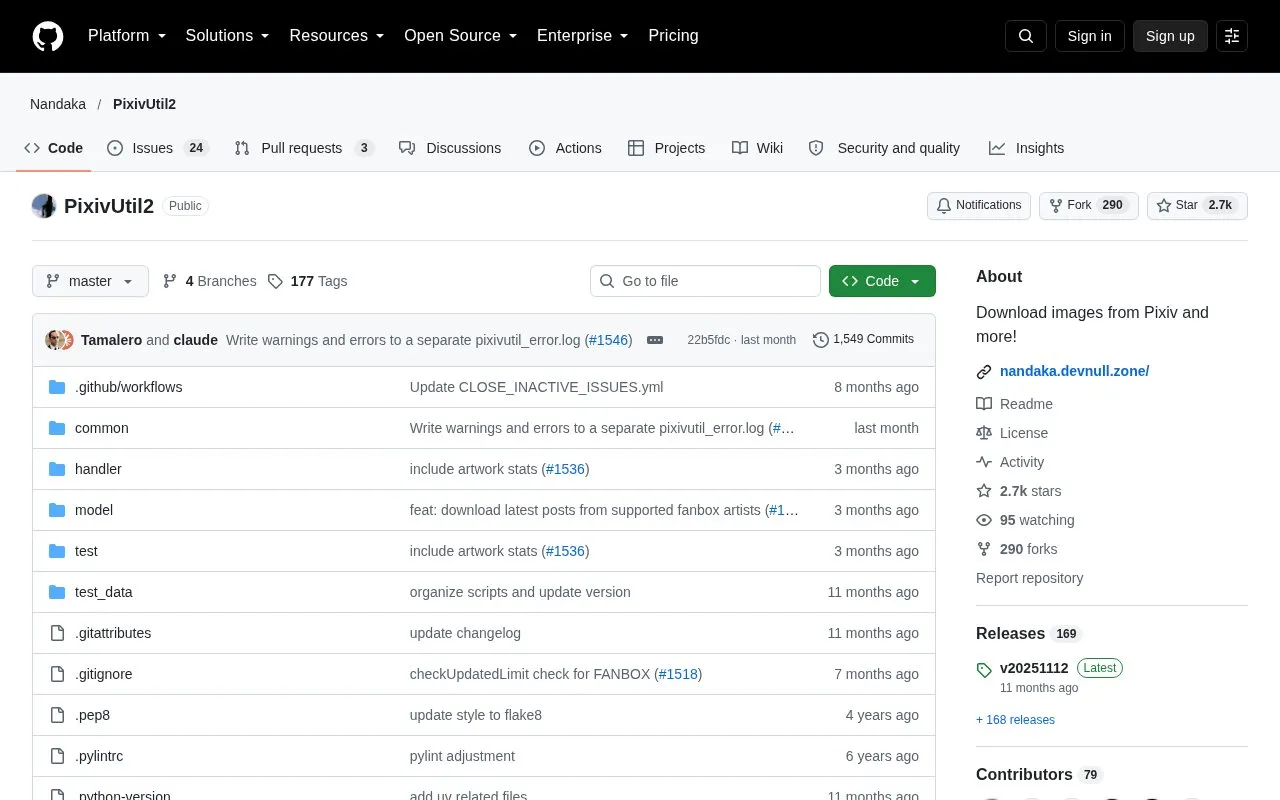
PixivUtil2 is an open source project on GitHub that downloads images from Pixiv and some related services. It is a repository, not a hosted website, so it must be installed or run in Docker before use. It runs from a Python codebase and includes a command-line interface and a graphical interface.
The tool can download by member ID, image ID, tags, or title and caption, as well as from a user's bookmarks, including private and hidden ones. It also covers FANBOX creators and posts, and it includes tools for managing a local database of downloaded items. The source notes that overusing Pixiv can lead to the site blocking your IP address for a few hours. Some features, such as batch jobs, are marked as experimental.
Key features
Download by member ID, image ID, tags, or title and caption
Download from bookmarked artists and images, including private and hidden bookmarks
Download from FANBOX supported artists, followed artists, and individual posts
Batch download from a batch_job.json file (marked experimental)
Re-encode ugoira animations in a folder, using FFmpeg for video conversion
Manage a local database of downloaded images, members, and download history
Best for: Python users who want to script or batch-download Pixiv images, including from their own bookmarks, and who are comfortable installing software from source or Docker.
Good for
Open source, with the code and license available in the repository
Provides a Docker option as well as running from source
Includes a database tool for tracking and cleaning up downloaded items
Watch out for
Overusing it can lead to Pixiv blocking your IP address for a few hours
Requires Python 3.10 or later, and Python 3.13 or later for archive mode
Some features need extra software, such as FFmpeg for ugoira conversion and the VC++ Redistributable on Windows for XMP metadata
Why does my password not show up when I type it into the console?
This is normal. The program still reads the password. You can also enter it in the config.ini file if you are not sure.
What can I do if I cannot log in to Pixiv?
The repository suggests checking your password, logging in to the Pixiv website first, and checking the [Authentication] section of config.ini. It also describes copying the PHPSESSID session cookie from your browser and checking your date and time settings.
How do I enter Japanese tags in the console?
Paste them through the console's Edit menu, since Ctrl-V may not work. Alternatively, paste the tags into tags.txt and use the download by tags list option, separating tags with spaces and queries with new lines.
Is something wrong or out of date?
Tell us and an editor will check it.
Own this website?
Claim the listing and suggest updates yourself. An editor checks every claim first.