

Persepolis is a free and open-source download manager written in Python for GNU/Linux, BSD, macOS, and Windows.
Dracula Theme
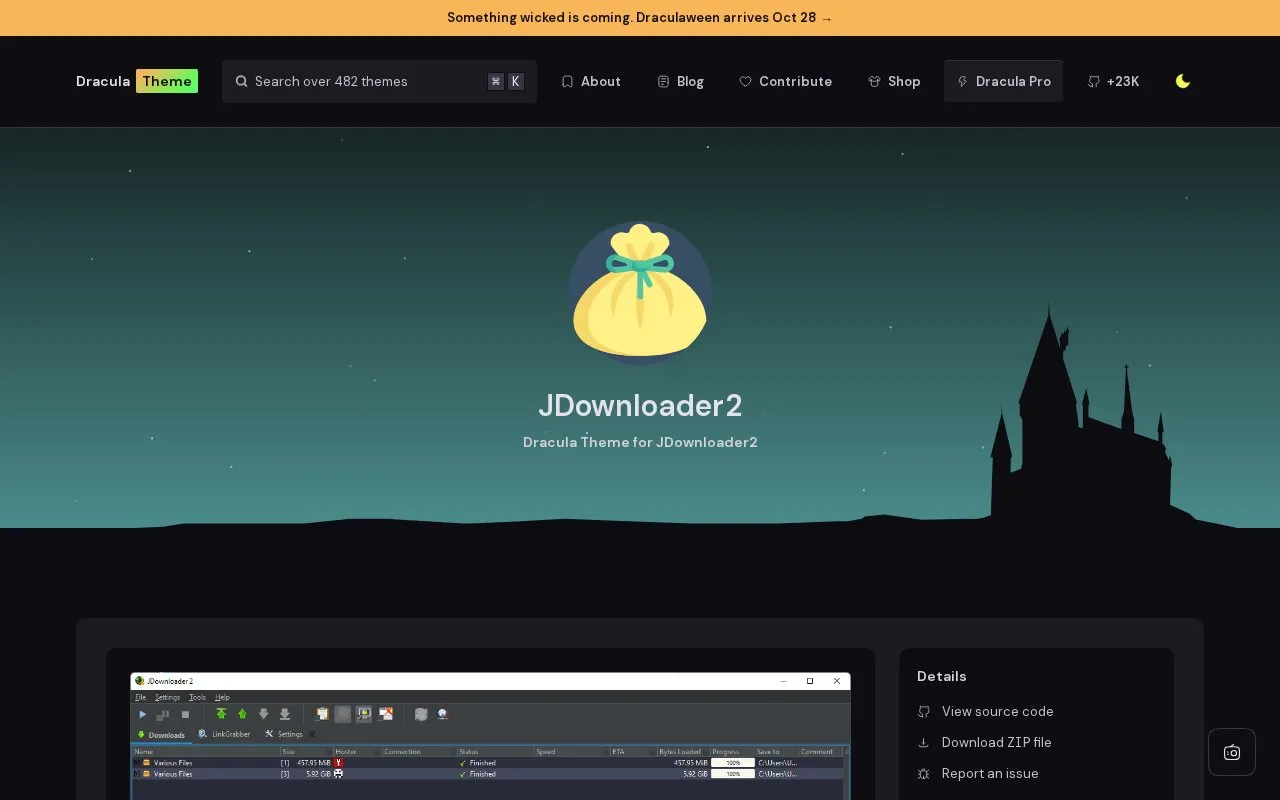
Dracula Theme provides a dark theme for JDownloader 2, with installation instructions and related apps.
About Dracula Theme
Dracula Theme is a page that provides a dark color theme for JDownloader 2, a download manager. It explains how to install the theme using git or a manual ZIP download, and how to activate it through JDownloader 2's Advanced Settings by changing the look and feel theme to FLATLAF_DRACULA.
Setup is manual. The steps involve searching advanced settings, placing a FlatDarculaLaf.json file in a specific JDownloader folder, and restarting the application. The page also lists related apps, but it gives no details about them. Pricing is not stated.
Key features
- Dark theme for JDownloader 2 using the FLATLAF_DRACULA look and feel setting
- Installation by cloning the theme's GitHub repository with git
- Manual installation by downloading and unzipping the theme's ZIP file
- Activation through the Advanced Settings look and feel theme option
- Requires placing FlatDarculaLaf.json in the JDownloader cfg laf folder
Best for: Users of JDownloader 2 who want a dark color theme and are comfortable editing settings and placing files manually.
Good for
- Offers both git and manual ZIP installation options
- Includes step-by-step activation instructions on the page
Watch out for
- Activation requires editing an advanced setting and manually placing a file
Dracula Theme at a glance
- Category
- Software & Utilities › Download Managers
- Type
- Website
- Pricing
- Not confirmed. Check the site
- Platforms
- Web
- Open source
- Not stated
- Language
- English
- Last checked
- Oct 6, 2026 · Online when checked
- Listed
- Oct 5, 2026
Dracula Theme alternatives
Tools and sites you could use instead, ranked by how closely they match.

Python download management is available through Persepolis, with installation instructions and project details.
Open source
20 alternatives
Material Darker adds more than 250 icons and a neutral dark appearance to JDownloader.
Open source
10 alternativesPopular in Download Managers
Well-known listings from the same topic.
Aria2aria2.github.ioGo Speedgopeed.comHTTP Downloadererickutcher.github.ioPyloadgithub.com/pyload/pyloadDebloat Guideclarasguide.valeena.workers.dev/Guides/jdownlo…Appsmy.jdownloader.org/apps


Dracula Theme FAQ
How do I activate the theme after installing it?
In JDownloader 2, go to Settings > Advanced Settings, search for GraphicalUserInterfaceSettings: Look And Feel Theme, and change the value from Default to FLATLAF_DRACULA. Then place the FlatDarculaLaf.json file in JDownloader\cfg\laf\, creating the folders if needed, and restart JDownloader 2.
Can I install the theme with git?
Yes. The page says git users can install the theme and keep it up to date by cloning the repository.
Is something wrong or out of date?
Tell us and an editor will check it.
Own this website?
Claim this listing
Claim the listing and suggest updates yourself. An editor checks every claim first.