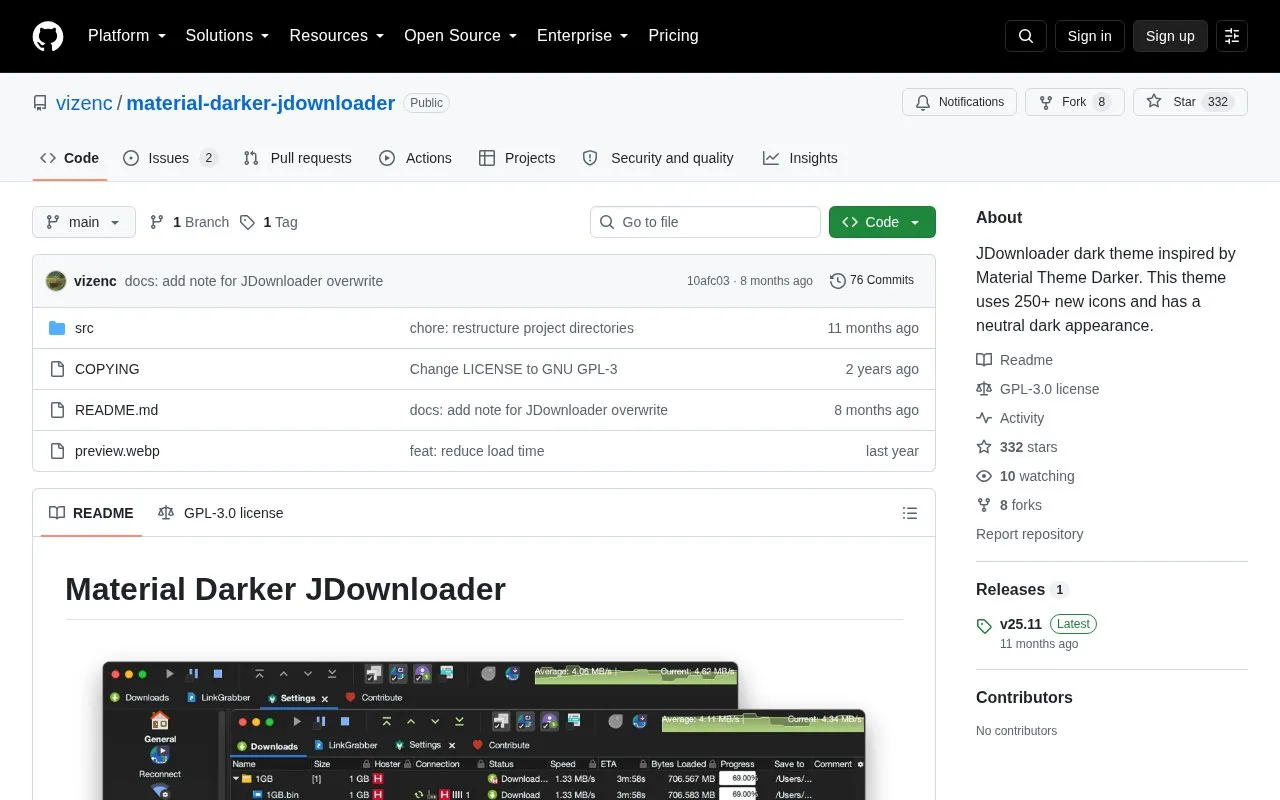
Material Darker is a dark theme for JDownloader inspired by Material Theme Darker. It provides a neutral dark appearance and more than 250 replacement icons using the FlatLaf look-and-feel library.
Installation restores a supplied settings file and copies theme files into JDownloader folders, which changes existing settings so a backup is advised. The flatlaf.jar file may need to be copied again after JDownloader updates, and HiDPI support is still in development with manual workarounds for font scaling.
Key features
Applies neutral dark appearance to JDownloader interface
Includes more than 250 replacement icons
Uses FlatLaf library for look and feel
Installs through JDownloader Backup Restore settings function
Supports progress bar color change following linked instructions
Supports disabling window decoration in Advanced Settings
Best for: JDownloader users on Linux and Windows who want a dark interface with replacement icons.
Good for
Open source under GPL-3.0 license
Includes step-by-step installation instructions in the README
Documents workarounds for window decoration and font scaling issues
Watch out for
Installation changes existing JDownloader settings, so a backup is recommended
JDownloader updates can overwrite flatlaf.jar, requiring manual copying again
HiDPI support is incomplete and font scaling may need manual settings
Why is the font and UI small and font scale does not work?
Proper HiDPI support is in development. You can try enabling Settings > Advanced Settings > Font Respects System DPI or adding -Dsun.java2d.uiScale=200% to JDownloader2.vmoptions. On Linux, use the install script from the JDownloader website because vmoptions is sometimes not recognized with Flatpak, AUR, and similar installs.
Is something wrong or out of date?
Tell us and an editor will check it.
Own this website?
Claim the listing and suggest updates yourself. An editor checks every claim first.