

Gopeed is a free, open-source download manager supporting HTTP, BitTorrent, magnet, and ed2k links.
Free
20 alternativesEric Kutcher’s project page hosts free, open-source Windows programs, including HTTP Downloader.
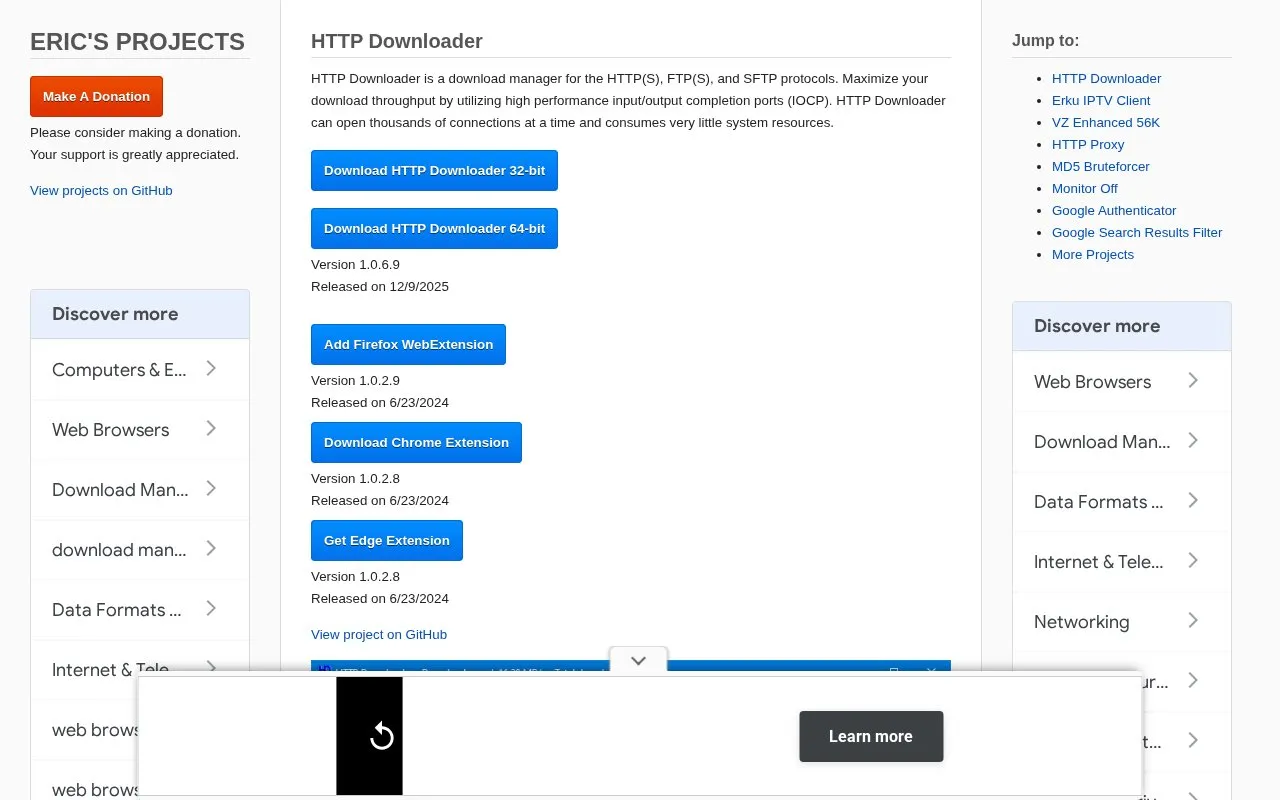
HTTP Downloader is a download manager for HTTP(S), FTP(S), and SFTP. It can start, pause, stop, and queue up to 100 downloads at a time, with each download split into up to 100 parts. Links can be added by drag and drop or through an Add URL window with settings for save location, part count, SSL/TLS version, authentication, cookies, headers, POST data, and proxy.
It supports mirrored downloads by grouping URLs in curly brackets and custom filenames with square brackets. It includes settings for connection retries, FTP active and passive modes, SFTP algorithms and private keys, HTTP, HTTPS, and SOCKS proxies, and a web server that enables communication with Firefox, Chrome, and Edge extensions. 32-bit and 64-bit versions are listed.
Tools and sites you could use instead, ranked by how closely they match.
Gopeed is a free, open-source download manager supporting HTTP, BitTorrent, magnet, and ed2k links.
MyJDownloader provides apps and browser extensions for remotely controlling the JDownloader download manager.
The Surge Firefox extension intercepts downloads and routes them to Surge Download Manager.
The Gopeed browser extension routes browser downloads to the Gopeed download manager.
Varia manages regular downloads, torrents, and video downloads from supported sites.
HTTP Downloader is an HTTP and HTTPS download manager that uses input/output completion ports.
Well-known listings from the same topic.
Tell us and an editor will check it.
Claim the listing and suggest updates yourself. An editor checks every claim first.


