

Fenestra turns sketches, CAD drawings, and 3D models into photorealistic architectural renders in a chosen studio style.
Draw3D
Draw3D converts sketches, CAD blockouts, and drawings into 3D renders and cinematic videos with geometry controls.
About Draw3D
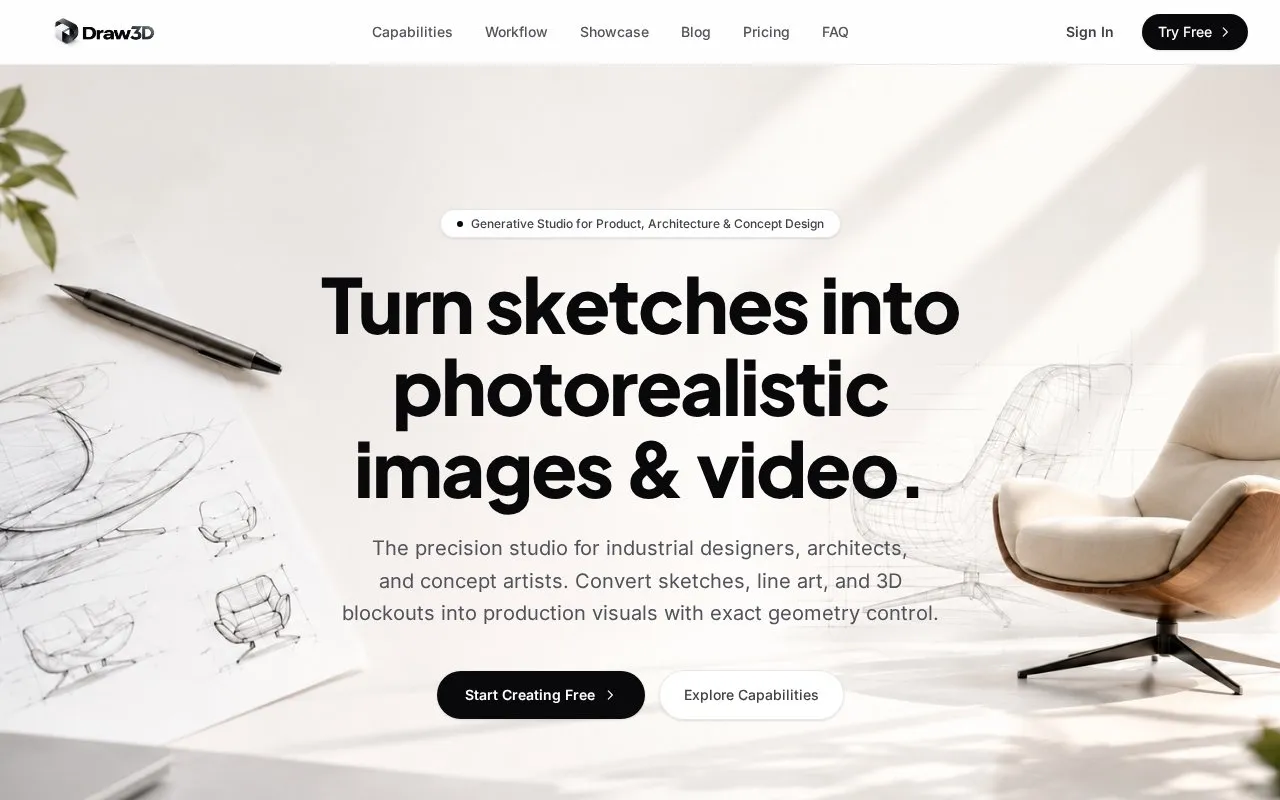
Draw3D is a browser-based web tool that converts sketches, line art, architectural drawings, and 3D blockouts into photorealistic renders and cinematic video. The homepage says it is aimed at industrial designers, architects, and concept artists, and that it uses spatial depth control and edge conditioning to keep the user's stroke placement and proportions.
The site describes sketching directly on a browser canvas, uploading CAD outlines, or importing screenshots from Blender, SketchUp, or Maya. Users can choose materials and lighting moods, then export 8K renders or turntable video clips. Commercial use is described as included only under the Pro and Studio plans, and the homepage does not state what the free starting option includes. Pricing is not stated in the source.
Key features
- Converts hand-drawn sketches and line art into photorealistic images
- Imports primitive shapes from Blender or CAD for rendering
- Sets materials such as concrete, brushed aluminum, and glass
- Applies lighting moods such as golden hour or studio ring light
- Generates camera motion and depth shifts from a single photo or storyboard
- Upscales concept renders to 8K resolution
Best for: Industrial designers, architects, and concept artists who want rendered or video output that follows their own sketches or 3D blockouts.
Good for
- Accepts rough sketches, CAD outlines, and 3D blockouts as inputs
- Supports 8K export for production renders
- Works with files exported from common design and modeling software
Watch out for
- The homepage ties full commercial rights to the Pro and Studio plans
- Uploads are limited to PNG, JPG, and WebP files
Draw3D at a glance
- Website
- draw3d.online
- Category
- AI & Machine Learning › AI Image Generators
- Type
- Online tool
- Pricing
- Not confirmed. Check the site
- Platforms
- Web
- Open source
- Not stated
- Language
- English
- Good for
- Designers
- Last checked
- Oct 6, 2026 · Online when checked
- Listed
- Oct 5, 2026
Draw3D alternatives
Tools and sites you could use instead, ranked by how closely they match.

Style3D AI creates fashion concepts from prompts, sketches or product photos, including garment visuals, patterns and virtual try-on images.

StyleAI turns fashion sketches into photorealistic virtual samples and lookbooks, with generated design variations for apparel brands.

Kittl combines AI image and video generation with vector editing, mockups, and design assets.

Virtual Staging AI digitally furnishes room photos for real estate listings, with per-image pricing shown on the page.

Fontjoy helps designers choose font combinations by generating pairings with deep learning.
Popular in AI Image Generators
Well-known listings from the same topic.
FigureLabsfigurelabs.aiImagePromptGuruimagepromptguru.netAI SVGaisvg.artCGDreamcgdream.aiFlux.1 AIflux1.aiPixraypixray.com


Draw3D FAQ
How does Draw3D differ from standard text-to-image AI tools?
The homepage states that standard text-to-image models can produce geometry and camera perspective at random. Draw3D says it uses spatial depth control and edge conditioning to keep the user's stroke placement, architectural proportions, and camera angles.
Can I use the renders for client pitches and commercial products?
The homepage says generations created under the Pro and Studio plans include full commercial rights, with 8K production export support. It does not state commercial rights for other plans.
What software files can I import?
The homepage says users can upload PNG, JPG, or WebP files, including viewport captures exported from Photoshop, Procreate, Blender, SketchUp, Maya, Rhino, or AutoCAD.
Is something wrong or out of date?
Tell us and an editor will check it.
Own this website?
Claim this listing
Claim the listing and suggest updates yourself. An editor checks every claim first.