

Draw3D converts sketches, CAD blockouts, and drawings into 3D renders and cinematic videos with geometry controls.
Fenestra
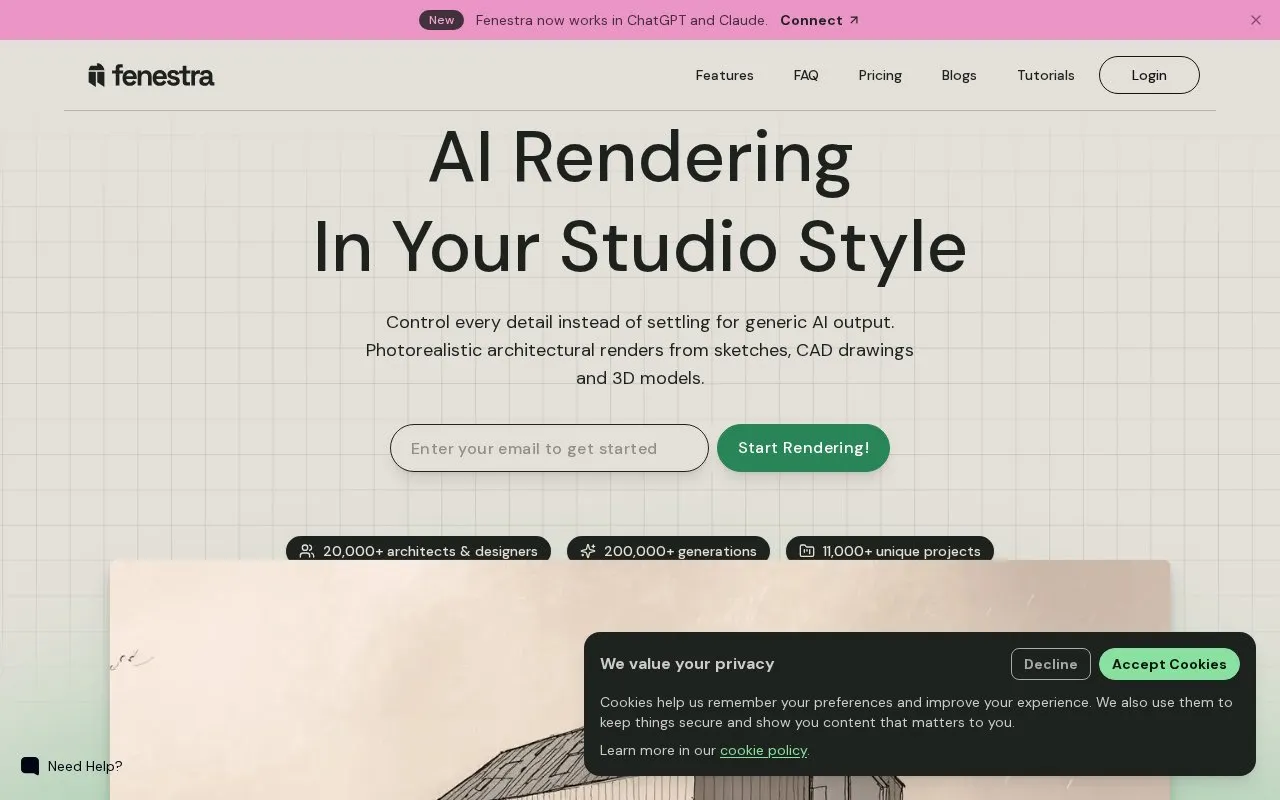
Fenestra turns sketches, CAD drawings, and 3D models into photorealistic architectural renders in a chosen studio style.
About Fenestra
Fenestra is AI rendering software for architects and interior designers. It turns sketches, CAD drawings, photos, and 3D models into photorealistic renders and animations in a browser-based studio. Users describe changes in natural language, and the homepage says no separate software needs to be learned.
The studio has four modes. Create mode generates renders from sketches, elevations, and 3D models. Edit mode adds people, removes furniture, and modifies facades. Enhance mode sharpens existing renderings and adds detail. Animate mode uses cinematic presets to produce animated views. Access to renders and videos is metered by monthly credits that depend on the plan.
Key features
- Converts sketches, elevations, and 3D models into architectural renders
- Turns 2D CAD drawings into renders
- Imports FBX, GLB, and 3DM 3D model files
- Edit mode adds people, removes furniture, and modifies facades using natural language
- Enhance mode sharpens renderings and adds detail
- Animate mode creates animated views from cinematic presets
Best for: Architects and interior designers who want to turn early sketches, CAD drawings, or 3D models into photorealistic visuals for client and marketing presentations.
Good for
- Browser-based studio, with the homepage stating that no new software needs to be learned
- Natural-language editing of people, furniture, and facades, with the homepage stating that no training is required
- Brings together 74 AI models in one platform, according to the homepage
Watch out for
- Output is limited by monthly credits; the Individual plan lists about 200 renders and about 20 videos per month
- Some listed features, such as unlimited projects and 3D sharing, appear only on the Pro plan
Fenestra at a glance
- Website
- fenestra.app
- Category
- AI & Machine Learning › AI Image Generators
- Type
- Online tool
- Pricing
- Not confirmed. Check the site
- Platforms
- Web
- Open source
- Not stated
- Language
- English
- Good for
- Designers
- Last checked
- Oct 6, 2026 · Online when checked
- Listed
- Oct 5, 2026
Fenestra alternatives
Tools and sites you could use instead, ranked by how closely they match.

StyleAI turns fashion sketches into photorealistic virtual samples and lookbooks, with generated design variations for apparel brands.

Style3D AI creates fashion concepts from prompts, sketches or product photos, including garment visuals, patterns and virtual try-on images.

Virtual Staging AI digitally furnishes room photos for real estate listings, with per-image pricing shown on the page.

Fontjoy helps designers choose font combinations by generating pairings with deep learning.

Recraft provides image generation and design tools for vectors, mockups, custom styles, and product visuals.
Popular in AI Image Generators
Well-known listings from the same topic.
FigureLabsfigurelabs.aiImagePromptGuruimagepromptguru.netAI SVGaisvg.artCGDreamcgdream.aiFlux.1 AIflux1.aiHairstyle AIhairstyleai.com


Fenestra FAQ
Does Fenestra use my uploaded designs to train its models?
The homepage states for the Pro plan that data is private by default and that the company does not train on user data. This statement is listed under the Pro plan only and is not described for other plans.
Can I change an existing render without starting over?
Edit Mode lets users add people, remove furniture, and modify facades in a design by describing the change in natural language.
Which file types can be used as input?
The homepage lists sketches, CAD drawings, photos, and 3D models as inputs. For 3D models it names FBX, GLB, and 3DM files.
Is something wrong or out of date?
Tell us and an editor will check it.
Own this website?
Claim this listing
Claim the listing and suggest updates yourself. An editor checks every claim first.