

DualSense Tester runs in a browser and supports testing DualSense, DualSense Edge, and DualShock 4 controllers.
Open source
24 alternativesConnect your DualSense Controller, use Adaptive Triggers, Emulate Xbox 360 or DualShock 4 through USB or Bluetooth on PC
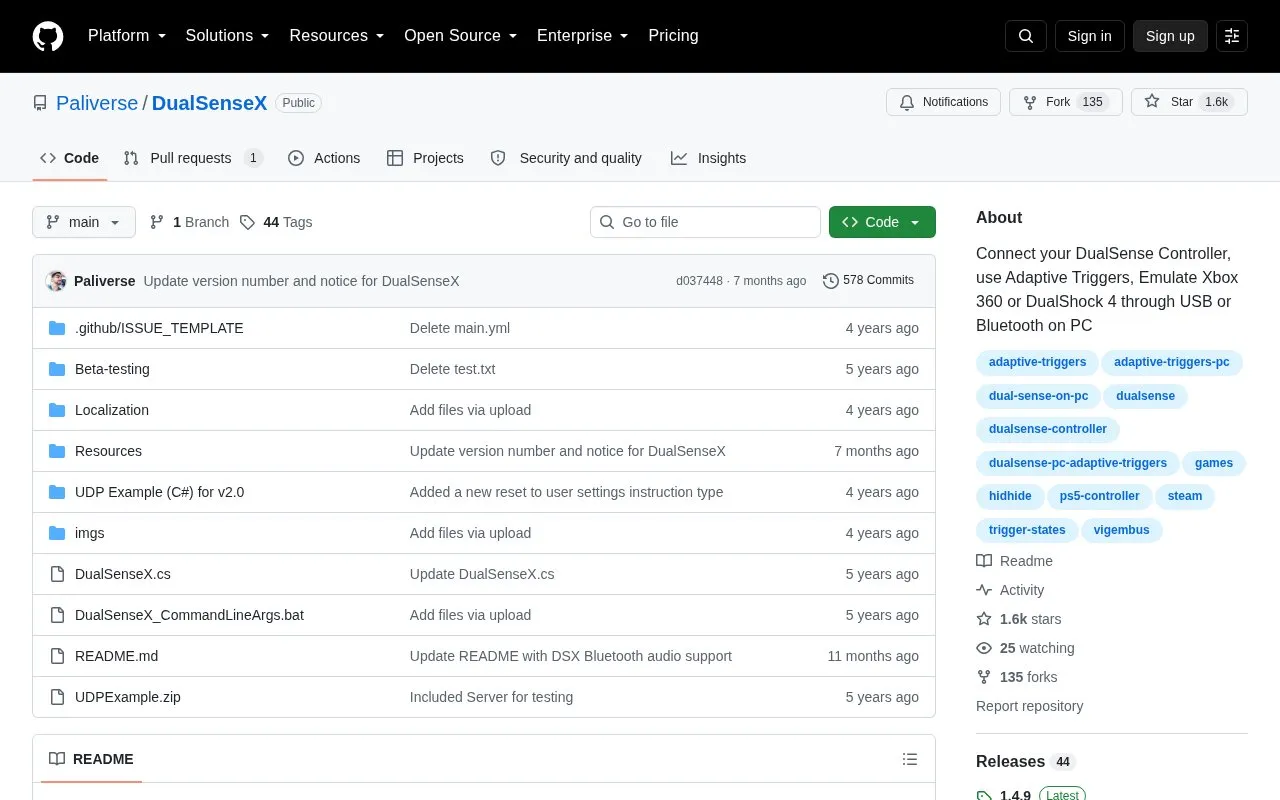
DualSenseX connects a PS5 DualSense controller to a PC over USB or Bluetooth and enables adaptive triggers. It can emulate an Xbox 360 or DualShock 4 controller, or run without emulation, and includes keyboard-to-button mapping, LED configuration, and button and joystick testing.
Use requires the ViGEmBus driver and a reboot, with an optional HidHide driver. The GitHub version (v1.4.9) is no longer supported or updated, as development moved to DSX on Steam. Speaker/headphone jack audio works over USB only, and battery status shows 100% when connected by USB.
Tools and sites you could use instead, ranked by how closely they match.
DualSense Tester runs in a browser and supports testing DualSense, DualSense Edge, and DualShock 4 controllers.
DualSenseY supports DualSense and DualShock 4 controllers through a lightweight program with installation instructions.
Connect controllers from other consoles to a Nintendo Switch over Bluetooth with MissionControl.
Translate DualSense controller inputs into XInput so a PC can use the controller with compatible software.
Dualshock Tools provides software for configuring and managing DualShock controller features through a web interface.
Turn keyboard input into up to four virtual Xbox 360 controllers with KeyboardSplitterXbox.
Well-known listings from the same topic.
Tell us and an editor will check it.
Claim the listing and suggest updates yourself. An editor checks every claim first.


