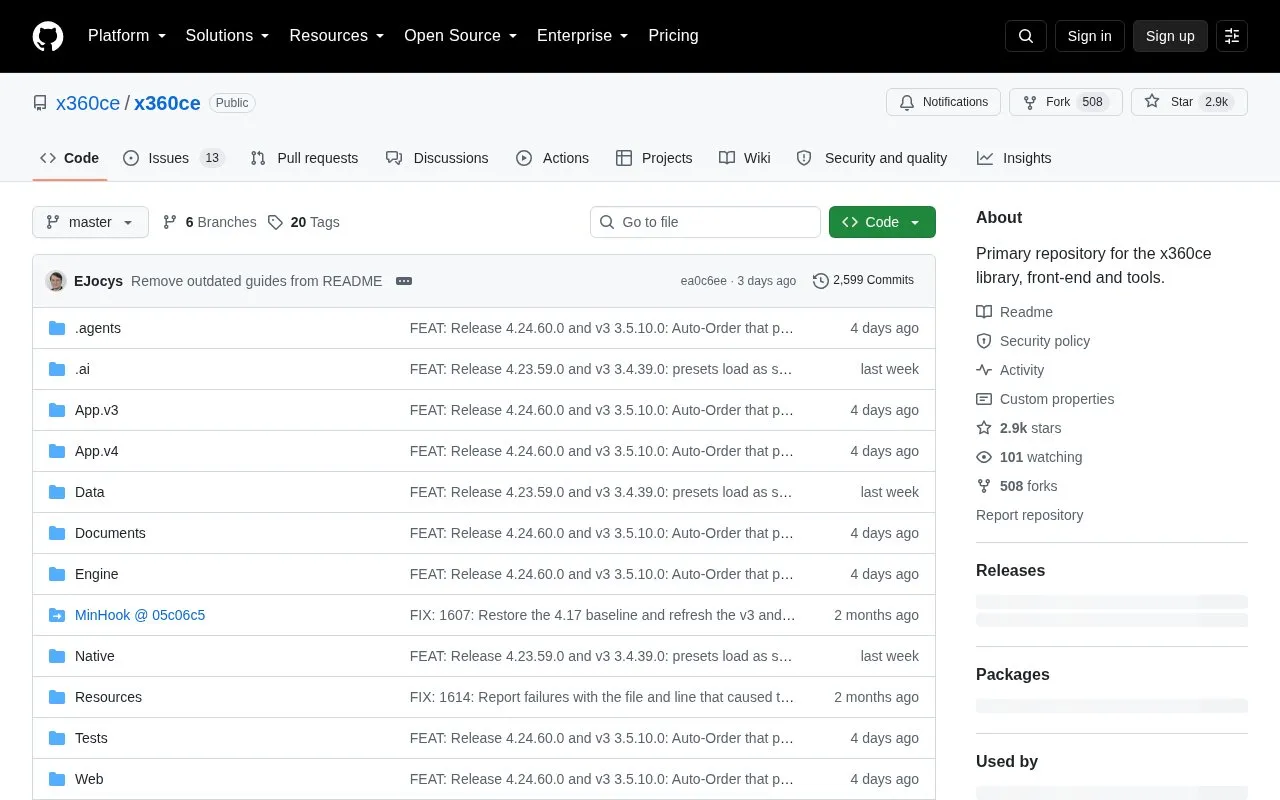
x360ce is a Windows tool that lets a non-Xbox controller, such as a gamepad, joystick, or wheel, work as an Xbox 360 controller in PC games. The repository's example is playing Grand Theft Auto or Mafia II with a Logitech wheel. The repository holds the library, front end, and tools for the project.
Version 4.x of the application is downloaded alongside Virtual Gamepad Emulation Bus. The repository lists version 4.25.67.0 of the application and version 1.21.442.0 of the bus for Windows 10 and later, and version 1.16.112.0 of the bus for older Windows. The repository states that only digitally signed builds should be run, and that signed builds are published on the Releases page.
Key features
Makes gamepads, joysticks, and wheels act as Xbox 360 controllers
Mapping formulas that scale, shape, or limit stick and trigger input
Formula status indicator showing whether each formula is currently applied
Settings folder can be changed, with files copied and checked before moving
AI assistant access through MCP or command line, off by default in Options
Best for: Windows PC gamers who want to use a non-Xbox controller with games that expect an Xbox 360 controller.
Good for
Signed builds are published on the Releases page, as stated in the repository
Formula status indicator turns green when a formula is understood and driving its row
Moving settings copies each file and checks it against the original before removing anything
Watch out for
Version 4.x uses Virtual Gamepad Emulation, which must be installed alongside it
Formulas are limited to 128 characters and replace the dead zone and sensitivity settings for their row
Antivirus software may flag the program, and the repository asks users to report false positives in Issues
Should I turn off antivirus software to run x360ce?
No. The repository says not to disable antivirus or exclude the application from it. It advises downloading and running only digitally signed files and reporting any suspicion in Issues.
Which Windows versions does the current version support?
The repository lists version 4.25.67.0 with Virtual Gamepad Emulation Bus 1.21.442.0 for Windows 10 and later, and bus version 1.16.112.0 for older Windows.
Where are the settings stored?
By default, settings are kept in C:\ProgramData\X360CE\Settings. In Options, then Settings, users can see the folder in use and choose another one.
Is something wrong or out of date?
Tell us and an editor will check it.
Own this website?
Claim the listing and suggest updates yourself. An editor checks every claim first.