

GameVault App is the frontend for a self-hosted, source-available platform for DRM-free games.
sys-con
Use third-party controllers on Nintendo Switch with the sys-con system module.
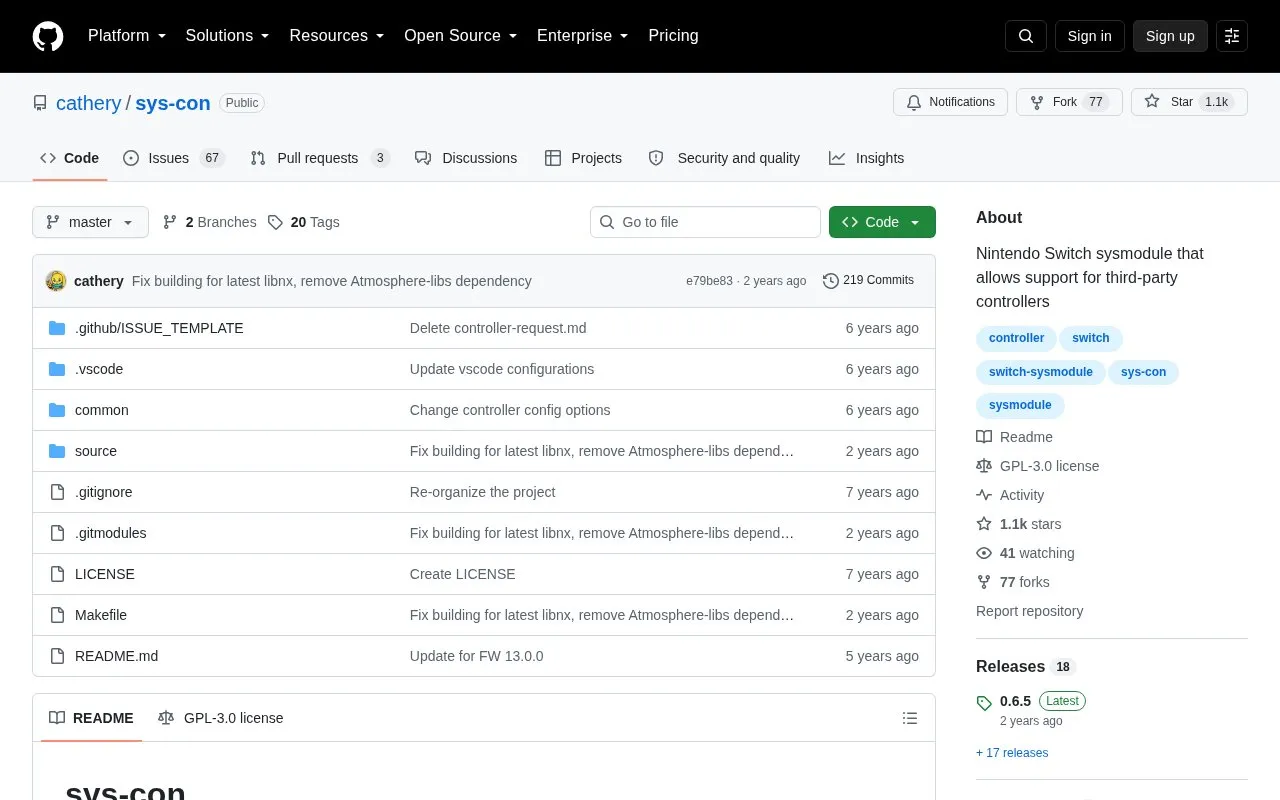
About sys-con
sys-con is an open-source Nintendo Switch sysmodule that adds support for third-party controllers without a man-in-the-middle setup. It targets Switch firmware 5.0.0 and later and requires Atmosphère. At present it supports USB connections only; the project states it is missing many features and that Bluetooth support is handled by a separate project. Configuration files stored at sdmc:/config/sys-con/ let users adjust stick and trigger deadzones and remap inputs, with changes applied in real time.
Key features
- Third-party controller support as a Switch sysmodule, no man-in-the-middle setup
- USB controller connections only; Bluetooth is left to a separate project
- Config files at sdmc:/config/sys-con/ for deadzone and input remapping
- Config changes take effect in real time
- Undocked USB works with a USB-C OTG adapter; some knock-off brands may not
- Roadmap lists Xbox 360, Xbox One X/S, DualShock 3 and 4, rumble and motion controls
Best for: Nintendo Switch owners running Atmosphère who want to use wired USB third-party controllers.
Good for
- No man-in-the-middle setup required
- Open source under the GPL-3.0 license
- Deadzone and remapping changes apply without restarting
Watch out for
- Only USB connections are supported at the current time
- Generic third-party HID controllers are not supported yet due to a firmware limitation
- The project states that many features are still missing
sys-con at a glance
- Website
- github.com/cathery/sys-con
- Category
- Gaming › Game Utilities & Launchers
- Type
- Open-source project
- Pricing
- Not confirmed. Check the site
- Open source
- Yes · Source code
- Language
- English
- Good for
- Developers
- Last checked
- Oct 5, 2026 · Online when checked
- Listed
- Oct 5, 2026
sys-con alternatives
Tools and sites you could use instead, ranked by how closely they match.

Forgix combines Minecraft modloader and plugin JAR files into a single JAR.

Connect controllers from other consoles to a Nintendo Switch over Bluetooth with MissionControl.
Open source
24 alternatives
Stream Nintendo Switch gameplay to a computer over USB or a network with SysDVR.
Open source
24 alternatives
TcNo-Acc-Switcher quickly switches between accounts for Steam, Battle.net, Epic Games, and other services.
Open source
24 alternatives
Connect friends as though they were on a local network with Switch-LAN-Play.
Open source
24 alternativesPopular in Game Utilities & Launchers
Well-known listings from the same topic.
Archivearchive.org/details/MemcardRex1.8cancerogenoslabsites.google.com/view/cancerogenoslabGameSave Managergamesave-manager.comGameGuidesgamerguides.comBalatro Wikibalatrowiki.orgBetter xCloudbetter-xcloud.github.io


sys-con FAQ
What firmware and custom firmware are required?
Switch firmware 5.0.0 or later, and Atmosphère only. Bluetooth support is directed to a separate project.
How do I install it?
Download the latest zip from the releases page, extract it to the SD card, then boot or reboot the Switch.
Can I adjust deadzones or remap buttons?
Yes. Options live in the config folder at sdmc:/config/sys-con/, with example.ini in the same folder; changes are updated in real time.
Is something wrong or out of date?
Tell us and an editor will check it.
Own this website?
Claim this listing
Claim the listing and suggest updates yourself. An editor checks every claim first.