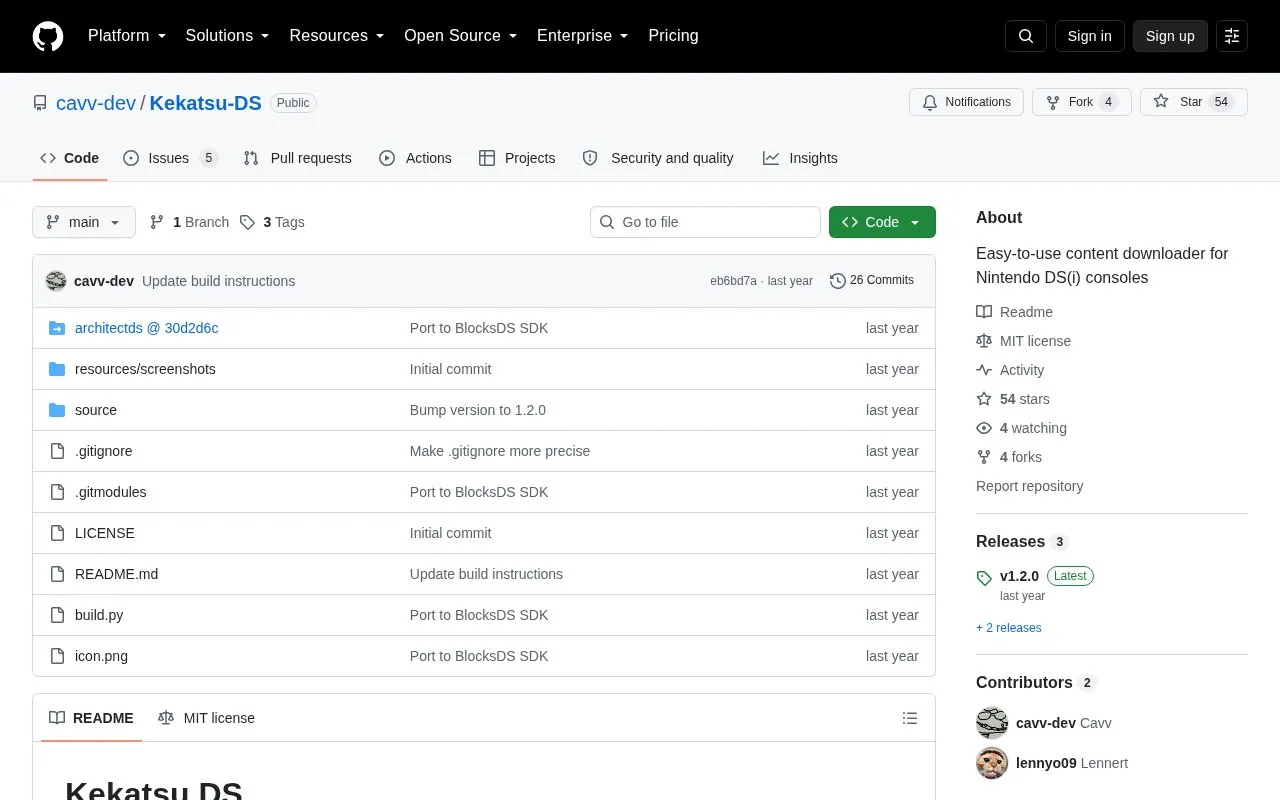
Kekatsu-DS is an open-source content downloader for Nintendo DS and DSi consoles, distributed as a GitHub repository. It runs as Kekatsu.nds from an SD card and downloads apps and games using a database supplied by the user rather than a built-in catalog. Databases can be loaded from an HTTP(S) URL or from a file on the SD card, and several databases can be listed in a databases.txt file inside the Kekatsu folder at the root of the card.
Each database entry carries a title, platform, region, version, author, a direct download URL, file name, size and a box art URL, plus optional extraction rules. The downloader can unpack ZIP archives, either fully or only the items named in the database, and it checks for updates automatically. Customizable color scheme and localization support are also listed. Setup is manual: the user creates the Kekatsu folder, writes databases.txt and follows a specified database format. Pricing is not stated in the source.
Key features
Downloads apps and games on DS(i) from a user-supplied database
Loads databases from an HTTP(S) URL or an SD card file
Supports multiple databases listed in databases.txt
Extracts ZIP archives, optionally only specified in/out items
Checks for updates automatically
Customizable color scheme and localization support
Best for: Nintendo DS and DSi owners who want to download apps and games on the console using their own database.
Good for
Open-source project with a standalone downloader that runs from an SD card
Accepts databases either from a URL or from a local file, and supports several at once
Includes ZIP extraction rules, update checks, color customization and localization
Watch out for
Requires manual setup: Kekatsu folder and databases.txt in the SD card root, plus database entries in a defined format
Extraction rules apply only when the downloaded file is an archive
Content availability depends on the databases the user supplies or selects
Download Kekatsu.nds from the latest release, place it anywhere on the SD card, create a folder named Kekatsu in the root of the SD card, create a text file named databases.txt inside it, then start Kekatsu and load a database from the Databases menu.
Where does Kekatsu look for the list of databases?
It reads databases.txt in the Kekatsu folder at the root of the SD card. Each line holds a display name and a value separated by '=' or a tab; the value is either an HTTP(S) URL returning a database in text response or a path to a database file on the SD card.
What kinds of files can a database point to?
A database entry provides a direct HTTP(S) link to the content file, which can be an executable or a ZIP archive. Extraction rules in the entry are only checked when the downloaded file is an archive.
Is something wrong or out of date?
Tell us and an editor will check it.
Own this website?
Claim the listing and suggest updates yourself. An editor checks every claim first.