
Turn keyboard input into up to four virtual Xbox 360 controllers with KeyboardSplitterXbox.
JoyToKey
Use a game controller to emulate mouse and keyboard inputs in Windows applications and browser games with JoyToKey.
About JoyToKey
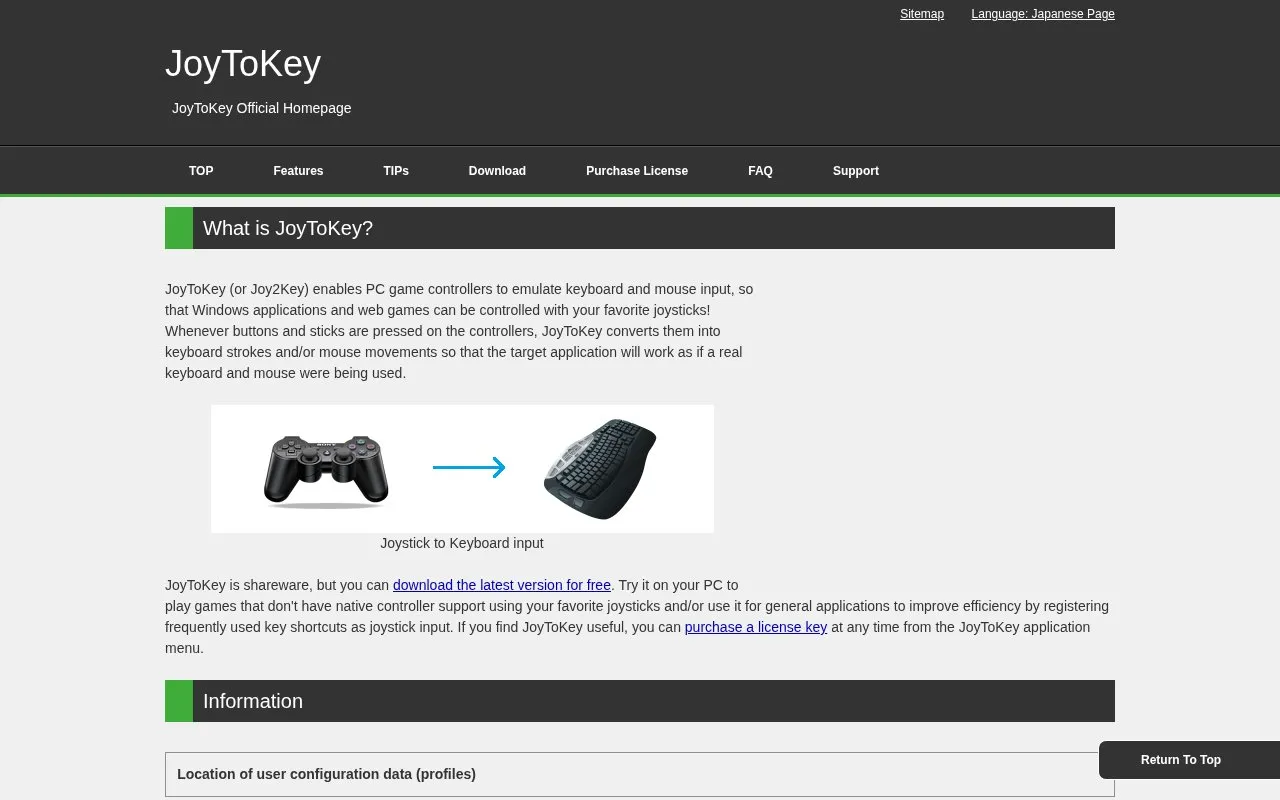
JoyToKey is a Windows utility that converts input from a PC game controller into keyboard strokes and mouse movements. This lets Windows applications and browser-based games that lack native controller support be played or operated with a joystick. The source also describes using it to register frequently used keyboard shortcuts as controller input for general application use.
JoyToKey is shareware. The latest version can be downloaded for free, and a license key can be bought at any time from the application menu. Some features have stated limits: vibration notifications on profile switches currently work only with the first XInput device, and starting the program with Windows requires launching it as an administrator first. Configuration data is stored by default in the Documents\JoyToKey folder, and users may need to copy configuration files manually after an upgrade.
Key features
- Converts controller button and stick input into keyboard strokes or mouse movements
- Switches profiles automatically based on target application path or window title
- Supports sequence and command input, added in version 7.4
- Lets one button rotate through assignments or act as a SHIFT function by press length
- Can treat diagonal stick input as separate buttons, configured separately for each stick
- Can paste predefined text into the target application
Best for: PC gamers who want to play games without native controller support, and Windows users who want to trigger frequently used shortcuts with a game controller.
Good for
- The latest version can be downloaded for free, with an optional license purchase
- Works with games that lack native controller support and with general Windows applications
- Profiles can switch automatically depending on the target application
Watch out for
- Vibration notifications on profile switch are limited to the first XInput device
- Starting automatically with Windows requires launching JoyToKey as an administrator first
- A change to the code-signing certificate may cause a security warning during a transition period
JoyToKey at a glance
- Website
- joytokey.net/en
- Category
- Gaming › Game Utilities & Launchers
- Type
- Website
- Pricing
- Not confirmed. Check the site
- Platforms
- Web, Windows
- Open source
- Not stated
- Language
- English
- Last checked
- Oct 6, 2026 · Online when checked
- Listed
- Oct 5, 2026
JoyToKey alternatives
Tools and sites you could use instead, ranked by how closely they match.

Keystrokes OSD displays keyboard input on screen with artwork credited to JaxOriginals.

Gamepadla catalogs gamepad input-latency tests and lets visitors compare button and stick measurements across controllers.

Aimlabs provides an aim trainer for practicing mouse and controller accuracy in shooter games.

Test controller buttons and inputs in your browser with the Gamepad-Tester hardware checking page.

AntiMicroX maps keyboard buttons and mouse controls to a gamepad for playing games without gamepad support.
Open source
24 alternativesPopular in Game Utilities & Launchers
Well-known listings from the same topic.
Archivearchive.org/details/MemcardRex1.8cancerogenoslabsites.google.com/view/cancerogenoslabGameSave Managergamesave-manager.comGameGuidesgamerguides.comBalatro Wikibalatrowiki.orgBetter xCloudbetter-xcloud.github.io


JoyToKey FAQ
Where does JoyToKey store configuration data?
When installed with the installer, configuration data is stored by default in the JoyToKey folder inside the user's Documents folder. After upgrading, configuration files (JoyToKey.ini and *.cfg files) may need to be copied manually from the old JoyToKey folder into the Documents/JoyToKey folder.
Is JoyToKey free?
JoyToKey is shareware, and the latest version can be downloaded for free. A license key can be purchased at any time from the JoyToKey application menu.
What should I check if a security warning appears when downloading or installing?
The source says a warning may appear during the code-signing transition period. Check that the publisher details say "FREE COLORS, LTD." before continuing with the download and execution.
Is something wrong or out of date?
Tell us and an editor will check it.
Own this website?
Claim this listing
Claim the listing and suggest updates yourself. An editor checks every claim first.