

Convert mouse sensitivity settings between games using the Same Aim calculator, which supports many titles and aiming tools.
Sens Converter
Convert mouse sensitivity between games by matching sensitivity, DPI, and distance per 360-degree turn.
About Sens Converter
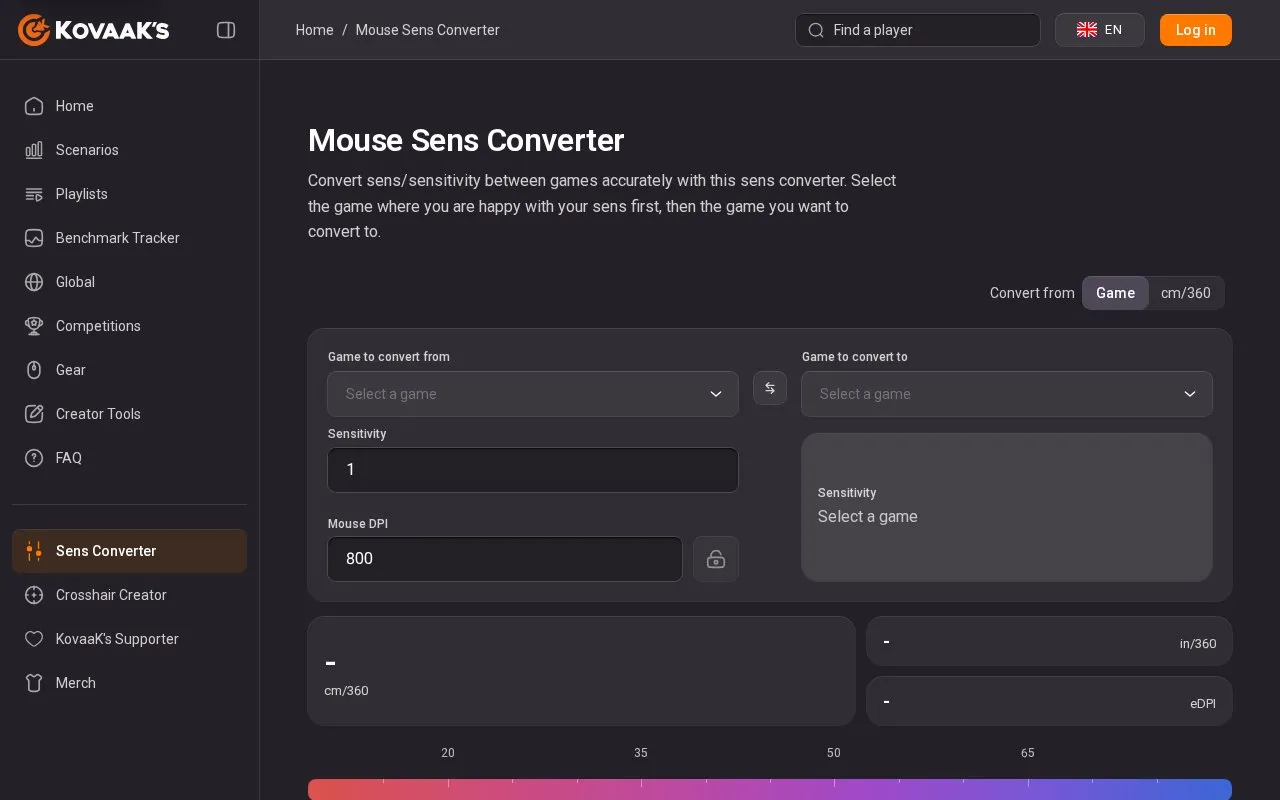
Sens Converter converts mouse sensitivity between games by finding the value that preserves the same cm/360 distance for a full 360° turn. Users select the current game and sensitivity, select the target game, and enter DPI to see centimetres or inches per turn. For games where sensitivity depends on field of view, such as PUBG, Splitgate and Paladins, it asks for FOV.
It supports 33 listed games in either direction, plus raw counts per 360°, and marks the typical range for the destination game. The conversion matches turn distance, not feel, which can still differ because of field of view, aspect ratio, mouse acceleration and smoothing.
Key features
- Convert sensitivity between 33 games in either direction
- Calculate cm/360 and inches per turn with DPI input
- Convert to and from raw counts per 360°
- Update converted value as you type
- Ask for FOV where sensitivity scale depends on it
- Show typical range for game being converted to
Best for: Players who play more than one shooter and want the same turn distance across games.
Good for
- Works in both directions across 33 games plus raw counts
- Shows cm/360 distance when DPI is provided
- Accounts for FOV in games where yaw depends on it
Watch out for
- Matching turn distance does not preserve feel when FOV, acceleration or smoothing differ
- Cannot show centimetres or inches per turn without DPI
Sens Converter at a glance
- Category
- Gaming › Game Utilities & Launchers
- Type
- Website
- Pricing
- Not confirmed. Check the site
- Platforms
- Web
- Open source
- Not stated
- Language
- English
- Last checked
- Oct 5, 2026 · Online when checked
- Listed
- Oct 5, 2026
Sens Converter alternatives
Tools and sites you could use instead, ranked by how closely they match.

Free tools convert mouse sensitivity between titles and calculate eDPI, with no signup required.

Broop matches players with partners who share schedules, platforms, and titles.
Free
24 alternativesConvert Unreal Engine games into virtual reality experiences with UEVR.

Look up and convert SteamID, SteamID3, SteamID64, custom URL, and community ID formats.

Aimlabs provides an aim trainer for practicing mouse and controller accuracy in shooter games.
Popular in Game Utilities & Launchers
Well-known listings from the same topic.
Archivearchive.org/details/MemcardRex1.8cancerogenoslabsites.google.com/view/cancerogenoslabGameSave Managergamesave-manager.comGameGuidesgamerguides.comBalatro Wikibalatrowiki.orgBetter xCloudbetter-xcloud.github.io


Sens Converter FAQ
Does my DPI change the converted sensitivity?
No. The converted number depends only on the two games' yaw values. DPI affects the physical distance, so it is needed to show cm/360.
What is cm/360?
How far your mouse travels across the pad to turn a full 360° in game. A lower cm/360 is faster, a higher one is slower.
Why does my converted sensitivity feel different?
Conversion matches distance for a full turn. Field of view, aspect ratio, mouse acceleration and smoothing change how that distance feels.
Is something wrong or out of date?
Tell us and an editor will check it.
Own this website?
Claim this listing
Claim the listing and suggest updates yourself. An editor checks every claim first.