

AimTrainer offers browser-based practice for aiming and precision through customizable challenges.
EVGA Precision X1
Tune and monitor EVGA graphics cards with Precision X1, including frequency curve and RGB lighting controls.
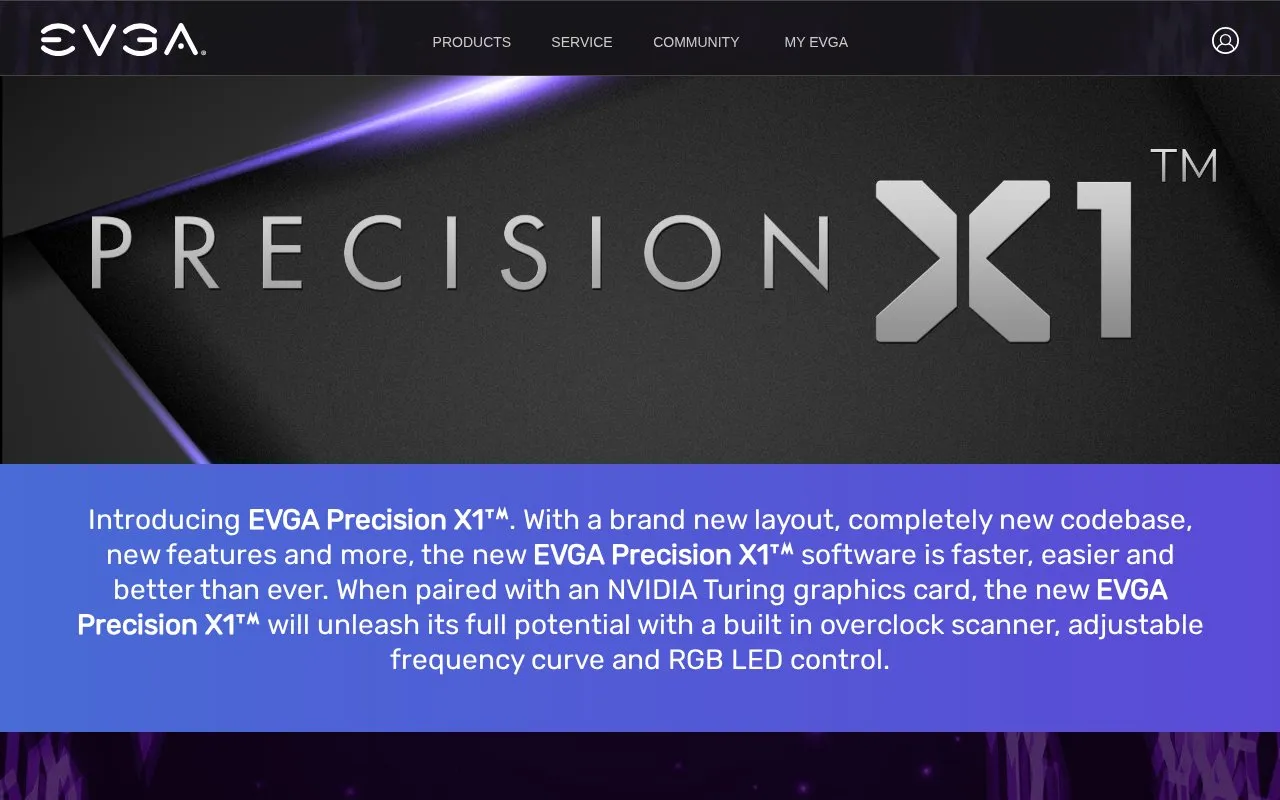
About EVGA Precision X1
EVGA Precision X1 is software for tuning and monitoring EVGA graphics cards. It provides GPU clock, memory clock and voltage controls, an overclock scanner for finding a stable overclock, and an adjustable frequency curve with independent voltage and frequency points. It also includes fan control with custom fan curves, real-time wattage monitoring, an on-screen display of system vitals, and RGB LED control for graphics cards and NVLink Bridges.
The homepage lists full support for GeForce RTX cards, with GeForce GTX support described as coming soon. The stated system requirements cover GeForce RTX, GeForce GTX 16 Series and GeForce GTX 10 Series cards on Windows 8 or Windows 10 (64-bit). Real-time wattage monitoring works only on supported EVGA cards, and fan options may vary by card. The software is offered as Precision Standalone or Precision for Steam.
Key features
- Built-in overclock scanner for finding a stable overclock
- Adjustable frequency curve with independent voltage and frequency points
- GPU clock, memory clock and voltage control
- Custom fan control and fan curves for each graphics card
- Real-time wattage monitoring on supported EVGA graphics cards
- Profiles, up to 10, with hotkey switching
Best for: Owners of supported EVGA or GeForce RTX graphics cards running Windows who want to adjust clocks, voltage, fans and RGB lighting from one utility.
Good for
- Covers clock, voltage, fan and RGB lighting controls in one utility
- Supports multiple graphics cards for fan control
- Includes an overclock scanner for testing stability
Watch out for
- GeForce GTX support is listed as coming soon, so full support is currently for GeForce RTX cards
- Real-time wattage monitoring is available only on supported EVGA graphics cards
- Fan options may vary depending on the graphics card
EVGA Precision X1 at a glance
- Website
- evga.com/precisionx1
- Category
- Gaming › Game Utilities & Launchers
- Type
- Website
- Pricing
- Not confirmed. Check the site
- Platforms
- Web
- Open source
- Not stated
- Language
- English
- Last checked
- Oct 6, 2026 · Online when checked
- Listed
- Oct 5, 2026
EVGA Precision X1 alternatives
Tools and sites you could use instead, ranked by how closely they match.

Flawless Widescreen offers fixes and support for playing games on ultrawide and multi-monitor displays.

Stress-test and benchmark MSI graphics cards with the MSI Kombustor utility.

MemcardRex transfers memory card data for PlayStation consoles, with version 1.8 available through its project page.
Pick
24 alternatives
GameGuides publishes detailed walkthroughs, strategy guides, and interactive maps for games such as Control Resonant.

DotGG is a gaming network of specialized sites covering card games and video games, offering content and specialized tools for players.
Popular in Game Utilities & Launchers
Well-known listings from the same topic.
cancerogenoslabsites.google.com/view/cancerogenoslabGameSave Managergamesave-manager.comBalatro Wikibalatrowiki.orgBetter xCloudbetter-xcloud.github.ioController Testercontrollertest.ioWikiwiki.hacks.guide


EVGA Precision X1 FAQ
Which graphics cards are supported?
The system requirements list GeForce RTX, GeForce GTX 16 Series and GeForce GTX 10 Series graphics cards. The homepage states full support for GeForce RTX cards and says GTX support is coming soon.
Which Windows versions are required?
The homepage lists Windows 10 64-Bit and Windows 8 64-Bit as system requirements.
Is there a version for Steam?
Yes. The homepage offers Precision Standalone and Precision for Steam as version choices.
Is something wrong or out of date?
Tell us and an editor will check it.
Own this website?
Claim this listing
Claim the listing and suggest updates yourself. An editor checks every claim first.