

Ffmpeg Web
ffmpeg-web provides web and desktop interfaces for converting video, audio, and images with FFmpeg or ffmpeg.wasm.
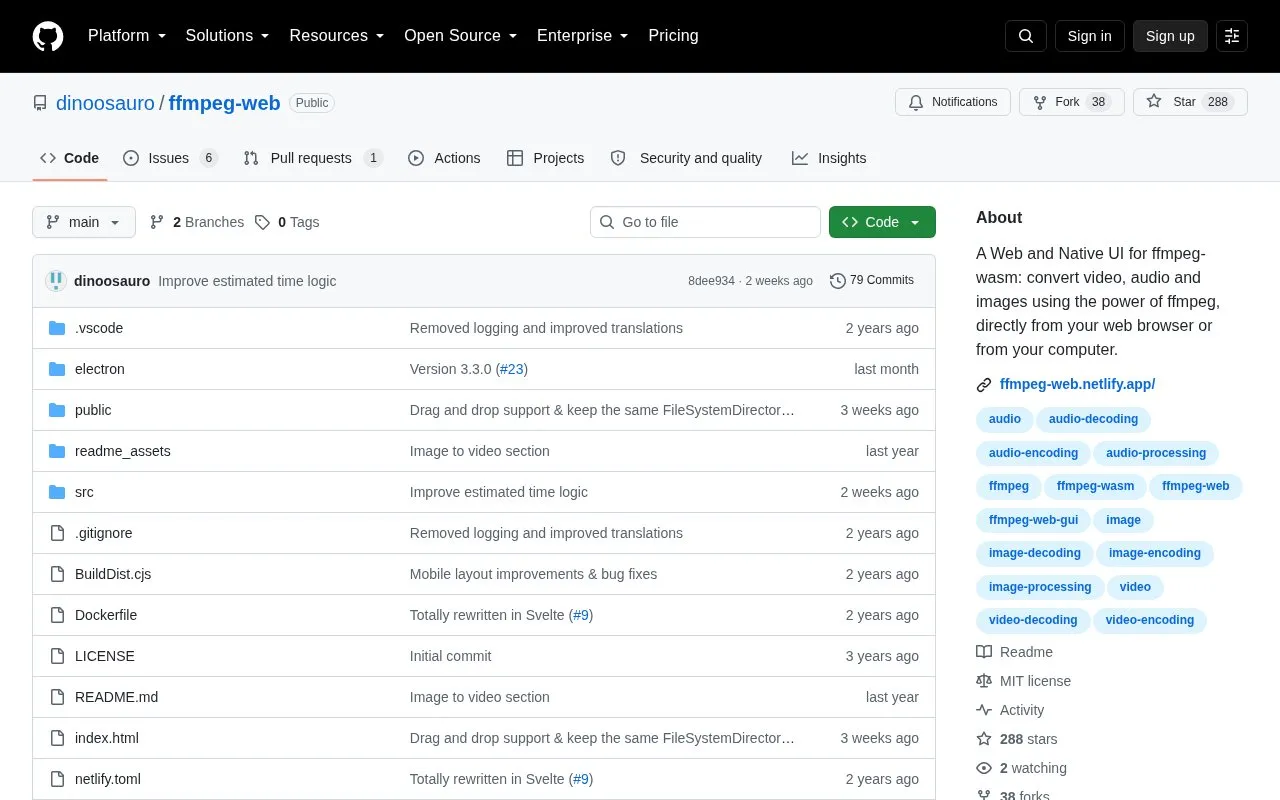
About Ffmpeg Web
Ffmpeg Web is an open source interface for FFmpeg and ffmpeg.wasm. It runs in a web browser and also as a desktop app using Electron with native FFmpeg as a renderer. The project repository includes source code, build files, and documentation.
With it, you can convert video files to formats such as H264, H265, VP9 and others, and audio files to MP3, AAC, FLAC, WAV and others. You can adjust bitrate, frame rate, orientation and channels, apply video and audio filters, or run a custom FFmpeg command. It also supports merging media files, editing metadata without re-encoding, converting images, combining images into a video, and creating a video from a music file with album art.
It suits users who need to convert or adjust media files without installing a separate editor, and who are comfortable selecting files and output settings in a browser interface.
Key features
- Convert video, audio and images in browser
- Run as desktop app with native FFmpeg
- Adjust bitrate, FPS, orientation and channels
- Apply video and audio filters and custom filters
- Run custom FFmpeg commands
- Merge files and edit metadata without re-encoding
Best for: People who want to convert video, audio, and images in a browser using FFmpeg options.
Good for
- Works in browser and as desktop app
- Supports many video, audio and image formats
- Allows custom commands and filter settings
- Open source with code and documentation
Watch out for
- Browser processing can be slower than native version
- Less common codecs require enabling a setting
Ffmpeg Web at a glance
- Category
- Design & Creative › Video Editing & Animation
- Type
- Open-source project
- Pricing
- Not confirmed. Check the site
- Open source
- Yes · Source code
- Language
- English
- Last checked
- Oct 5, 2026 · Online when checked
- Listed
- Oct 5, 2026
Guides for Video Editing & Animation

Ffmpeg Web alternatives
Tools and sites you could use instead, ranked by how closely they match.

StaxRip provides a Windows encoding interface for video and audio tools including FFmpeg, x265, and MKVToolNix.
Open source
24 alternatives
This hands-on guide introduces digital video concepts, codecs such as AV1 and H.265, and FFmpeg encoding, with translations listed.
Open source
24 alternatives
NEAV1E provides a GUI for AV1 and VP9 encoders, splitting videos into chunks and processing them with multiple workers.
Open source
24 alternatives
FastFlix provides a graphical interface for hardware and software encoding with H.264, HEVC, and AV1 codecs.
FreeOpen source
24 alternatives
Encode videos with FastFlix, a free desktop interface for H.264, HEVC and AV1 hardware or software encoders.

This HandBrake guide covers presets, encoding settings, Blu-ray and DVD workflows, file size control, and video transcoding.
Popular in Video Editing & Animation
Well-known listings from the same topic.
Animakeranimaker.com8mb.video8mb.videoCuttrcuttr.inASM Lessonsgithub.com/FFmpeg/asm-lessonsVideo Cuttervideo-cutter-js.comMotionPlacesmotionplaces.com


Ffmpeg Web FAQ
What is Ffmpeg Web?
It is an open source web and desktop interface for converting video, audio, and images with FFmpeg and ffmpeg.wasm.
Do I need to install software to use it?
You can use it in a web browser, or run the Electron version on your computer with native FFmpeg.
What can I do with Ffmpeg Web?
You can convert media files, adjust size and audio settings, merge files, edit metadata, convert images, and create videos from images or music files.
Is something wrong or out of date?
Tell us and an editor will check it.
Own this website?
Claim this listing
Claim the listing and suggest updates yourself. An editor checks every claim first.