
FocusWriter
FocusWriter offers a distraction-free word processor with a hide-away interface accessed by moving the mouse to the screen edge.
About FocusWriter
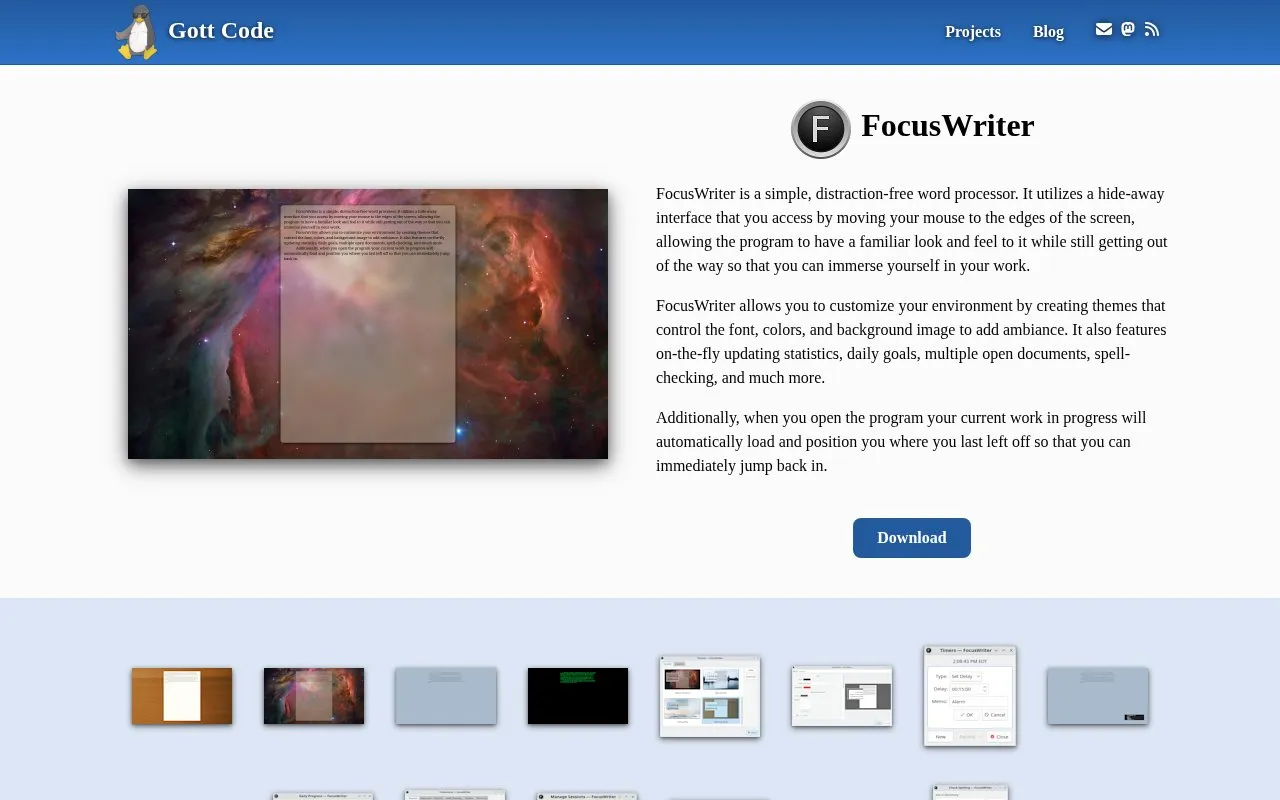
FocusWriter is a word processor built around a distraction-free writing environment. Its interface hides away and reappears when the mouse is moved to the edges of the screen, so the document fills the workspace without losing familiar controls.
Writers can create themes that set the font, colors and background image, and the program shows updating statistics and daily goals. It supports multiple open documents and spell-checking, and when opened it reloads the current work in progress at the position where you last left off. Builds are listed for Linux (Qt and hunspell dependencies) and Windows 10 x64, including a portable version and source code; version 1.9.1 is released under GPL version 3.
Key features
- Hide-away interface revealed by moving the mouse to screen edges
- Custom themes controlling font, colors and background image
- On-the-fly updating statistics and daily writing goals
- Multiple open documents with spell-checking
- Reloads work in progress at the last cursor position
- Linux and Windows 10 x64 builds, including a portable version
- Interface stays out of the way until the mouse reaches a screen edge
- Themes let writers adjust fonts, colors and background imagery
- Reopens the current document exactly where the writer stopped
- Download listings cover Linux and Windows 10 x64 only
- Linux builds require Qt and hunspell dependencies to be installed
FocusWriter at a glance
- Website
- gottcode.org/focuswriter
- Category
- Productivity › Writing Apps
- Type
- Website
- Pricing
- Not confirmed. Check the site
- Platforms
- Linux, Web, Windows
- Open source
- Not stated
- Language
- English
- Last checked
- Oct 6, 2026 · Online when checked
- Listed
- Oct 5, 2026
Popular in Writing Apps
Well-known listings from the same topic.


FocusWriter FAQ
Which platforms can run FocusWriter?
Does it remember where I stopped writing?
Can I change how the writing screen looks?
Tell us and an editor will check it.
Claim the listing and suggest updates yourself. An editor checks every claim first.