

Litube is an Android video client with an embedded browser for YouTube with native playback and built-in downloads.
Open source
24 alternativesTermux:GUI lets command-line programs use native Android graphical interface components through a plugin.
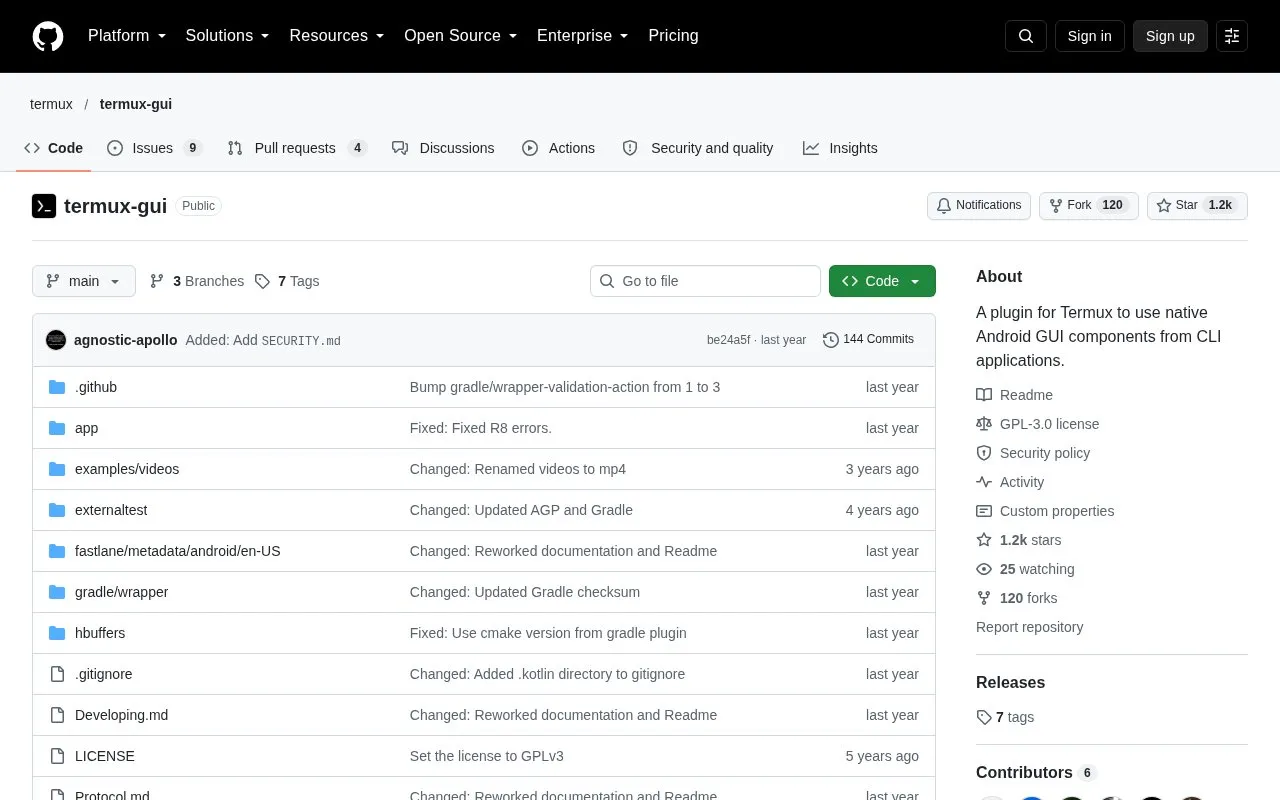
Termux:GUI is a plugin for Termux that lets command-line programs use native Android graphical interface components. Programs running in Termux can create interface elements such as buttons, text fields, dialogs, notifications, and widgets. The project is open source under the GPL-3.0 license and is distributed through F-Droid and GitHub releases.
The official language bindings are Python, C/C++, and Bash. A Rust binding is listed as a community project that is not maintained by the plugin maintainer. Overlay windows and opening windows from the background require enabling "Display over other apps" in the advanced section of the app settings. Compared with native Android apps, programs using the plugin have lower performance because of inter-process communication, and access to the Android API goes through Termux:GUI and Termux:API.
Tools and sites you could use instead, ranked by how closely they match.
Litube is an Android video client with an embedded browser for YouTube with native playback and built-in downloads.
Notally helps Android users create and organize notes with a lightweight note-taking interface.
This unofficial Android app provides a WebView-based interface for DeepL translation.
Etar provides an open-source Android calendar with a material-designed interface.
MALClient lets Windows and Android users manage MyAnimeList through its APIs and website.
LSPatch enables Xposed modules without rooting the device by patching individual app packages.
Well-known listings from the same topic.
Tell us and an editor will check it.
Claim the listing and suggest updates yourself. An editor checks every claim first.


