

This Waydroid script adds components such as OpenGApps, Magisk, and translation libraries.
Open source
24 alternativesGum provides components for building interactive shell scripts, according to its project description.
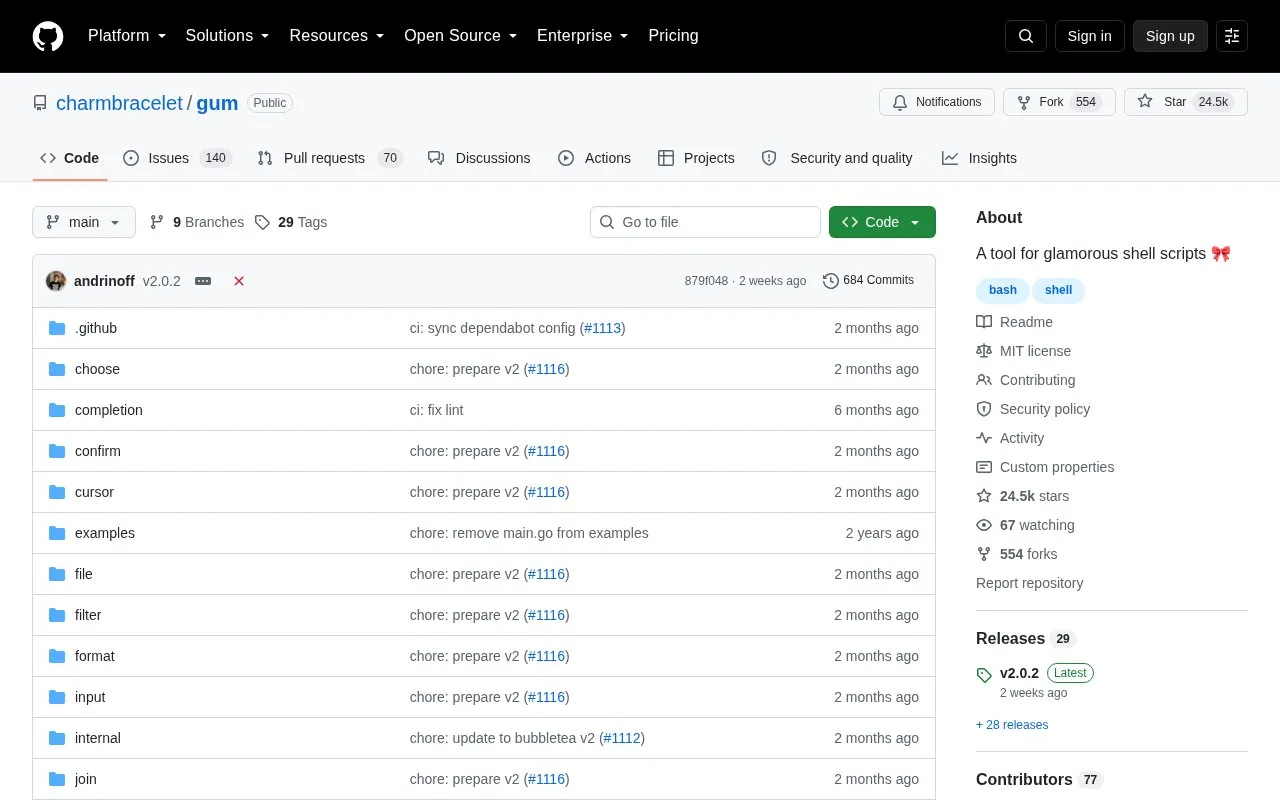
Gum provides command-line utilities for adding interactive elements to shell scripts and dotfile aliases without writing Go code. It includes commands for choosing options, prompting for short or long-form input, confirming actions, filtering lists, formatting text, and displaying tables.
Options and styles can be set with command flags or environment variables. It is distributed through system package managers, prebuilt binaries for Linux, macOS, Windows, FreeBSD, OpenBSD, and NetBSD, and via Go install.
Tools and sites you could use instead, ranked by how closely they match.
This Waydroid script adds components such as OpenGApps, Magisk, and translation libraries.
xdg-ninja checks a user’s home directory for unwanted files and directories using a shell script.
OpenCore provides a bootloader with UEFI support components and development resources.
navi lets users browse interactive command-line cheat sheets that they can write or download.
Brigadier fetches and installs Boot Camp ESD files from Apple or a software update server using a Python script.
Bash-it collects community-maintained Bash commands and scripts for Bash environments.
Well-known listings from the same topic.
Tell us and an editor will check it.
Claim the listing and suggest updates yourself. An editor checks every claim first.


