

Frutiger Aero Archive collects wallpapers, videos, icons, and historical material about the Frutiger Aero aesthetic.
Hardcode Tray
Hardcode-Tray detects hardcoded Linux tray icons and replaces them with icons from the selected theme, with an option to revert.
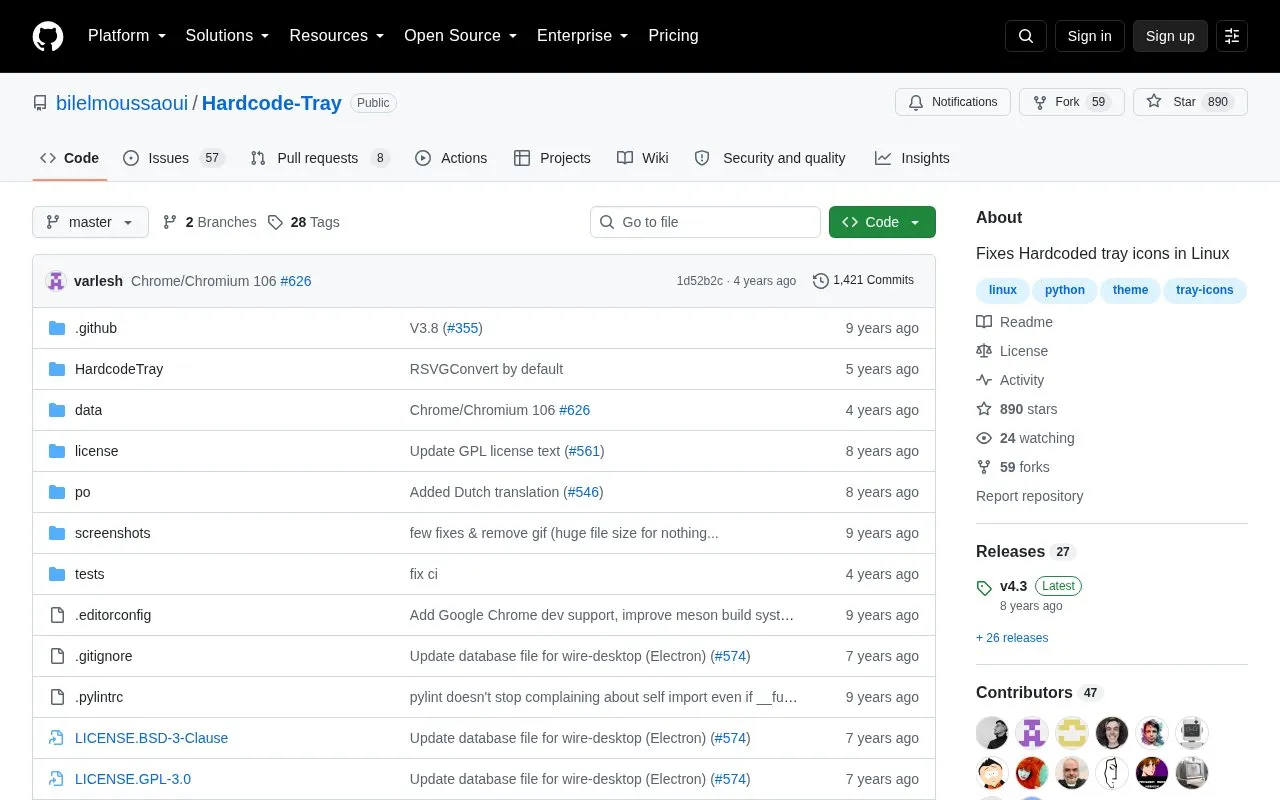
About Hardcode Tray
Hardcode-Tray is a Linux desktop customization utility that automatically detects hardcoded system tray icons and replaces them with icons matching the user's selected theme, with an option to revert to original icons. It auto-detects the default theme, correct icon size, supported hardcoded applications, and corresponding replacement icons, and supports multiple SVG-to-PNG conversion tools. It is limited to Linux systems, and only supports a small set of listed icon themes including Numix and Papirus.
Key features
- Auto-detects default desktop theme and correct tray icon size
- Replaces hardcoded tray icons with matching theme icons
- Supports reverting changes to original hardcoded icons
- Allows fixing or reverting icons for specific applications only
- Supports separate light and dark theme icon sets
- Lets users select preferred SVG-to-PNG conversion tool
Best for: Linux desktop users who want to align hardcoded system tray icons with their chosen icon theme.
Good for
- Automates detection of hardcoded tray icons and matching theme replacements
- Supports popular Linux icon themes including Numix and Papirus
- Offers flexible command-line options for targeted fixes or theme variants
Watch out for
- Only compatible with Linux operating systems
- Limited to a small set of supported icon themes including Numix and Papirus
- Default CairoSVG conversion tool has known issues with CSS-based SVG files
Hardcode Tray at a glance
- Category
- Software & Utilities › Desktop Customization
- Type
- Open-source project
- Pricing
- Not confirmed. Check the site
- Platforms
- Linux
- Open source
- Not stated
- Language
- English
- Last checked
- Oct 6, 2026 · Online when checked
- Listed
- Oct 5, 2026
Hardcode Tray alternatives
Tools and sites you could use instead, ranked by how closely they match.

Folder Marker offers tools for changing folder icons and colors, with additional icon sets.

Wallpapers Clan offers phone wallpapers, app icons, folder icons, and profile pictures.

This repository collects Polybar themes in different styles, colors, and variants for desktop customization.
Open source
24 alternatives
Themix GUI generates color variations for themes including GTK, Cinnamon, GNOME, Openbox, and Xfwm.
Open source
24 alternatives
Variety automatically downloads and rotates wallpapers on Linux systems.
Open source
24 alternativesPopular in Desktop Customization
Well-known listings from the same topic.
Chezmoichezmoi.ioawesomewmawesomewm.orgdotfilesdotfiles.github.iobackieeapps.microsoft.com/store/detail/backiee-wallpa…Dynamic Themeapps.microsoft.com/detail/9nblggh1zbkwHydraPaperhydrapaper.gabmus.org


Hardcode Tray FAQ
How do I apply the tray icon replacement fix?
Run `hardcode-tray --apply` or select the apply option from the default welcome prompt.
Can I fix tray icons for only specific applications?
Yes, use the `--only` flag followed by the target application names.
What SVG-to-PNG conversion tools are supported?
CairoSVG, Inkscape, RSVGConvert, ImageMagick, and SVGExport.
Is something wrong or out of date?
Tell us and an editor will check it.
Own this website?
Claim this listing
Claim the listing and suggest updates yourself. An editor checks every claim first.