

Pokemon-Terminal provides Pokémon-themed terminal themes, with topics listing shells and terminals including Bash and iTerm2.
Open source
24 alternativesliquidctl provides cross-platform command-line and Python drivers for liquid coolers and other devices.
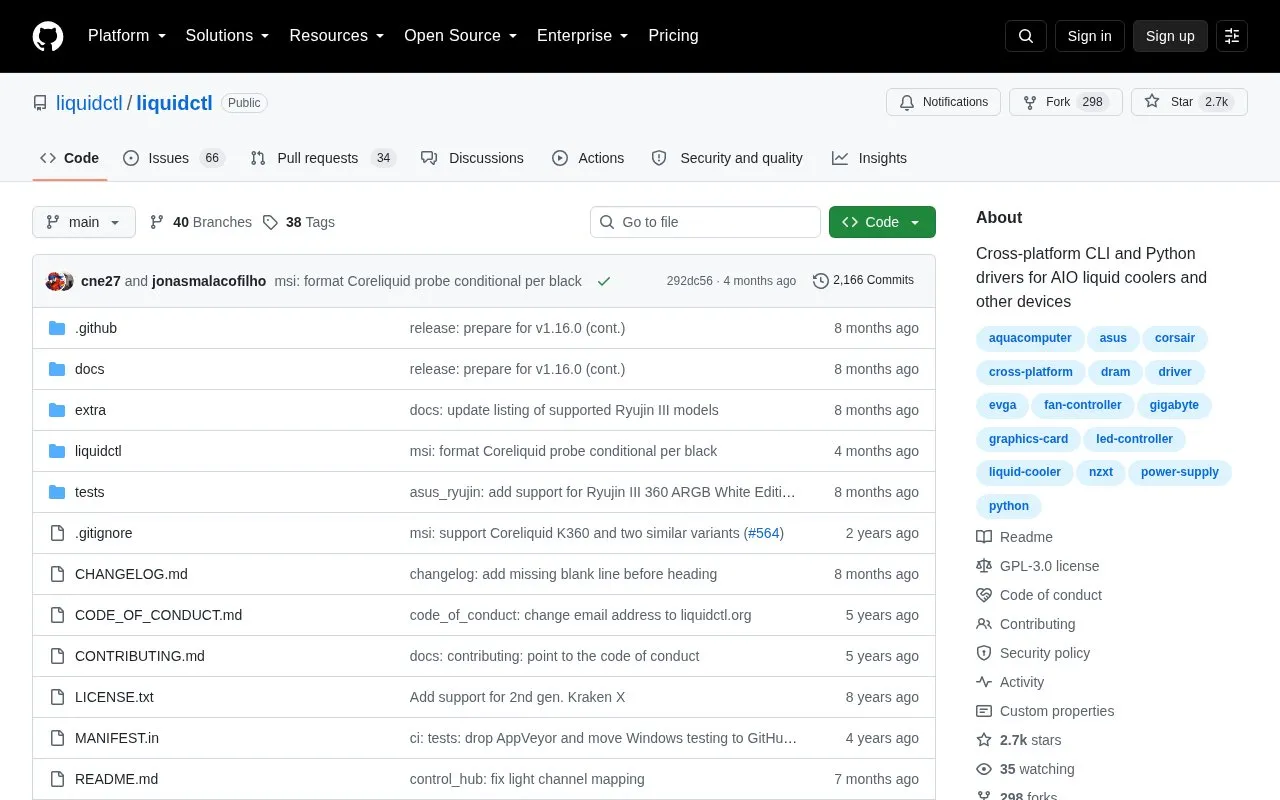
LiquidCTL is an open-source command-line tool and Python library for AIO liquid coolers and other devices, including pump, fan and LED controllers. It can list connected devices, initialize them, report readings such as liquid temperature, fan speed and pump speed, and change fan speed, pump speed and lighting settings.
Support is limited to the specific models listed in its supported-devices table, each with a minimum recommended version. Setup documentation covers installation on Linux, macOS, Windows, FreeBSD and DragonFly BSD, including device access and running at boot.
Tools and sites you could use instead, ranked by how closely they match.
Pokemon-Terminal provides Pokémon-themed terminal themes, with topics listing shells and terminals including Bash and iTerm2.
Variety automatically downloads and rotates wallpapers on Linux systems.
Superpaper manages wallpapers across multiple monitors on Linux and Windows, with partial support for macOS.
Hidamari lets Linux users set videos as wallpaper backgrounds on their desktop.
Catppuccinifier recolors wallpapers using a command-line or graphical interface on Linux and Windows.
AGS provides a command-line scaffold for Astal and Gnim projects used to build desktop shells.
Well-known listings from the same topic.
Tell us and an editor will check it.
Claim the listing and suggest updates yourself. An editor checks every claim first.


