

liquidctl provides cross-platform command-line and Python drivers for liquid coolers and other devices.
Open source
24 alternativesOpenRGB controls RGB lighting devices without relying on manufacturer software.
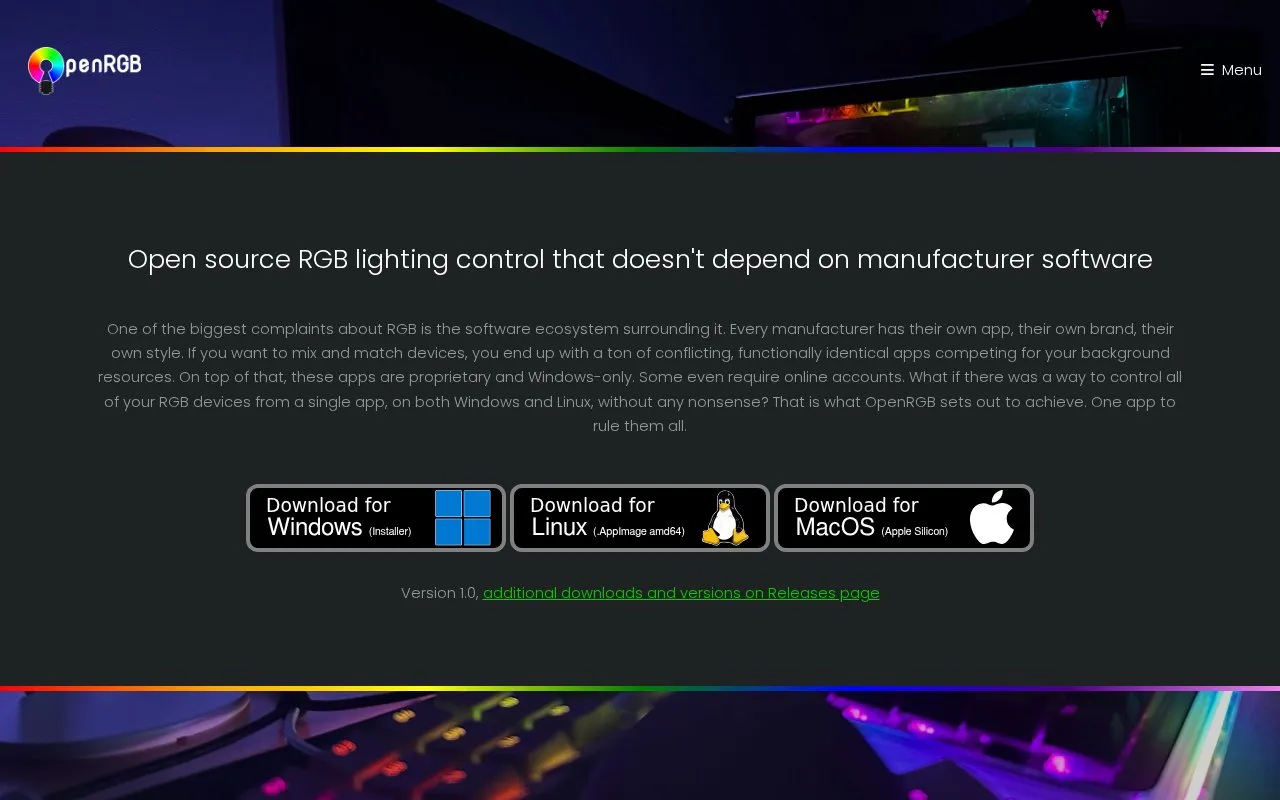
OpenRGB is a program for controlling RGB lighting devices without using manufacturer software. It is intended to replace multiple proprietary control programs with one app that can manage devices from different manufacturers together.
You can use it to control lighting across supported devices on Windows, Linux, and macOS. It uses a lightweight interface designed to use little RAM and CPU. It also provides a network-based SDK with bindings for languages including C++, Python, C#, and Java, plus a client for syncing lighting across multiple systems over a network.
It includes a plugin interface for adding functions to the interface, with existing plugins such as an effects engine, an E1.31 data receiver, and a visual layout editor. It suits people with RGB hardware from several brands who want central control, including users on Linux and macOS, and those who want to add devices or integrations using code.
Tools and sites you could use instead, ranked by how closely they match.
liquidctl provides cross-platform command-line and Python drivers for liquid coolers and other devices.
Retro groove color scheme for Vim with light and dark mode switching.
Build vibrant text user interfaces for modern terminal emulators with the Notcurses library.
Configure Qtile with Python and use its full-featured tiling window manager for arranging windows.
Superpaper manages wallpapers across multiple monitors on Linux and Windows, with partial support for macOS.
Hardcode-Tray detects hardcoded Linux tray icons and replaces them with icons from the selected theme, with an option to revert.
Well-known listings from the same topic.
Tell us and an editor will check it.
Claim the listing and suggest updates yourself. An editor checks every claim first.


