
iFake
iFake creates mock text message conversations, including fake iMessage-style messages, through an online case editor.
About iFake
iFake is an online tool for creating mock text message conversations. It is listed under image creation and editing and is designed to produce fake text and iMessage-style conversation screens.
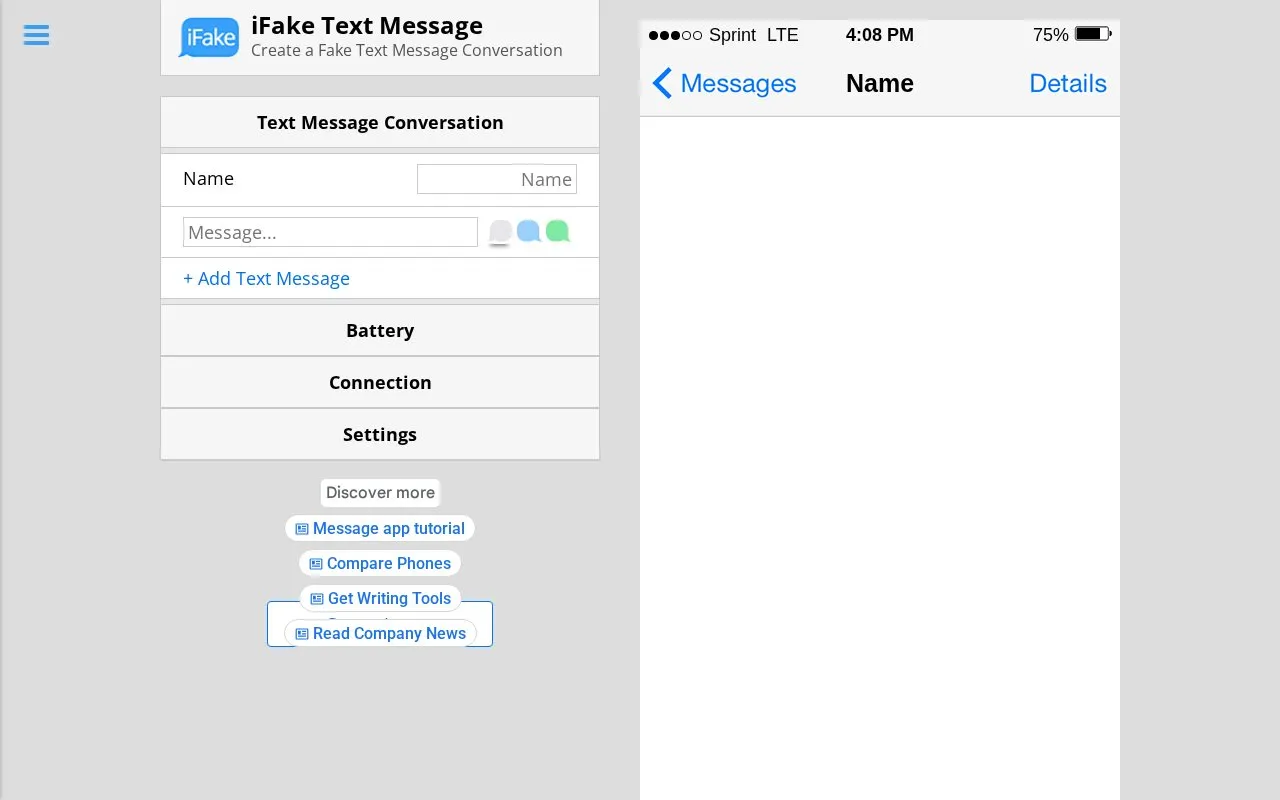
You can use the online editor to build a conversation preview. The interface shows a phone-style layout with status details such as carrier, connection, battery level and time, along with a message area where a name and messages appear. The site also provides Create, Tutorial, About and FAQ sections to explain the process.
The tool is available on web and iOS and is presented in English. It suits people who need a mock conversation image for design and creative work. The site notes that it is not affiliated with Apple, iPhone, iMessage, or iPhone text messages.
Key features
- Create fake text message conversations online
- Create fake iMessage-style conversation screens
- Online editor for building message previews
- Includes Tutorial, About and FAQ sections
- Available on web and iOS
- Focused on text conversation mockups
- Online editor accessible via web
- Includes tutorial and FAQ pages
iFake at a glance
- Website
- ifaketextmessage.com
- Category
- Design & Creative › Image Creation & Editing
- Type
- Online tool
- Pricing
- Not confirmed. Check the site
- Platforms
- iOS, Web
- Open source
- Not stated
- Language
- English
- Last checked
- Oct 5, 2026 · Online when checked
- Listed
- Oct 5, 2026
Popular in Image Creation & Editing
Well-known listings from the same topic.


iFake FAQ
What is iFake?
How do you make a fake conversation with iFake?
Is iFake affiliated with Apple?
Tell us and an editor will check it.
Claim the listing and suggest updates yourself. An editor checks every claim first.