
Use AI to manage your Gmail and get to zero inbox. Automatically sort and summarize your emails, and draft your replies.
Freemium
24 alternativesInbox Zero organizes email and calendars, drafts replies, unsubscribes from bulk mail, and blocks cold emails.
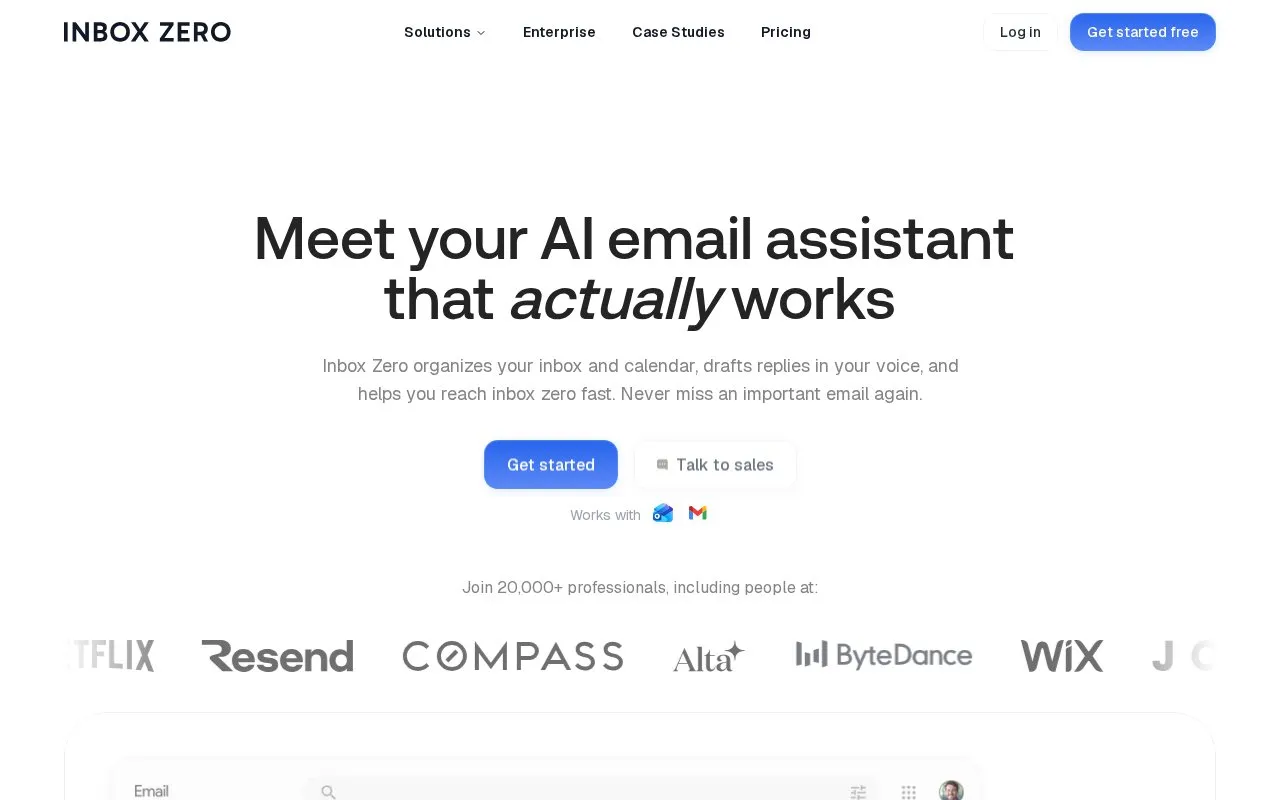
Inbox Zero is an AI email assistant that organizes a user's inbox and calendar, drafts replies, and helps reduce email backlogs. It sorts incoming email into categories, including Newsletter, To Reply, Marketing, Calendar, Notification, Cold Email, Team, and Urgent, and users can create their own categories. It can draft replies based on email history and calendar availability, bulk unsubscribe from newsletters the user does not read, block cold emails, and show email analytics such as who sends the most email. Users can access email from Slack, Telegram, mobile apps, or the web.
Setup involves connecting a Gmail or Outlook account. The homepage says the service has SOC 2 Type 2 certification and that user data is not used for AI training, but these are the company's own statements and the service may use external services such as calendar and CRM connections. The homepage describes the code as open source and says it can be self-hosted, but the directory record lists the project as not open source, so this should be checked before relying on self-hosting. Teams integration is listed as coming soon. Pricing is not confirmed in this entry.
Tools and sites you could use instead, ranked by how closely they match.
Use AI to manage your Gmail and get to zero inbox. Automatically sort and summarize your emails, and draft your replies.
Saner.AI organizes notes, email, and calendar tasks in an assistant designed for people with ADHD.
Quin manages email, CRM updates, documents, calendars, and custom workflows through a digital assistant.
remio captures webpages, meetings, emails, and files, then organizes them as searchable knowledge for context-aware answers.
CustomerIQ connects email, phone, and CRM data to automate administrative work, support replies, and customer follow-ups.
Memno acts as an executive assistant that remembers personal details, organizes information, and handles everyday tasks.
Well-known listings from the same topic.
Tell us and an editor will check it.
Claim the listing and suggest updates yourself. An editor checks every claim first.


