

Mouse Without Borders controls up to four computers with one mouse and keyboard, and can copy text or drag files between them.
Pick
Input Director shares one keyboard and mouse across multiple Windows systems.
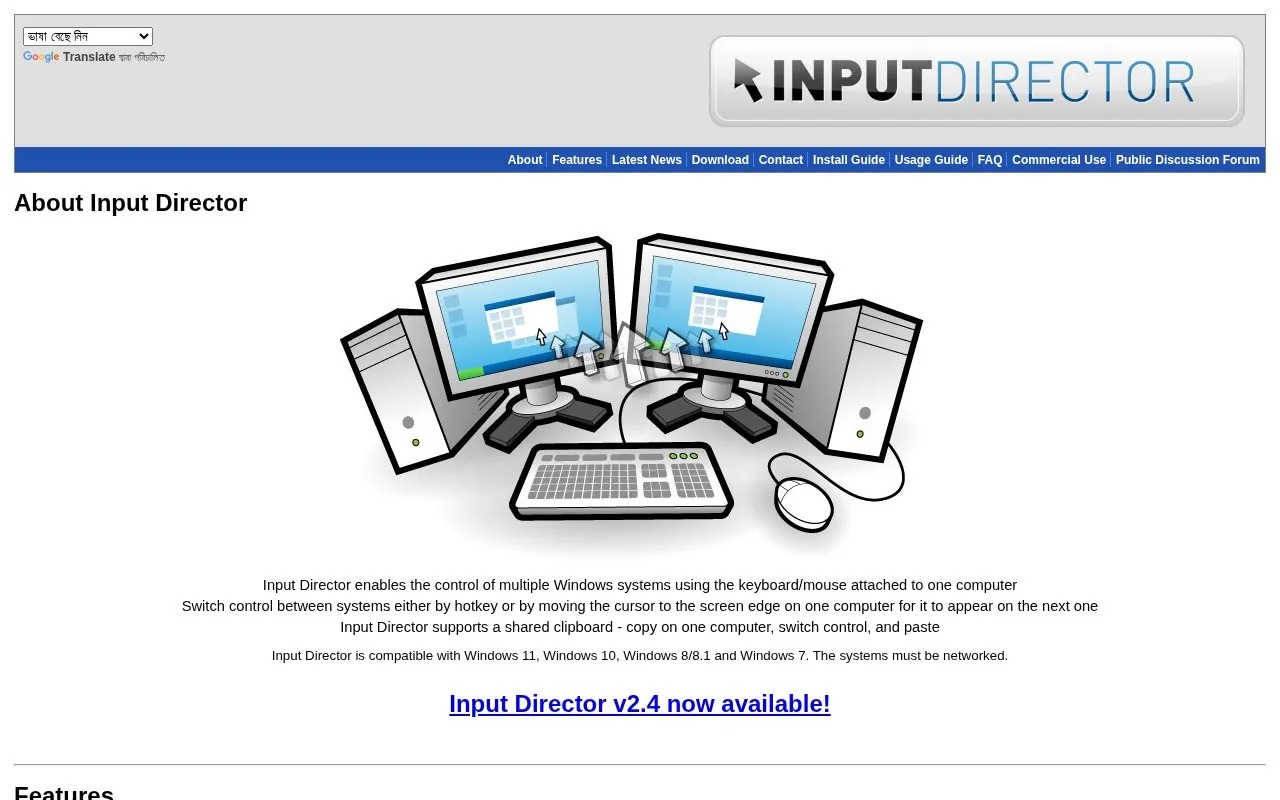
Input Director allows one keyboard and mouse to control multiple Windows computers over a network. Control switches by hotkey or by moving the cursor past the edge of the screen to the next system.
It supports a shared clipboard for text and files, multi-monitor layouts, and actions such as locking, shutdown, wake over the network and screensaver synchronization. It is compatible with Windows 11, Windows 10, Windows 8/8.1 and Windows 7, and the computers must be networked.
Tools and sites you could use instead, ranked by how closely they match.
Mouse Without Borders controls up to four computers with one mouse and keyboard, and can copy text or drag files between them.
mRemoteNG manages connections to multiple remote computers and systems.
Well-known listings from the same topic.
Tell us and an editor will check it.
Claim the listing and suggest updates yourself. An editor checks every claim first.


