

Parsec connects users to work, games, or projects on another computer from a remote location.
Remote Desktop Connection
Microsoft Support provides instructions for connecting to and using Remote Desktop in Windows.
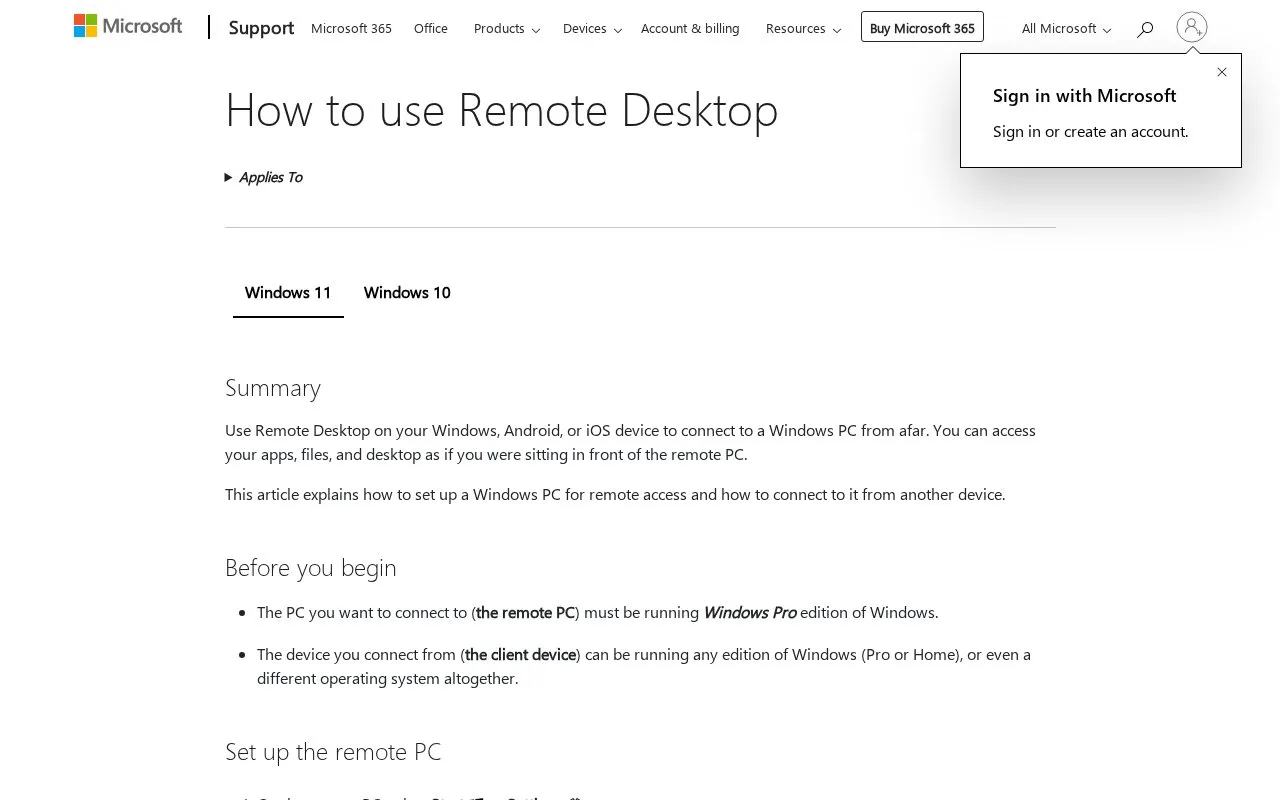
About Remote Desktop Connection
This page on Microsoft Support explains how to use Remote Desktop in Windows. It applies to Windows 11 and Windows 10 and describes how to connect to a Windows PC from another device to use apps, files, and the desktop.
It walks through preparing the remote PC, including confirming it runs Windows Pro edition, turning on Remote Desktop in Settings, and noting the PC name. It then gives connection steps for different client devices: Remote Desktop Connection on Windows, Windows App on macOS or iOS, and the Remote Desktop app on Android.
The page suits people who need to access a Windows Pro computer from afar and want instructions from Microsoft. It is for those connecting from Windows, Android, iOS, or macOS devices.
Key features
- Connect to a Windows PC from Windows, Android, or iOS
- Access remote apps, files, and desktop from afar
- Setup steps for Windows 11 and Windows 10
- Connect from Windows with Remote Desktop Connection
- Connect from macOS or iOS with Windows App
- Connect from Android with Remote Desktop app
Best for: People who need to access a Windows Pro PC remotely and want setup instructions.
Good for
- Covers Windows, macOS, iOS, and Android connections
- Includes separate steps for Windows 11 and Windows 10
- States Pro edition requirement before setup
Watch out for
- Remote PC must run Windows Pro edition
- Page provides instructions, not remote access itself
Remote Desktop Connection at a glance
- Category
- Software & Utilities › Remote Desktop
- Type
- Website
- Pricing
- Not confirmed. Check the site
- Platforms
- Android, iOS, Web, Windows
- Open source
- Not stated
- Language
- English
- Last checked
- Oct 6, 2026 · Online when checked
- Listed
- Oct 5, 2026
Remote Desktop Connection alternatives
Tools and sites you could use instead, ranked by how closely they match.

Microsoft’s Windows remote-assistance application for attended screen sharing and approved control.
Free
11 alternatives
A remote-access service that connects a browser to an installed agent for desktop and file tasks.
Free
Popular in Remote Desktop
Well-known listings from the same topic.
Mouse Without Bordersmicrosoft.com/en-us/garage/wall-of-fame/mouse-…Screen-Sharingshare-your-screen.vercel.appmRemoteNGmremoteng.orgAspiaaspia.orgHopToDeskhoptodesk.comInputDirectorinputdirector.com


Remote Desktop Connection FAQ
What is needed to use Remote Desktop on Windows?
The PC you connect to must run Windows Pro edition. The device you connect from can run any edition of Windows or a different operating system.
How do I connect to a remote PC?
Enable Remote Desktop on the remote PC and note its PC name. Enter that name in Remote Desktop Connection on Windows, Windows App on macOS or iOS, or the Remote Desktop app on Android.
Does the guide cover Windows 11 and Windows 10?
Yes, it includes steps for both Windows 11 and Windows 10. It notes that Windows 10 support ended on October 14, 2025.
Is something wrong or out of date?
Tell us and an editor will check it.
Own this website?
Claim this listing
Claim the listing and suggest updates yourself. An editor checks every claim first.