

Input Director shares one keyboard and mouse across multiple Windows systems.
Mouse Without Borders
Mouse Without Borders controls up to four computers with one mouse and keyboard, and can copy text or drag files between them.
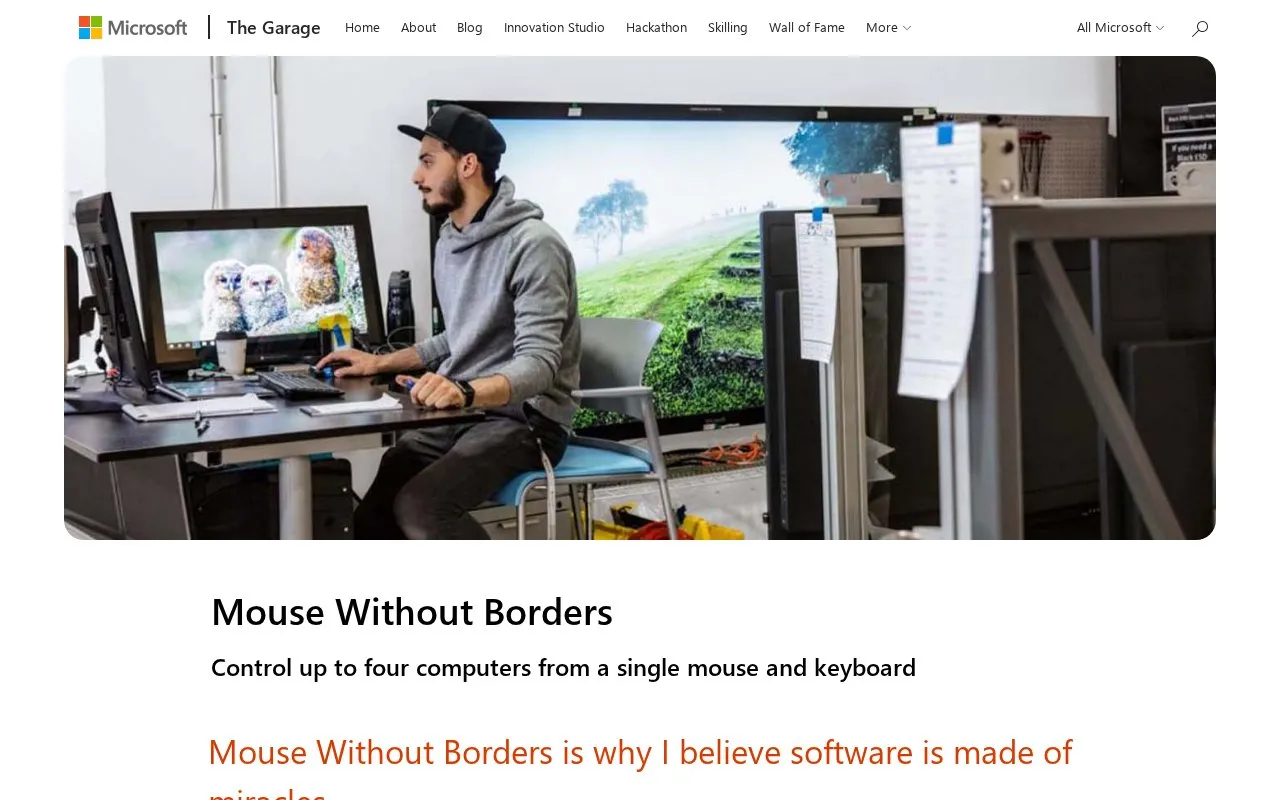
About Mouse Without Borders
Mouse Without Borders is a Windows utility from Microsoft Garage. It was created by Microsoft employee Truong Do as a side project and released in September 2011. The project page describes its setup, background, and team, with community-powered support and a download link.
The software lets you control up to four Windows computers from a single mouse and keyboard. You can move the cursor from one machine to another and work across them without changing input devices. It also supports copying text and dragging and dropping files across computers, including text, media, and other file types.
It suits people who regularly use several Windows computers at the same desk. This includes developers and other users who want to operate multiple machines together and move content between them.
Key features
- Control up to four computers with one mouse and keyboard
- Copy and paste text across connected computers
- Drag and drop files across computers
- Transfer media and other file types between machines
- Works on Windows operating systems
Best for: People who use multiple Windows computers at one desk and want one mouse and keyboard for all of them.
Good for
- Single input set for up to four PCs
- Copy text and move files between machines
- Maintained for current Windows versions
Watch out for
- Windows only
- Limited to four computers
Mouse Without Borders at a glance
- Category
- Software & Utilities › Remote Desktop
- Type
- Website
- Pricing
- Not confirmed. Check the site
- Platforms
- Web, Windows
- Open source
- Not stated
- Language
- English
- Last checked
- Oct 5, 2026 · Online when checked
- Listed
- Oct 5, 2026
Mouse Without Borders alternatives
Tools and sites you could use instead, ranked by how closely they match.
Popular in Remote Desktop
Well-known listings from the same topic.
Remote Desktop Connectionsupport.microsoft.com/en-us/windows/how-to-use…Screen-Sharingshare-your-screen.vercel.appmRemoteNGmremoteng.orgAspiaaspia.orgHopToDeskhoptodesk.comMoonlightmoonlight-stream.org


Mouse Without Borders FAQ
What does Mouse Without Borders do?
It lets you control up to four Windows computers with one mouse and keyboard. You can also copy text and drag and drop files between them.
Which operating systems does it support?
The page states it is for Windows operating systems.
How many computers can you connect?
You can control up to four computers from a single mouse and keyboard.
Is something wrong or out of date?
Tell us and an editor will check it.
Own this website?
Claim this listing
Claim the listing and suggest updates yourself. An editor checks every claim first.